Shopify SEO Checklist for 2026 (Step by Step)
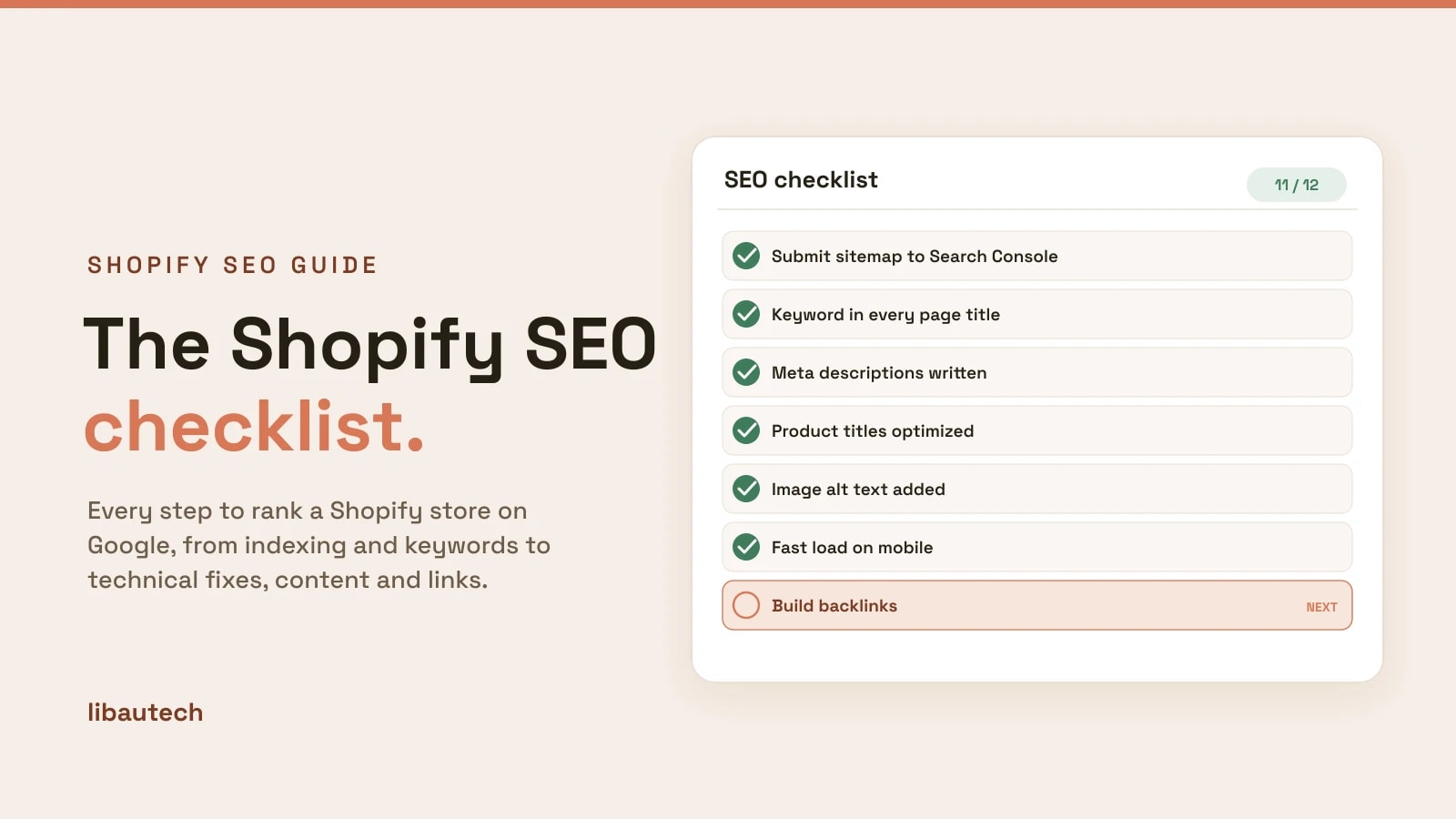
This Shopify SEO checklist is the condensed, do-this version of ranking a store on Google: every step that moves the needle, grouped so you can work top to bottom. It pairs with our full walkthrough, how to rank your Shopify store on Google, which explains the why behind each item. Start at the top: indexing and keywords come before technical fixes and links, because there is no point optimizing a page Google cannot find or that targets nothing.
Key takeaways
- Work in order: get indexed, pick keywords, optimize pages, fix technical issues, publish content, earn links, then track.
- The highest-leverage items are keyword-led page titles and getting every important page indexed. Do those first.
- Most items are free and native to Shopify. An SEO app only speeds up the work once you have too many pages to edit by hand.
- SEO compounds. Expect movement in weeks and real traffic over three to six months.
The checklist
1. Foundation and indexing
If Google cannot find and crawl your pages, nothing else matters. Clear these first.
- Remove the storefront password so the store is public and can be indexed.
- Connect Google Search Console and verify your domain.
- Submit your sitemap (Shopify generates it automatically at yourstore.com/sitemap.xml).
- Request indexing for your most important pages with the URL Inspection tool.
- Check nothing is blocked: no stray noindex tags, and robots.txt is not hiding key pages.
- Pick one domain (with or without www) and make sure the other redirects to it.
2. Keyword research
Every page should target one search you want to win. Guessing here wastes all the work downstream.
- Find keywords from Google autocomplete, competitor titles, your Search Console queries, and your own Shopify store search bar.
- Match intent to page type: commercial keywords go on product and collection pages, informational ones on blog posts.
- Assign one primary keyword per page so pages do not compete with each other.
- Favor specific long-tail keywords first if your store is new; they rank faster and convert better.
The full method is in our guide to Shopify SEO keywords.
3. On-page and product SEO
Put each page's keyword where Google weighs it most. Product-title SEO is the single biggest win here.
- Title tag: lead with the keyword on every product, collection, page and post.
- Product titles: keyword first, then the detail ("Leather Laptop Bag, Handmade Full-Grain"), not a bare brand name.
- Meta description: keyword-matched and written to earn the click, under about 160 characters.
- URL handle: short and keyword-led, such as /products/leather-laptop-bag.
- Headings: one clear H1 per page, keyword in an H1 or H2.
- Unique descriptions: write your own product and collection copy, never the manufacturer's default.
- Image alt text: describe each image with the keyword where it fits, for accessibility and image search.
4. Technical SEO
Fix the structural issues that hold Shopify stores back.
- Site speed: compress images, limit apps that inject scripts, and use a fast, current theme.
- Mobile: confirm the store is fully usable and fast on phones, where most traffic lands.
- Structured data: make sure product schema (price, availability, reviews) is present so rich results can show.
- Duplicate and thin pages: address duplicate collection URLs and pages with little unique content.
- Internal links: link collections to products and posts to products so authority flows and crawling is easy.
- Fix broken links: set up 301 redirects for any removed or renamed products.
5. Content and blogging
Product pages cannot rank for the questions buyers ask before they are ready to buy. A blog can.
- Answer buyer questions: write posts around the informational keywords in your niche.
- Link posts to products: every helpful post should point readers to the relevant product or collection.
- Build topic clusters: group related posts and link them to a main guide so they reinforce each other.
- Refresh, do not just publish: update older posts that rank on page two to push them up.
6. Off-page and backlinks
Links from other sites are how Google measures trust. This is the slowest lever, so start early.
- Get listed in relevant directories, marketplaces and supplier pages.
- Earn editorial links through guest posts, product roundups, and genuinely useful content people cite.
- Reclaim mentions: where a site names your brand without linking, ask for the link.
- Avoid bought link schemes, which risk a penalty and rarely last.
7. Track and iterate
SEO is a loop, not a one-time task. Measure and repeat.
- Watch Search Console for the queries and pages gaining impressions.
- Prioritize page-two wins: pages ranking 11 to 20 are closest to page one; optimize those first.
- Track your target keywords and their positions over time.
- Re-optimize and re-submit updated pages, then give Google a few weeks to re-crawl.
Do you need an SEO app?
Not to start. Shopify covers the basics natively: editable title tags and meta descriptions, an automatic sitemap, and some structured data. An SEO app helps once you have more products than you can optimize by hand, by adding keyword research, bulk editing, and technical audits. For a shortlist, see the best Shopify SEO apps.
Once you have worked through this list, the deeper reasoning behind each step, with examples, is in the full Shopify SEO guide.