How to Create a Bundle on Shopify (2026)
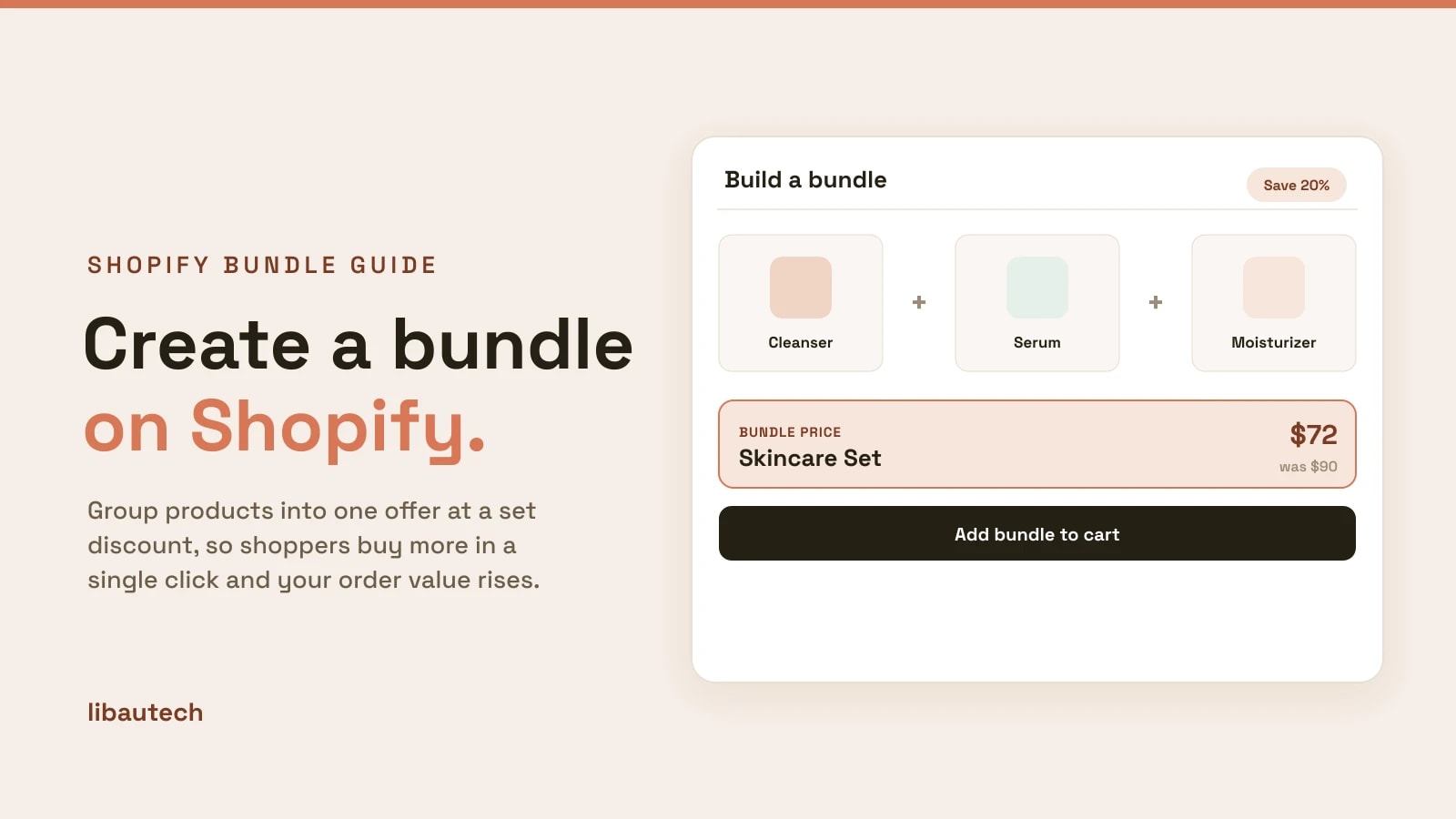
A bundle groups several products into one offer, usually at a discount, so shoppers buy more in a single click and your average order value rises. On Shopify you can create a bundle for free with Shopify's own native Bundles app, or with more control, such as mix-and-match, gift bundles and tiered discounts, using a bundle app. This guide covers both, plus the bundle types and the best practices that make them sell.
Key takeaways
- The fastest free way is Shopify's native Bundles app, which turns a fixed set of products into one purchasable bundle with synced inventory.
- For flexible bundles, such as build-your-own, gift bundles or a set discount, use a bundle app like Libautech Bundles & Upsell.
- Bundle complementary products, show the saving clearly, and keep the discount modest (often 10 to 20 percent).
- A bundle raises order value on sales you already have, which is cheaper than finding new traffic.
Types of Shopify bundle
Pick the format before the tool, because it decides which method you need.
- Fixed bundle. A set group of products sold together, like a skincare set. The simplest kind, and what Shopify's native app handles.
- Mix-and-match (build-your-own). The shopper chooses which products go in, such as "any 3 candles for $30." Needs a bundle app.
- Gift bundle. A curated set presented as a gift, often with custom packaging or a card. Needs a bundle app for the custom build.
- Volume or quantity bundle. Buy more of the same item to save, like "3 for 2." Covered in our guide to Buy X Get Y offers.
How to create a bundle on Shopify for free
Shopify's own Bundles app is free and first-party, and it is the quickest way to make a fixed bundle.
- Install Shopify Bundles. Add the free Shopify Bundles app from the App Store. It works on all plans that support it.
- Create a new bundle. In the app, start a bundle and choose the products and variants to include.
- Set the bundle price. Give the bundle its own price, set below the sum of its parts so the saving is real.
- Publish it as a product. The bundle becomes its own product with its own page, and component inventory syncs automatically, so stock stays accurate.
- Add it to your store. Feature the bundle in a collection, on the homepage, or on related product pages.
The trade-off is that the native app makes fixed bundles only. It has no mix-and-match, gift builder or automatic cross-sell.
How to create a flexible or discounted bundle with an app
When you want build-your-own, gift bundles, or a discount that applies automatically, use a bundle app. Our Libautech Bundles & Upsell app builds these on any plan, and the steps are similar for most bundle apps.
- Install the app and open its offer builder.
- Choose the bundle type, such as a fixed set, a build-your-own bundle, or a "frequently bought together" group.
- Select the products the bundle includes or lets the shopper choose from.
- Set the discount, a percentage or fixed amount off the bundle, applied automatically at the cart.
- Place the bundle on the product page or in the cart, where shoppers see it while deciding.
- Publish and test that the bundle adds correctly and the discount applies.
For a discount-first walkthrough, see how to bundle products at a discount on Shopify. To compare tools, see the best Shopify bundle apps.
Bundle best practices
Bundle things that belong together. The best bundles solve a whole need, like a full skincare routine, not random products discounted to move stock.
Show the saving. Display the bundle price next to the total of the parts ("$72, was $90") so the value is obvious.
Keep the discount modest. A 10 to 20 percent saving is usually enough to prompt the bigger purchase without eroding your margin.
Give the bundle a clear name and image. "Complete Skincare Set" with a photo of the set sells better than a list of separate items.
Promote it where intent is high. Put the bundle on the relevant product pages and in the cart, not only on a hidden bundles page.
Create one strong bundle around your best product, show the saving, and it will lift order value on traffic you already have.