How to Bundle Products at a Discount on Shopify (2026)
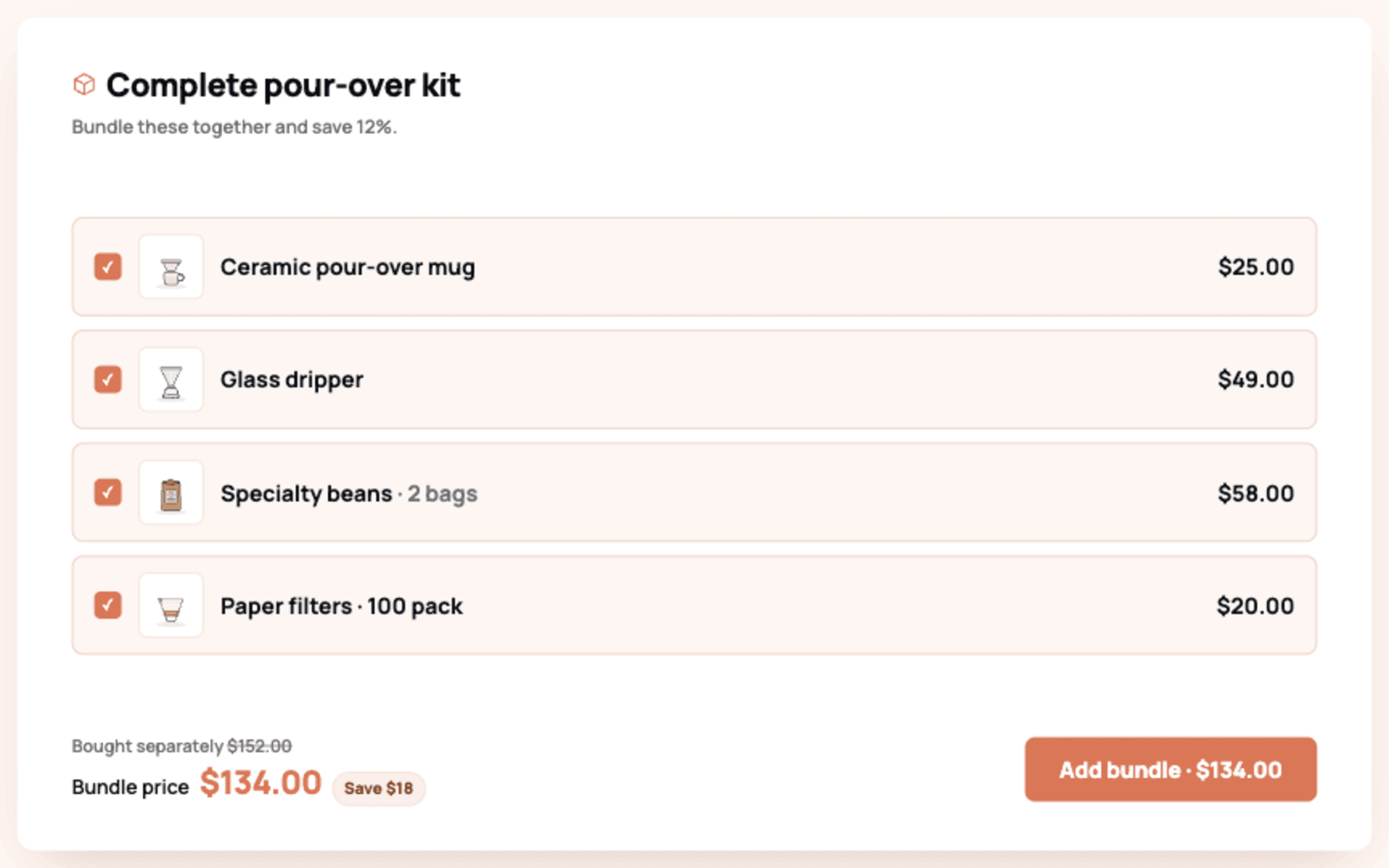
There are 3 ways to bundle products at a discount on Shopify: the free native Shopify Bundles app for simple fixed bundles, native discount rules for basic buy-together pricing, and a bundle app such as Libautech Bundles & Upsell when you want the bundle displayed as an offer on the product page with the discount applied automatically. For most stores the app route wins, because a bundle nobody sees on the storefront is just a discount rule.
Bundling is the most forgiving AOV tactic there is: you are not asking the shopper to buy something unrelated, you are packaging what they were already considering into a visibly better deal.
TLDR: Key Takeaways
- Native Shopify Bundles (free) creates fixed bundles and multipacks as real products, but offers no storefront widgets, no frequently bought together logic, and caps out at Shopify's 2,000-variant limit per product.
- Native discounts can price a bundle but cannot merchandise it; shoppers never see the offer unless your theme surfaces it.
- A bundle app puts the offer where decisions happen: product page bundle blocks, quantity tiers, and cart offers, with automatic discounting and per-bundle revenue tracking.
- Discount the bundle 10 to 20 percent below the sum of components. Deeper discounts mostly transfer margin to shoppers who would have bought anyway.
What Counts as a Product Bundle on Shopify?
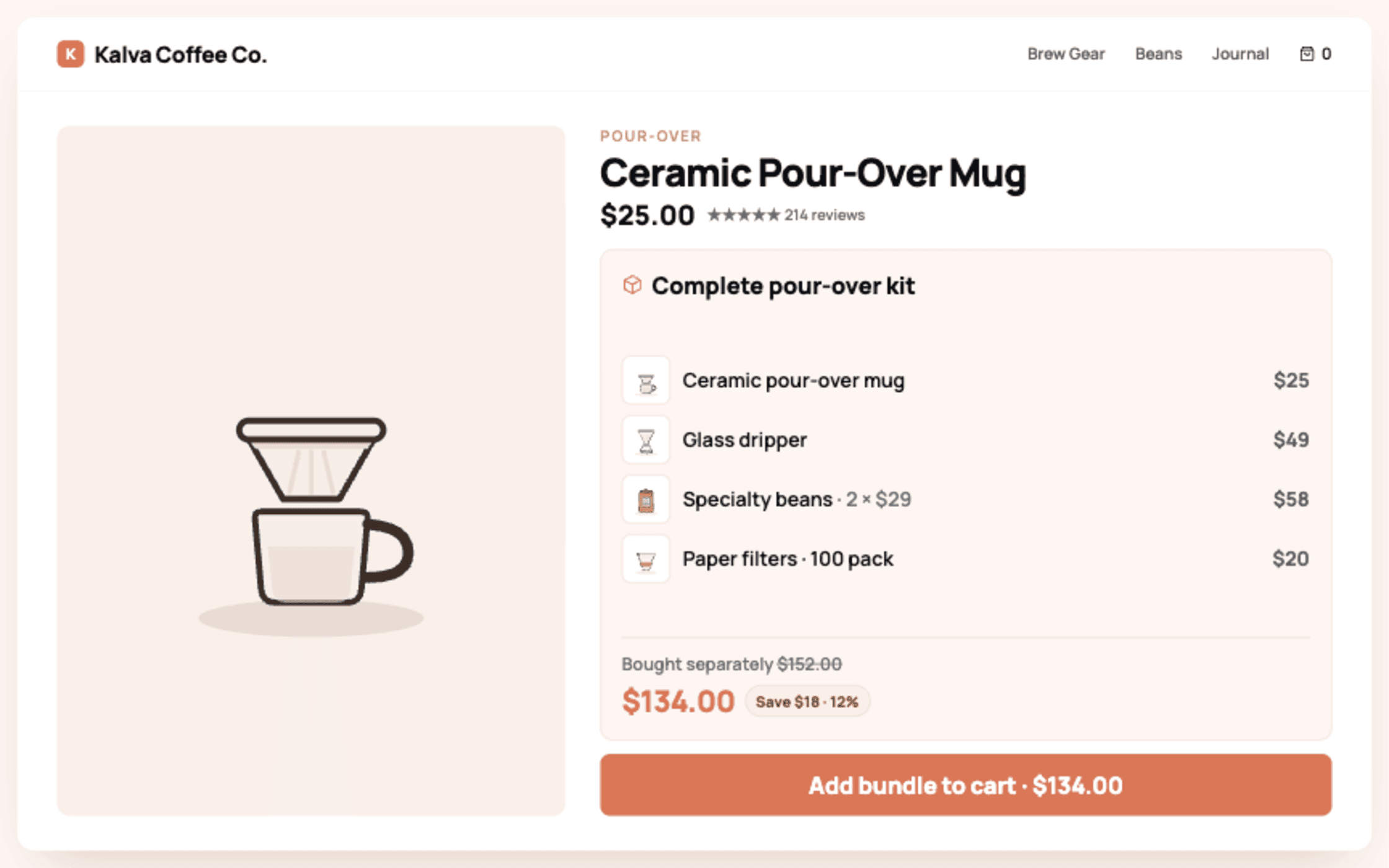
A bundle is 2 or more products (or multiple units of 1 product) sold together at a combined price. The common types: fixed bundles (a curated set), multipacks (3 of the same item), mix and match (customer picks any 3 from a collection), frequently bought together (dynamic pairing with 1-click combined add), and volume or quantity break bundles (tiered per-unit pricing). Which type fits depends on your catalog: consumables lean multipack and volume, apparel leans mix and match, and everything benefits from frequently bought together.
Method 1: How Do You Create a Bundle with the Free Shopify Bundles App?
Shopify's own Bundles app creates fixed bundles and multipacks natively:
- Install Shopify Bundles from the App Store (free, first-party).
- In Shopify admin, create a new bundle, select the component products and quantities.
- Set the bundle price below the component total to bake in the discount.
- Publish; inventory of components syncs automatically when the bundle sells.
Limits to know before committing: bundles are fixed (no customer choice), variant combinations count against the 2,000-variant cap per product, there is no product page widget promoting the bundle on the component products, and eligibility requires the store not use certain checkout customizations. It is a solid free start for a "Starter Kit" product; it is not a merchandising system.
Method 2: Can You Bundle with Native Shopify Discounts?
Yes, mechanically. An automatic discount of the buy X get Y type ("buy the camera, get 50 percent off the tripod") prices a bundle without any app. The problem is discoverability: nothing on the product page tells the shopper the deal exists, so acceptance depends on them assembling the combination by accident. Use this method only as a temporary measure or when an email campaign carries the promotion instead of the storefront.
Method 3: How Do You Bundle with a Bundle App?
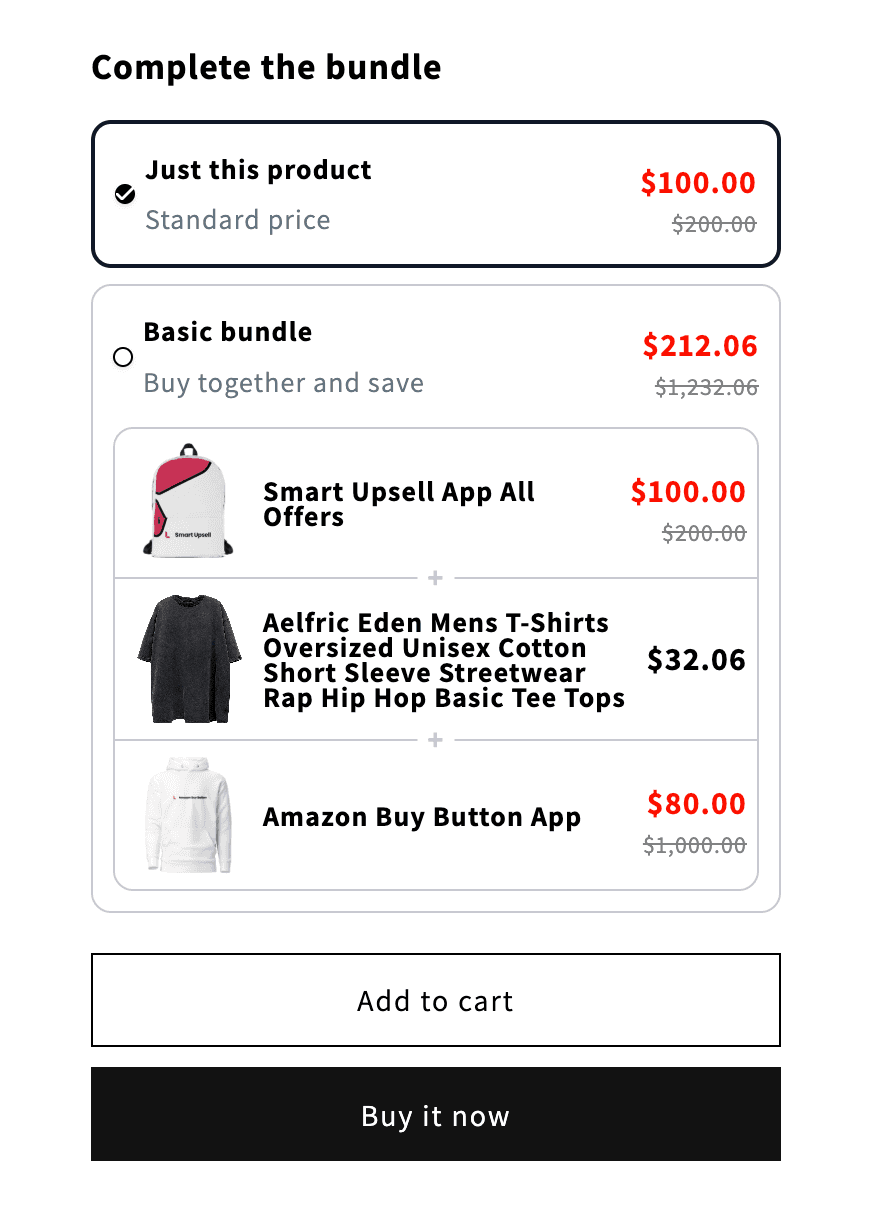
This is the route that actually changes shopper behavior, because the offer is visible at the decision point.
- Install Libautech Bundles & Upsell (Built for Shopify, 7-day free trial).
- Create a bundle offer: pick the products, set the combined discount (percentage or fixed amount), and choose the layout.
- Assign it to the product pages of the component items as a theme app block; the bundle renders with a single discounted add to cart.
- Optionally add a volume bundle (quantity tiers) on consumables and a frequently bought together block on bestsellers from the same dashboard.
- Run a test order to confirm the discount applies automatically, then publish.
The practical advantages over native: the bundle is promoted on every component's product page, pairings can come from what customers genuinely co-purchase, discounts apply with no code entry, and analytics show revenue per bundle so you can kill underperformers.
Which Method Should You Use?
| Shopify Bundles (native) | Native discounts | Bundle app | |
|---|---|---|---|
| Cost | Free | Free | Trial, then paid |
| Storefront visibility | Bundle exists as its own product only | None | On every component product page |
| Bundle types | Fixed, multipack | Priced combinations | Fixed, FBT, volume tiers, add-ons |
| Automatic discount at checkout | Built into price | Yes | Yes |
| Per-bundle analytics | Basic product reports | No | Yes |
| Best for | 1 or 2 curated kits | Email-driven promos | Bundling as an ongoing AOV system |
A reasonable path: launch a curated kit on native Shopify Bundles to validate the concept at zero cost, then move to an app the moment you want the bundles promoted on product pages rather than waiting to be found.
How Deep Should the Bundle Discount Be?
Start at 10 to 15 percent below the component total and treat 20 percent as the ceiling. Bundle buyers are responding to convenience and framing at least as much as price, so the visible "you save X" line matters more than its size. Watch margin per order, not just AOV: a bundle that lifts AOV 18 percent while giving away 25 percent margin is a worse business than no bundle.
Related guides: Create Buy X Get Y offers, 15 product bundle ideas, Best volume discount apps and Plus bundle price comparison.