How to Connect Claude to Shopify (2026 Guide)
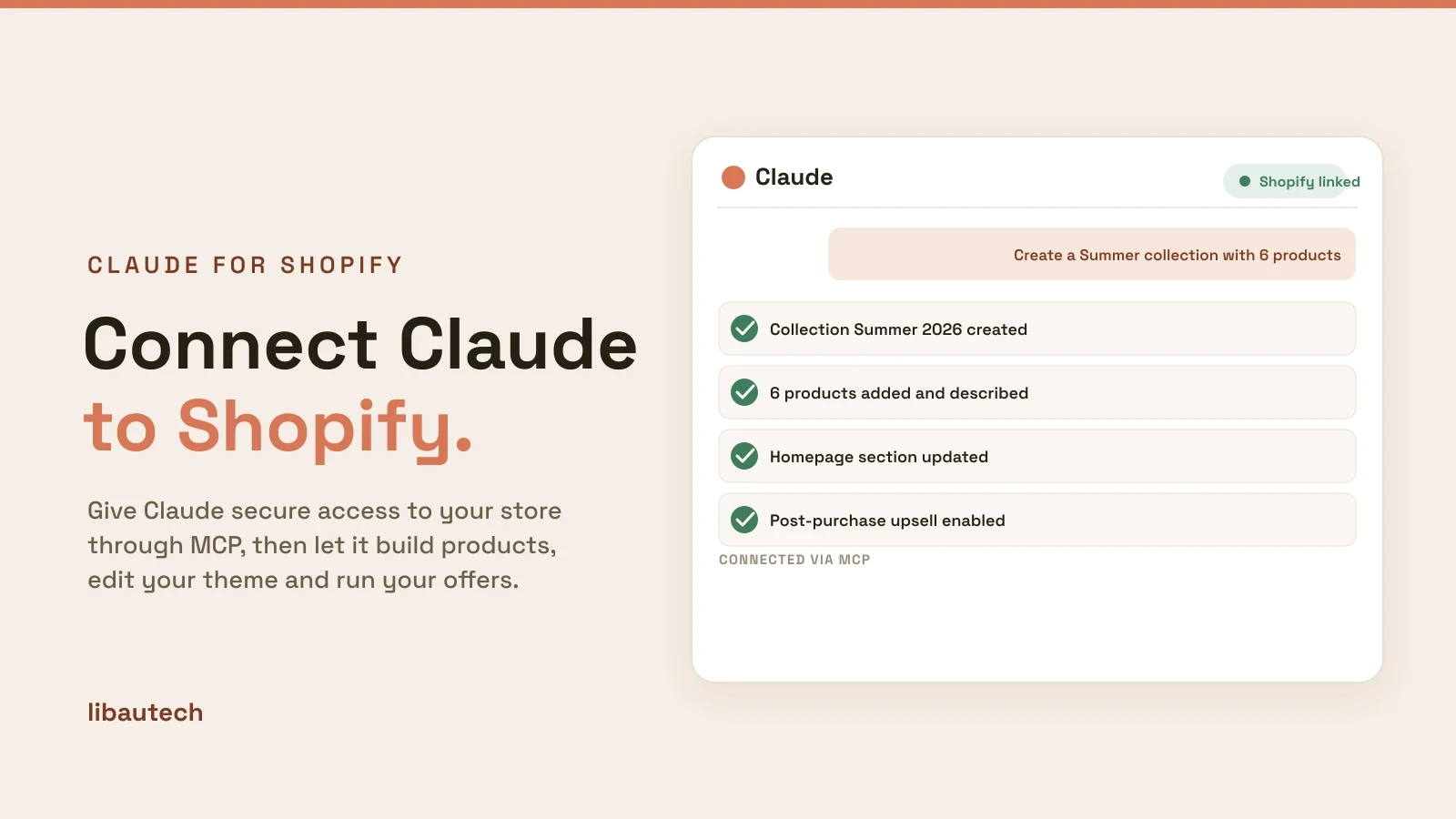
Claude connects to your Shopify store through MCP, the Model Context Protocol, a standard that lets Claude securely read and act on outside tools. Once the connection is made, you can ask Claude in plain language to build products, edit your theme, manage orders and run your offers, and it makes the changes in your store. This guide covers what the connection is, how to set it up, and what you can do once Claude and Shopify are linked.
Key takeaways
- Claude connects to Shopify through MCP. You authorize access once, then work in plain language.
- There are three ways in: the Shopify connector in Claude (claude.ai or the desktop app) for store management, Claude Code for theme and app development, and app-specific MCP connections that let Claude run one app for you.
- Once connected, Claude can create products, collections and pages, edit theme sections, manage orders and inventory, write descriptions and blog posts, and analyze your store data.
- You stay in control: give scoped access, start read-only, and review changes before they go live.
What connecting Claude to Shopify means
On its own, Claude cannot touch your store. MCP is the secure bridge between them. A Shopify MCP connection gives Claude a defined set of authorized actions, such as read products, create a collection, or update a price, that it can perform on your behalf after you approve access. Nothing happens without your store's authorization, and you decide the scope of what Claude may do.
In practice that means you stop clicking through the admin for routine work and instead describe what you want. "Create a Summer collection and add my six lightest products," or "mark order 1042 as fulfilled," becomes a sentence rather than a sequence of screens.
How to connect Claude to Shopify
There is no code required for store management. The setup is the same idea across surfaces: add the connection, authenticate your store, confirm it works.
- Choose where you use Claude. Use claude.ai or the Claude desktop app for managing the store and content. Use Claude Code, the terminal tool, when you want to edit your theme or build an app, since it pairs with the Shopify CLI.
- Add the Shopify connection. In Claude, open your connectors or integrations and add Shopify, or add a Shopify MCP server. For development work, install the Shopify CLI alongside Claude Code.
- Authenticate your store. Sign in to Shopify and approve the access request. This links your store to Claude and sets the permissions Claude is allowed to use.
- Confirm the connection. Ask Claude something read-only first, such as "how many products do I have?" or "show my last five orders." Once it answers from your real data, you know the link is live and can start making changes.
What you can do once Claude is connected
A linked store turns Claude into an assistant that can actually do the work, not just describe it.
- Build the store. Create products, collections and pages, and have Claude write the descriptions as it goes.
- Edit your theme. With Claude Code and the Shopify CLI, Claude can add or change theme sections, fix layout issues, and adjust your homepage in code.
- Run operations. Check and fulfil orders, update inventory, and change prices without leaving the conversation.
- Create content. Draft product copy, blog posts and meta descriptions that match your brand voice.
- Analyze performance. Ask which products sell best, how last month compared to this one, and what to try next.
Let Claude run your offers automatically
Beyond one-off tasks, some apps expose their own MCP connection so Claude runs them for you continuously. Our Libautech AI Post Purchase app is built this way: Claude reads each order and builds a one-click post-purchase upsell automatically, with no funnel to configure. We wrote about how that works when Claude started running Shopify post-purchase upsells.
You can also connect our Bundles & Upsell app to Claude over MCP and manage your bundle and upsell offers in plain language. The step-by-step is in how to connect Libautech Upsell to Claude with MCP.
Keep the connection safe
Giving an assistant access to your store deserves the same care as giving it to a new staff member.
- Scope the access. Grant only the permissions you need. If Claude only writes content, it does not need to change payments.
- Start read-only. Let Claude report on the store first, then allow changes once you trust the setup.
- Review before publishing. Read what Claude proposes, and make big theme edits on a duplicate theme so your live store is never at risk.
Connected well, Claude turns store management from a screen-by-screen chore into a conversation. And if you also want to be found by AI, see how to rank your Shopify store in ChatGPT and AI search.