How to Write Shopify Product Descriptions with Claude (2026)
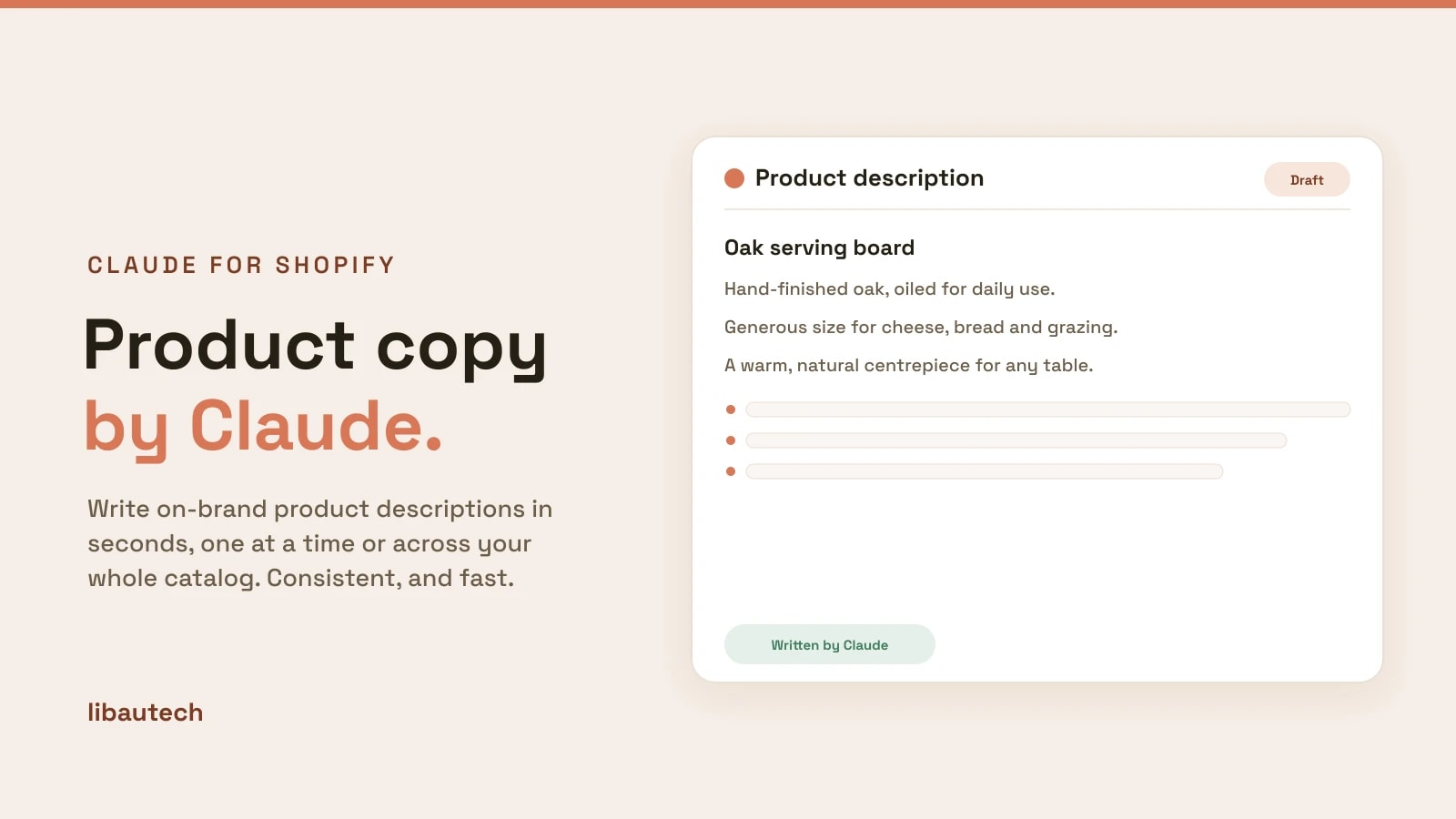
Claude, the AI model from Anthropic, is well suited to writing Shopify product descriptions because it holds a brand voice and a format consistently, even across a large catalog. You can write descriptions one at a time with a good prompt, or rewrite your whole catalog in bulk with an app that runs on Claude. This guide shows both, plus what makes a description actually sell.
Key takeaways
- Claude writes natural, on-brand descriptions and follows a set format closely, which keeps a whole catalog consistent.
- For a few products, use a prompt with your brand voice, key features and target keyword. Copy the template below.
- For a large catalog, use a Claude-powered app to rewrite descriptions, SEO text and alt text in bulk, with an approval step.
- Always edit the output: check facts, add specifics only you know, and make sure it sounds like your brand.
Why Use Claude for Product Descriptions?
Writing descriptions by hand is slow, and writing hundreds is a real project. AI removes the blank-page problem and keeps every product on-format. Claude in particular tends to follow instructions closely and write in a consistent voice, so if you tell it to write three short benefit-led sentences with a specific tone, it will hold that shape across your catalog rather than drifting. The result is copy that reads like you wrote it, produced in a fraction of the time.
How to Write a Product Description with Claude
For a handful of products, the fastest route is to prompt Claude directly. Give it four things: your brand voice, the product's key features, who it is for, and the keyword you want to rank for. The more specific you are, the less editing you will do afterward.
- Gather the details. List the product's features, materials, sizes and the main benefit to the customer.
- Set the voice and format. Tell Claude the tone (for example, warm and plain-spoken) and the structure (a short intro, three benefit bullets, one closing line).
- Give it the keyword. Name the search term you want the description to target, so it is included naturally.
- Generate, then edit. Review for accuracy, add any detail only you know, and trim anything generic.
Prompt template
Write a Shopify product description for [product name]. Brand voice: [warm, plain-spoken, no hype]. Key features: [list]. Who it is for: [audience]. Target keyword: [keyword], used naturally. Format: one short intro sentence, three benefit-led bullet points, one closing line. Keep it under 90 words.
How to Write Descriptions in Bulk
Prompting one product at a time does not scale to a large store. For that, use a Claude-powered app that rewrites descriptions across your catalog. Bulk AI Product Descriptions, for example, states it is powered by Anthropic's Claude and rewrites descriptions, SEO meta text and image alt text in bulk, with a diff-and-approve step so you review each change before it goes live. That approval step matters: it keeps you in control of accuracy and voice at scale. Compare the options in our best product content apps.
What Makes a Good Product Description
- Lead with the benefit. Say what the product does for the customer before listing specs.
- Be specific. Real materials, dimensions and use cases build trust and reduce returns.
- Include the keyword naturally. Write for the shopper first; the search term should read as if it belongs.
- Keep it scannable. A short intro, a few bullets and a closing line beat a dense paragraph.
- Match your brand voice. Consistency across products is what separates a real store from a drop-shipping template.
Edit the Output, Every Time
AI gives you a strong first draft, not a finished one. Check every claim for accuracy, since a model can state a feature the product does not have. Add the details only you know, the story, the sourcing, the fit note, and cut anything that sounds generic. Treated as a drafting assistant rather than an autopilot, Claude turns catalog copy from a chore into a quick review. To see the other store jobs it can do, see the best Shopify apps powered by Claude.