How to Add AI Upsells to Shopify with Claude (2026)
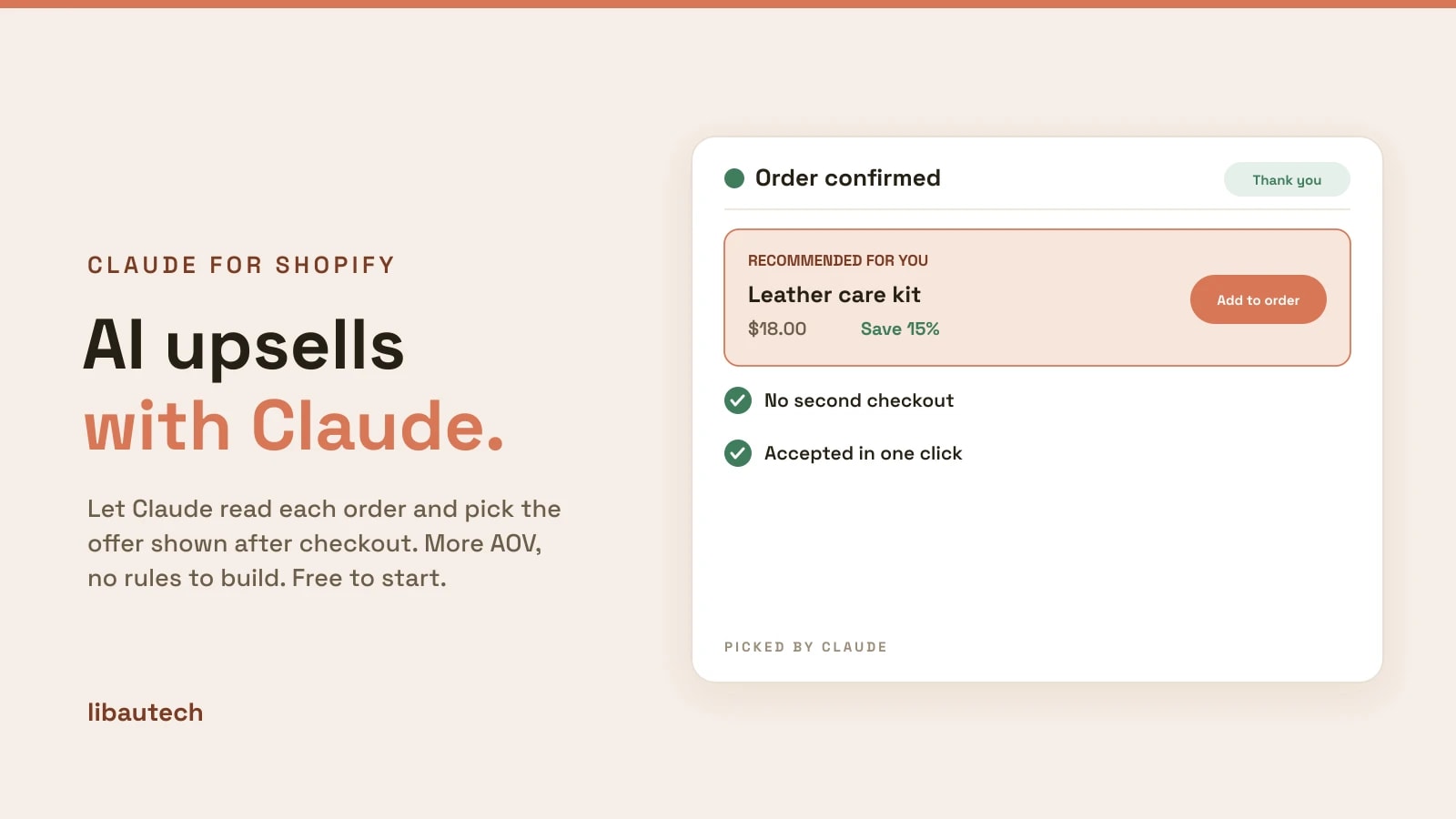
An AI upsell lets a model like Claude read a customer's order and pick a fitting add-on to offer, instead of you writing "if they buy X, offer Y" rules by hand. It is the fastest way to raise average order value without the busywork, and you can start free. This guide explains what AI upsells are, why they tend to beat manual rules, and how to add one to your Shopify store using Claude.
Key takeaways
- An AI upsell uses a model like Claude to choose the offer for each order, so you skip building and maintaining rules.
- AI-picked offers adapt to what the customer actually bought, which usually beats one static "frequently bought together" rule.
- The easiest free way to start is a post-purchase upsell, shown after checkout so it never risks the original sale.
- You still set the boundaries: which products can be offered and at what discount. The AI only picks within them.
What Is an AI Upsell?
A traditional upsell relies on rules you build: pick a trigger product, pick the product to recommend, set the discount, repeat for every case. An AI upsell replaces that work with a model that reads the order and chooses the most fitting add-on itself. You still decide the boundaries, which products are eligible and the maximum discount, but you do not maintain a matrix of if-then rules. For a store with a large or changing catalog, that is the difference between an afternoon of setup and a few minutes.
AI Upsells vs Manual Upsell Rules
| Manual rules | AI upsell (Claude) | |
|---|---|---|
| Setup | Build a rule per product | Approve eligible products once |
| New products | Add new rules by hand | Handled automatically |
| Relevance | One fixed pairing | Chosen per order |
| Upkeep | Ongoing | Minimal |
Manual rules are predictable and fine for a small catalog with obvious pairings. AI shines when the catalog is large, changes often, or the right add-on depends on the specific mix of items in the cart.
How to Add an AI Upsell to Shopify with Claude
The simplest free option is a post-purchase upsell that Claude picks. Here is the flow with our AI Post Purchase app, though the same idea applies to any Claude-powered upsell tool:
- Install the app. Add the app to your store from the Shopify App Store. No code and no theme edits are needed for a post-purchase offer.
- Approve the products that may be offered. Mark which products are eligible as upsells and set the maximum discount. This is the boundary the AI works within.
- Let Claude pick. When an order is placed, Claude reads its contents and recommends one product from your approved list on the thank-you page.
- Customers accept in one click. The offer is added to the existing order with no second checkout and no re-entering card details.
- Review and refine. Watch which offers convert and adjust your eligible list and discounts over time.
Types of AI Upsell on Shopify
Post-purchase upsell. Shown on the thank-you page after checkout. Because the sale is already complete, the offer adds revenue with no risk to the original order, which makes it the safest place to start. See our guide to the one-click upsell after checkout.
Cart and checkout upsell. Offered before payment, in the cart or at checkout, often as an order bump. This can lift the order before it is placed, but a poor offer can distract from the purchase, so relevance matters. See how to add an order bump.
Product-page cross-sell. Related products or bundles shown on the product page to raise the initial order value. Compare tools in our best upsell apps.
Best Practices for AI Upsells
- Set sensible boundaries. Only mark genuinely complementary products as eligible, and cap the discount so upsells stay profitable.
- Start post-purchase. It is the lowest-risk placement and the easiest to add without touching your theme.
- Offer one thing. A single, well-chosen offer converts better than a wall of suggestions.
- Measure and adjust. Track take rate and revenue per order, and refine your eligible list based on what actually sells.
AI upsells are one of the clearest wins from bringing a model like Claude into your store: more relevant offers, far less setup. If you want to see which other store jobs Claude can do, see the best Shopify apps powered by Claude.