How to Add Upsells to Shopify: The Complete 2026 Guide
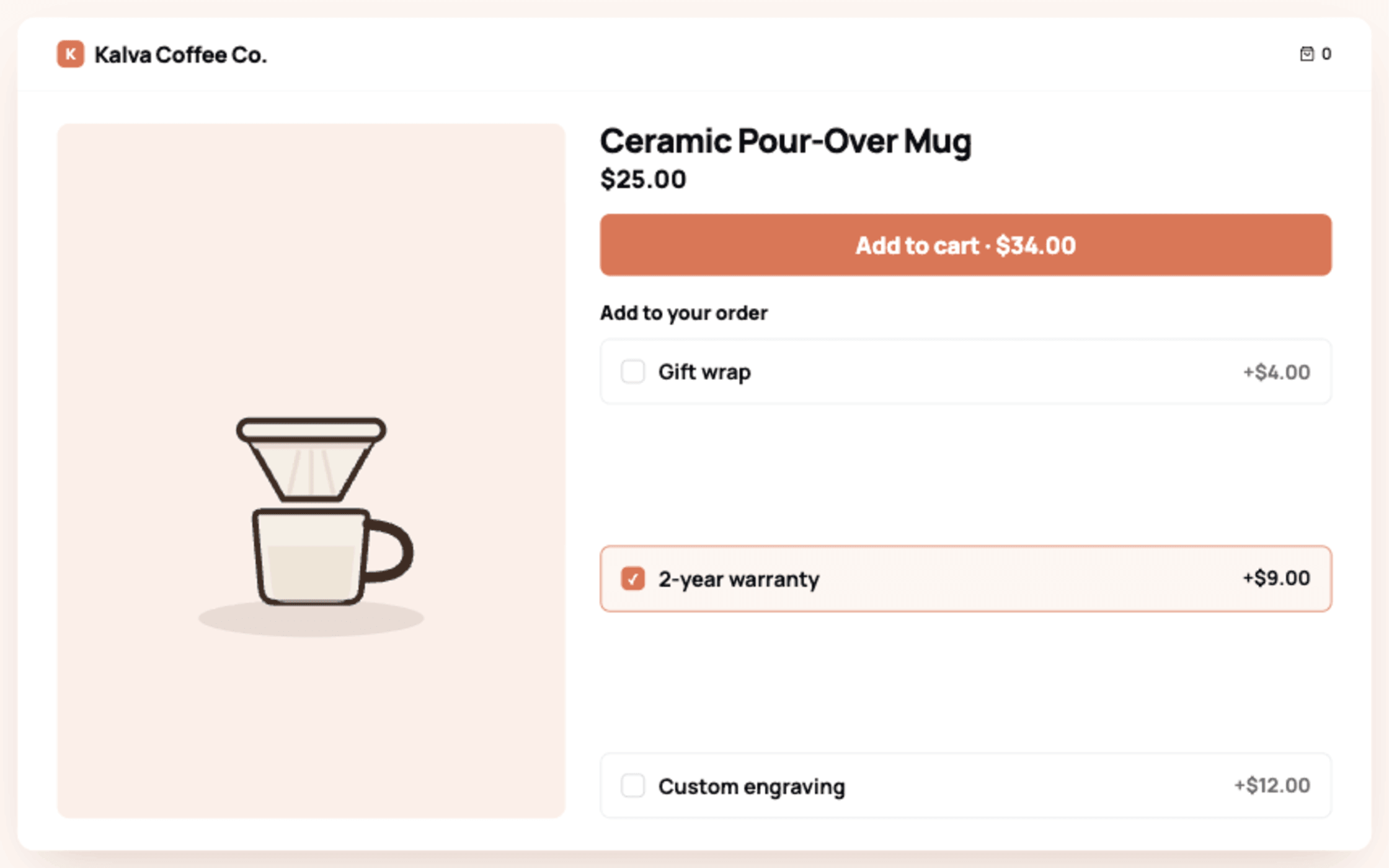
To add upsells to Shopify, install an upsell app from the App Store, create an offer for one of the 4 placements (product page, cart, checkout, or post-purchase), match its design to your theme, and publish; no code is required on Online Store 2.0 themes and the first offer takes about 15 minutes. Shopify has no full native upsell system, so an app such as Libautech Bundles & Upsell handles the offer logic, display, and analytics.
I have spent 5 years building upsell tooling for Shopify merchants, and the stores that get results treat upselling as a sequence of small offers across the whole journey rather than 1 aggressive popup. This guide walks the entire sequence.
TLDR: Key Takeaways
- There are 4 upsell placements: product page, cart, checkout (Shopify Plus only), and post-purchase. Any plan can use 3 of the 4.
- An upsell trades up (bigger size, better model); a cross-sell adds a complement (case with the phone). Most apps and most of this guide handle both.
- Start with 2 offers: a frequently bought together block on your bestsellers and a cart popup on add to cart. Add post-purchase third; it carries zero risk to the original sale.
- In our data across 156 Shopify stores, orders that included an accepted upsell ran a median of about 28 percent larger than orders without one ($64.47 versus $47.29). Observational, not a guaranteed lift.
- Benchmarks worth remembering: 1 offer per placement, companion items at 25 to 50 percent of the main price, and the commonly cited industry range of a 10 to 30 percent AOV lift from upselling and cross-selling done consistently.
What Is the Difference Between an Upsell and a Cross-Sell on Shopify?
An upsell moves the shopper to a higher-value version of what they are already buying: the 500 ml instead of the 250 ml, the pro model instead of the base. A cross-sell adds a different, complementary product: the tripod with the camera, the conditioner with the shampoo. In Shopify practice the same apps, placements, and rules serve both, and the highest-performing stores mix them: quantity or size upsells on the product page, complementary cross-sells in the cart and post-purchase.
Does Shopify Have Built-In Upsells?
Partially, and less than most guides admit. Shopify natively provides discount rules (including buy X get Y), a basic related products section in some themes, and, for Plus merchants, checkout customization through checkout UI extensions. What it does not provide natively: frequently bought together blocks based on order history, cart popup offers, 1-click post-purchase offers, or per-offer revenue analytics. Those come from apps, which is why the upsell category on the App Store is one of the largest.
How to Add Upsells to Shopify in 5 Steps
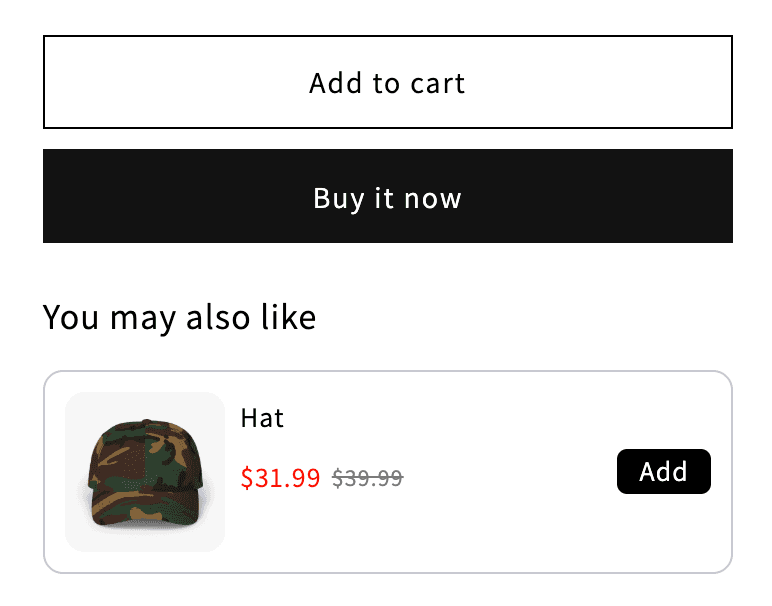
Step 1: Install an upsell app
Choose an app that covers all 4 placements so you never need a second one. Look for the Built for Shopify badge (performance and integration standards) and theme app block installation. Libautech Bundles & Upsell covers product page add-ons, frequently bought together, cart popup and drawer offers, volume bundles, checkout offers, and post-purchase upsells, with a 7-day free trial.
Step 2: Create a product page offer
Add a frequently bought together or add-on block to your 3 bestsellers. Pair each with 1 or 2 complements priced at 25 to 50 percent of the main item. This placement works while the shopper is still comparing, so relevance matters more than discount depth.
Step 3: Create a cart offer
A checkbox-style add-on offer in the cart is called an order bump, one of the lowest-friction upsells you can run before checkout.
Set a cart popup or drawer offer to trigger on add to cart, the highest-intent click in the session. One offer, 1-click add, discount applied automatically. If your cart drawer is custom, most apps (including ours) support drawer embeds as well as popups.
Step 4: Add a post-purchase offer
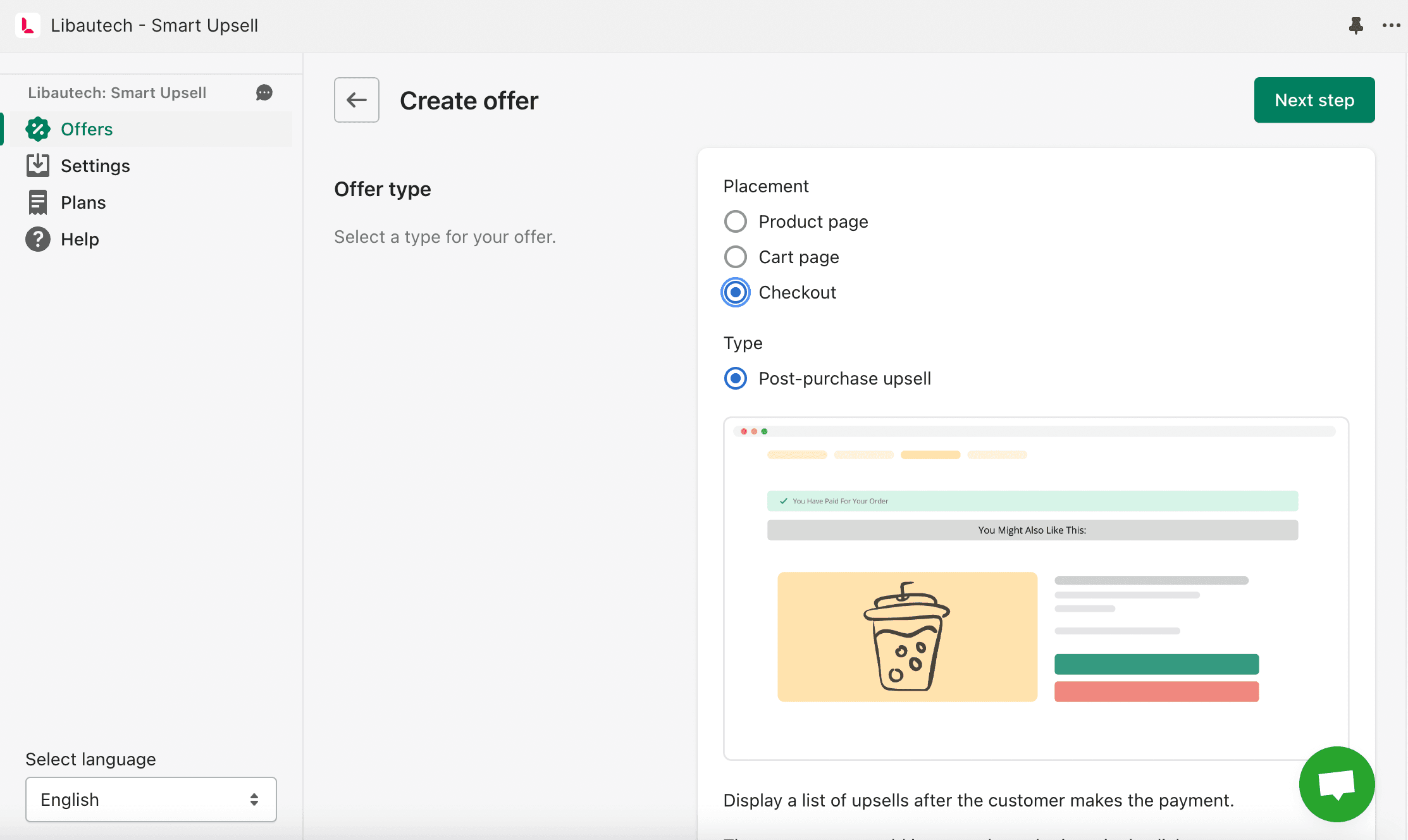
Post-purchase offers appear after payment and before the thank-you page, and the customer accepts with 1 click without re-entering payment details. Because the original order is already captured, this placement carries zero conversion risk, which is why it should always be running even if you keep pre-purchase offers minimal. On Checkout Extensibility this is native and fast; our free AI Post Purchase app even selects the offer automatically per order.
Step 5: Test, publish, and measure
Run a test order end to end: offer displays on the right products, discount applies with no code entry, item lands in the cart or order in 1 click, mobile layout leaves the checkout button clear. Then track 3 numbers weekly: offer conversion rate (above 5 percent on cart popups is healthy), attach rate, and AOV against the 30 days before launch.
Where Can You Place Upsells on Shopify?
| Placement | Fires when | Plan needed | Best offer |
|---|---|---|---|
| Product page | Shopper evaluates the product | Any | Frequently bought together, size or quantity upsell |
| Cart popup or drawer | On add to cart | Any | 1 complement or a volume break |
| Cart page | Reviewing the order | Any | Free shipping threshold nudge |
| Checkout | Entering payment | Shopify Plus | Shipping protection, gift wrap |
| Post-purchase | After payment, before thank-you | Any | 1-click complement or reorder |
How Much Do Upsells Increase Order Value on Shopify?
Across 156 Shopify stores in our data, orders that included an accepted upsell were a median of about 28 percent larger than orders without one, $64.47 versus $47.29. The middle half of stores sat between 5 and 67 percent higher, and the gap held at 28 to 30 percent across looser cutoffs.
Read that carefully. It is observational. An order with an accepted upsell mechanically includes the extra item's price, and shoppers who build bigger baskets may accept add-ons more readily. It is a real, measured difference between the two kinds of order, not proof that the upsell caused a 28 percent lift.
Placement changes how often an offer is taken. The median accepted-upsell rate was 1.06 percent of views at the cart, across 83 stores, versus 0.33 percent on the product page, across 380 stores, so a cart offer is clicked roughly 3 times as often. The cart cohort is smaller, so treat that as directional.
How We Measured This
Accepted upsells are recorded conversions joined to Shopify orders on the checkout ID, a near-100 percent match, deduped and converted to USD, over the 12 months to 31 August 2026. One value per store, then the median across stores. Accept rate is accepted offers divided by offer views per store. No individual store is named or identifiable.
Which Upsell Mistakes Should You Avoid?
- Stacking offers. One per placement. A popup with 4 products converts worse than a popup with 1.
- Extra friction. Any discount code entry, reload, or second checkout kills acceptance. Every offer must be 1 click.
- Irrelevant pairings. Random recommendations teach shoppers to ignore all your recommendations.
- Ignoring the data you already have. Shopify Analytics shows what customers actually buy together; turn the top 5 real pairs into your first offers instead of guessing.
- Mobile blindness. Most Shopify traffic is mobile; if the popup covers the checkout button on a small screen, the upsell is costing you the sale it was meant to grow.
Related guides: How to upsell on Shopify, 12 Shopify upsell examples, Best free upsell apps and Shopify bill analyzer.