B2B on Shopify: A Beginner's Guide (2026)
B2B on Shopify means selling to other businesses, wholesale buyers, retailers or trade accounts, alongside or instead of the general public. The good news is you do not need a separate platform or, for most stores, an expensive upgrade. This guide explains what B2B on Shopify involves, the two ways to run it, the core features to know, and how to start.
Key takeaways
- B2B on Shopify is selling to businesses, usually at wholesale prices, on the store you already run.
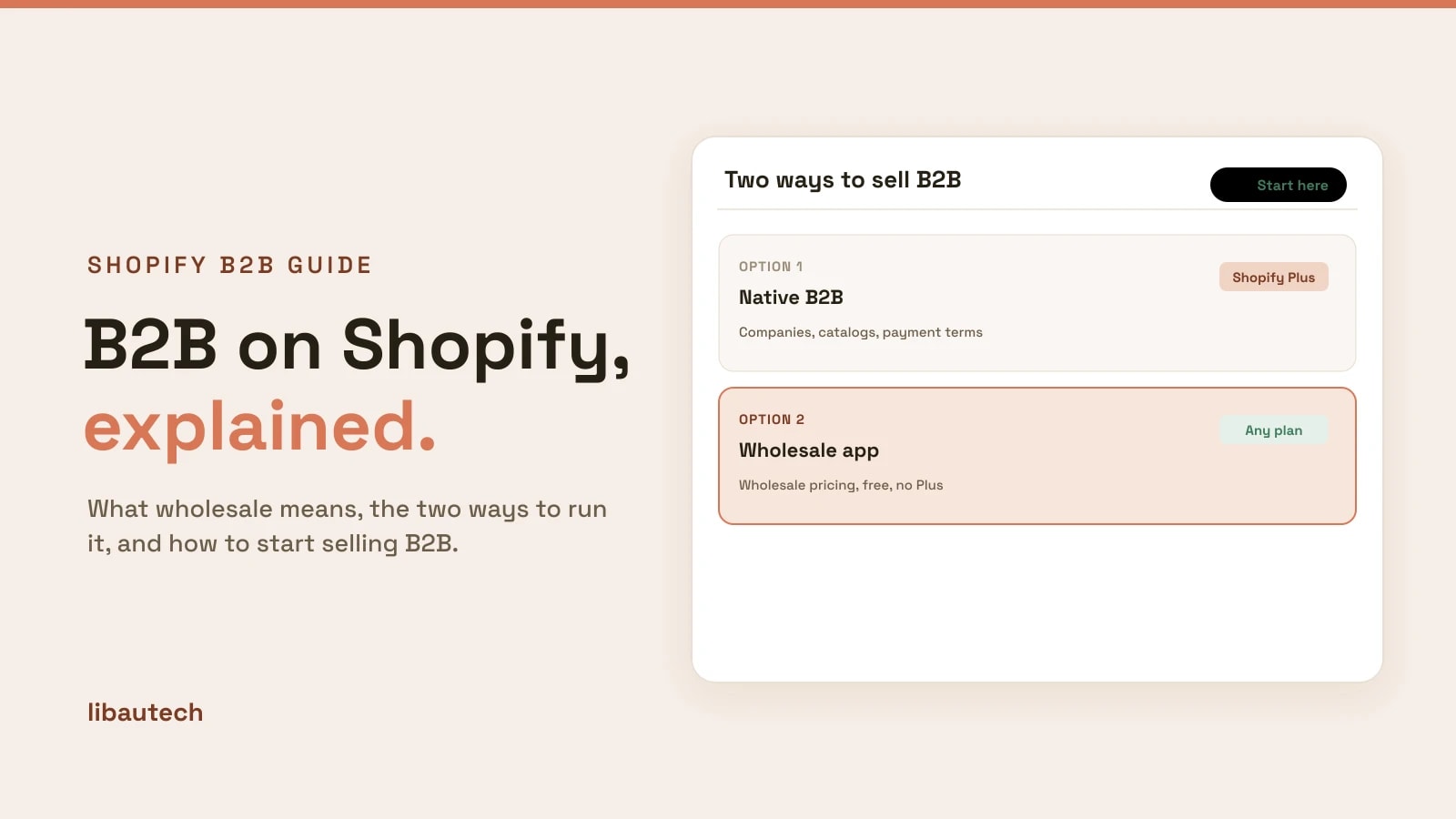
- There are two routes: Shopify's native B2B (Plus only) and a wholesale app (any plan).
- The core idea is customer-group pricing: tagged buyers see their own prices automatically.
- You can start for free with an app, and move to Plus only if your operation outgrows it.
What B2B on Shopify is
In B2B, or business-to-business, your customers are other companies buying to resell or to use in their own business. That usually means wholesale prices (lower than retail), buying in larger quantities, and sometimes payment terms rather than paying up front. On Shopify, you can serve those buyers from the same store as your retail customers, showing each side the right prices.
Your two options for B2B on Shopify
There are two ways to run B2B, and the right one depends on your size and budget.
Native B2B (Shopify Plus). Plus builds B2B into the platform: company profiles with multiple buyers, buyer-specific catalogs, and native payment terms. It is powerful and fully integrated, but Plus starts at roughly $2,300 a month.
A wholesale app (any plan). An app adds the pricing side of B2B, customer-group pricing, volume breaks and tiered discounts, to any Shopify plan, often free. It does not replicate the full native system, but for most stores it is all they need. We compare the two in do you need Shopify Plus for B2B.
The core B2B features to know
- Customer-group pricing. Different prices for different buyer groups, decided by who is logged in. The foundation of B2B, covered in customer-group pricing on Shopify.
- Volume and quantity breaks. Bigger orders get bigger discounts. See how to add volume discounts and quantity breaks.
- Tiered pricing. Different discount levels for different account tiers, such as silver and gold wholesale.
- Wholesale registration. A form for prospective buyers to apply, so you can approve and tag them.
- Payment terms. Net 30 and similar, letting trusted buyers pay after delivery. Native terms are a Plus feature; some apps add them.
How to start selling B2B on Shopify
For most stores, the fastest start is a wholesale pricing app on your current plan.
- Decide who your wholesale buyers are and what discount they get.
- Install a wholesale pricing app, such as the free Libautech B2B Discounts.
- Tag your buyers into a group and give the group a price list.
- Publish, so tagged buyers see wholesale prices automatically.
The full walk-through is in how to set up wholesale pricing on Shopify.
Choosing a B2B app
Most wholesale apps cover the same core pricing. They differ on price, on extras like registration forms, net terms and quote tools, and on whether the free plan is capped. Compare the options in our roundup of the best Shopify wholesale apps, or see how the popular ones stack up against a free app: BSS, Sami, SparkLayer and Wholesale Pricing Discount.
Start simple with customer-group pricing on your current plan, and only reach for Shopify Plus if your B2B operation genuinely outgrows an app.