How to Add Volume Discounts & Quantity Breaks on Shopify
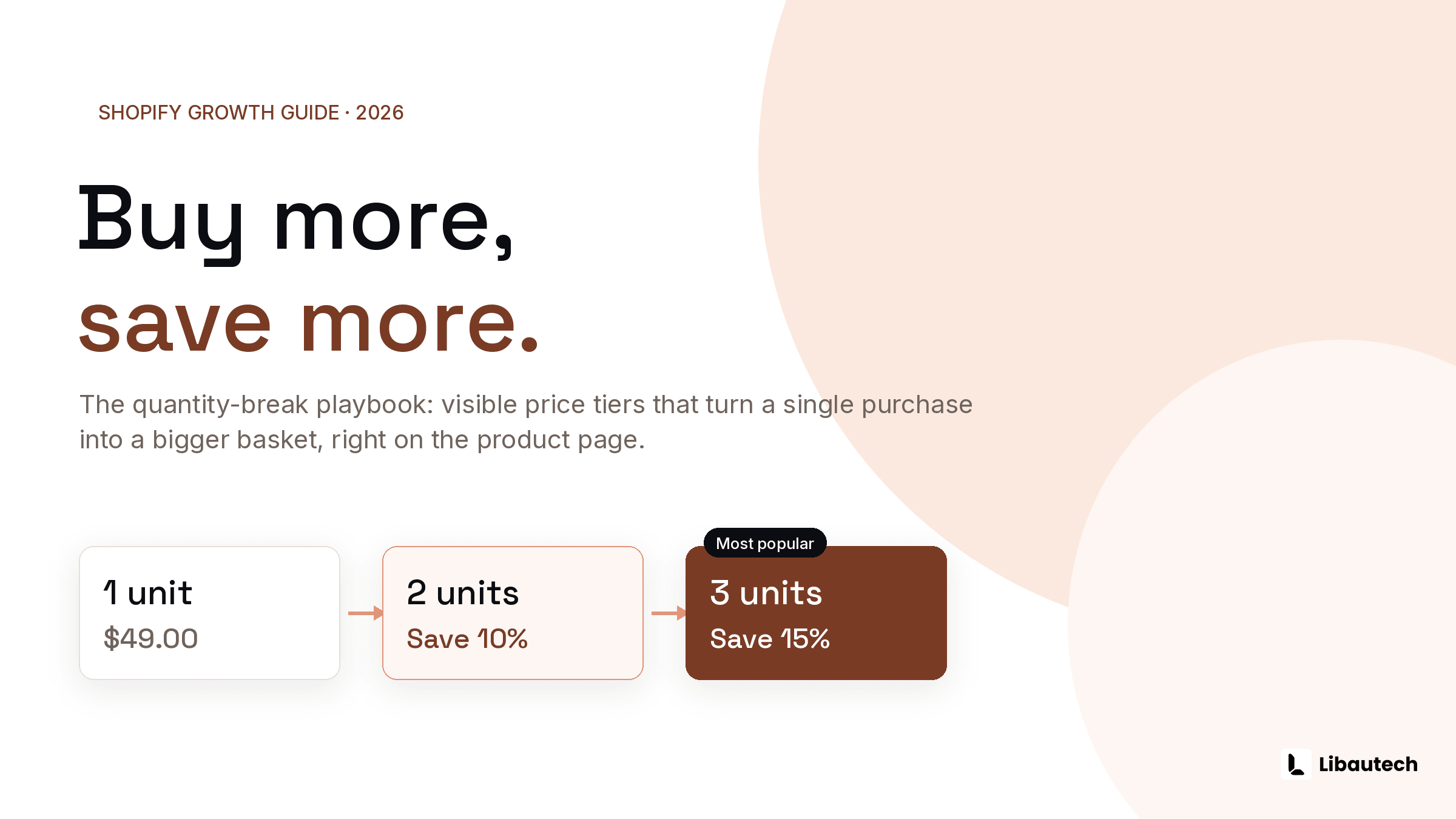
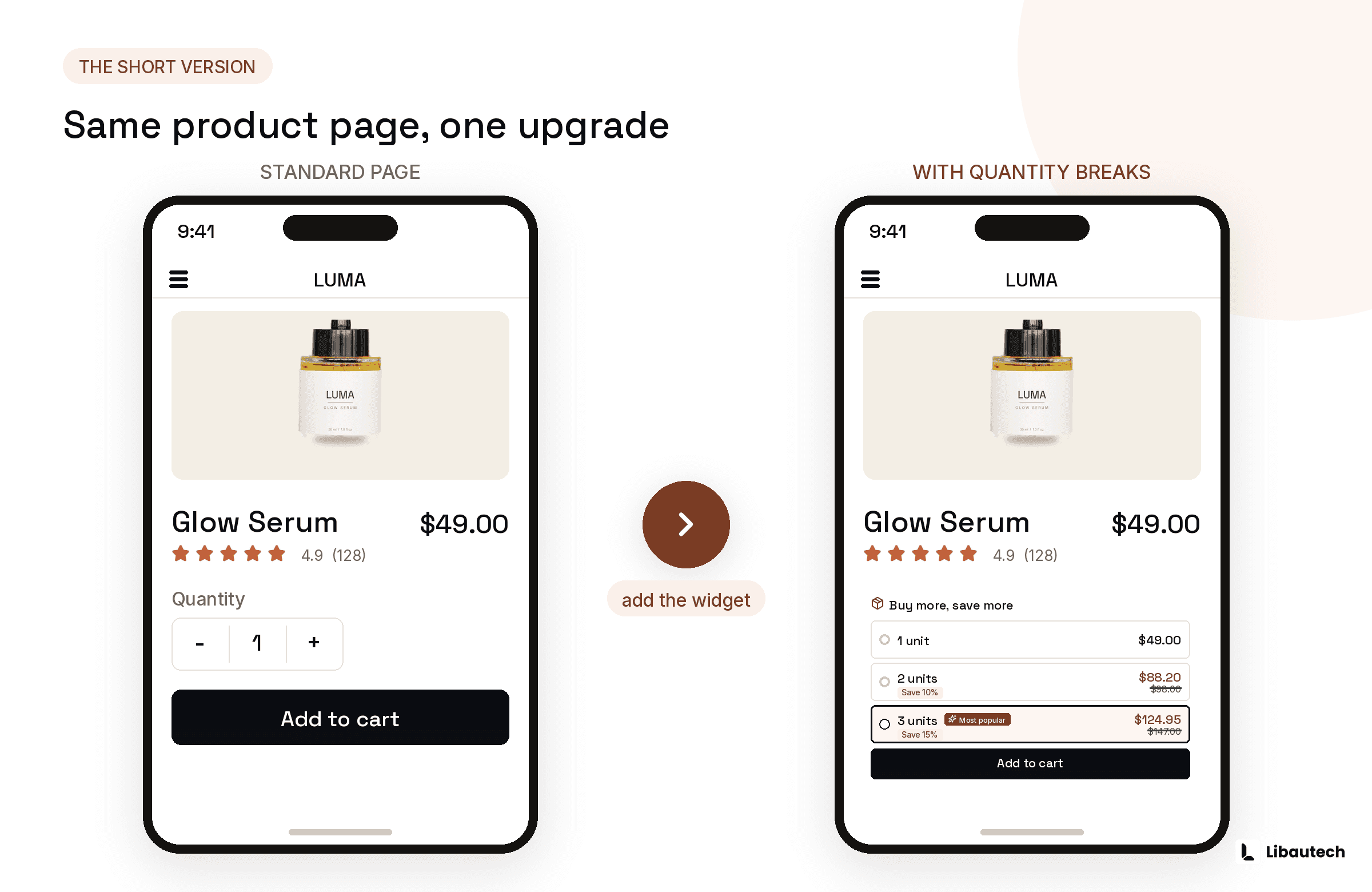
You can add volume discounts on Shopify in 2 ways: Shopify's native discount tools, which apply the discount but show nothing on the product page, or a quantity break app like Libautech: Bundles & Upsell, which displays a visible "buy 2 save 10 percent" widget where the shopper decides. The visible widget is what actually changes behavior, because a discount nobody sees before checkout does not raise order size.
Last verified: July 2026.
TLDR
- Native Shopify discounts: free, works at checkout, invisible on the product page
- Quantity break app: shows tiered pricing on the product page, applies the discount automatically, tracks revenue per offer
- Sensible starting ladder: 2 units at 10 percent off, 3 units at 15 percent off
Volume discount, quantity break, tiered pricing: what is the difference?
- Quantity break
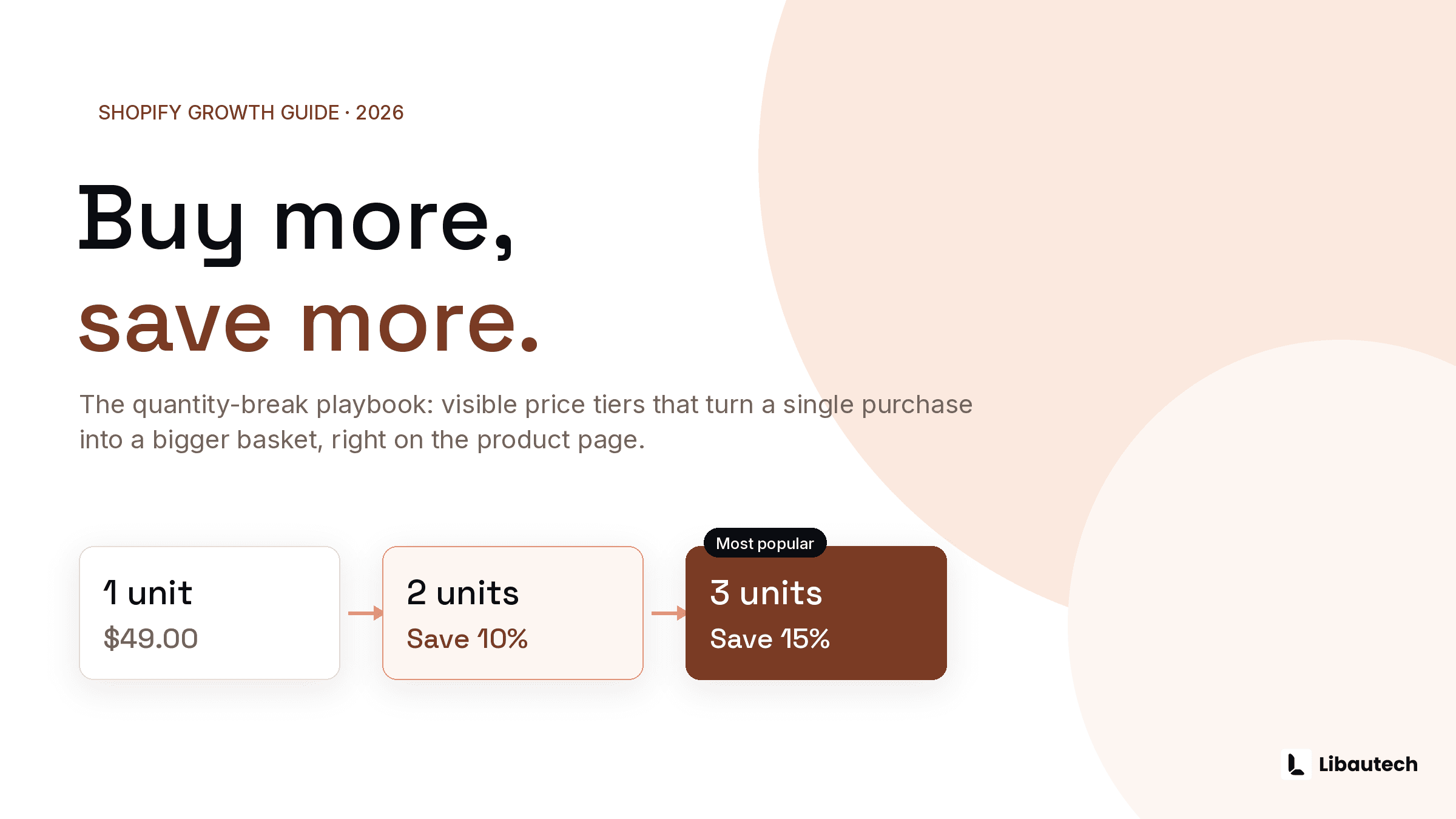
- A per-product price tier, for example 1 unit at full price, 2 units at 10 percent off, 3 units at 15 percent off.
- Volume discount
- The same tiered idea, sometimes applied across a collection or the whole cart rather than a single product.
- Tiered pricing
- The umbrella term for both.
The three terms overlap heavily. Whichever you use, the mechanic is the same: a discount ladder that makes the multi-unit purchase feel like the smart choice.
Method 1: Shopify's native discounts
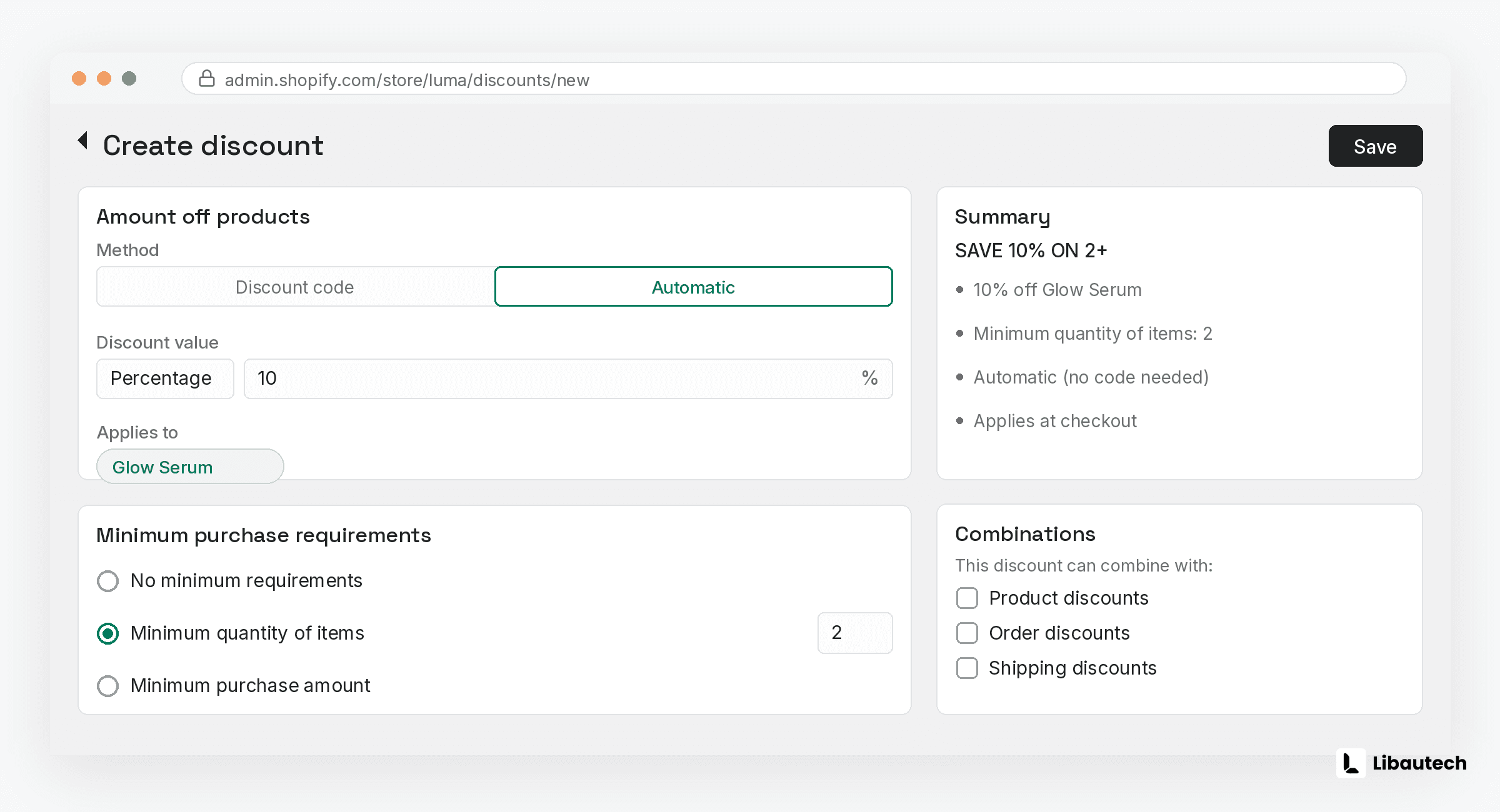
Shopify's built-in discount system can express a basic quantity incentive.
- In Shopify admin, go to Discounts and click Create discount.
- Choose Amount off products.
- Set the discount to automatic so no code is needed.
- Under minimum purchase requirements, select minimum quantity of items and enter the threshold, for example 2.
- Scope it to the products or collections it applies to, then save.
Two limitations matter. First, you can only run a limited number of automatic discounts at once, so per-product ladders across a catalog do not scale. Second, and more important, nothing appears on the product page. The customer only discovers the discount in the cart, which means it rewards purchases that would have happened anyway rather than prompting bigger ones.
Method 2: A quantity break app with a visible widget
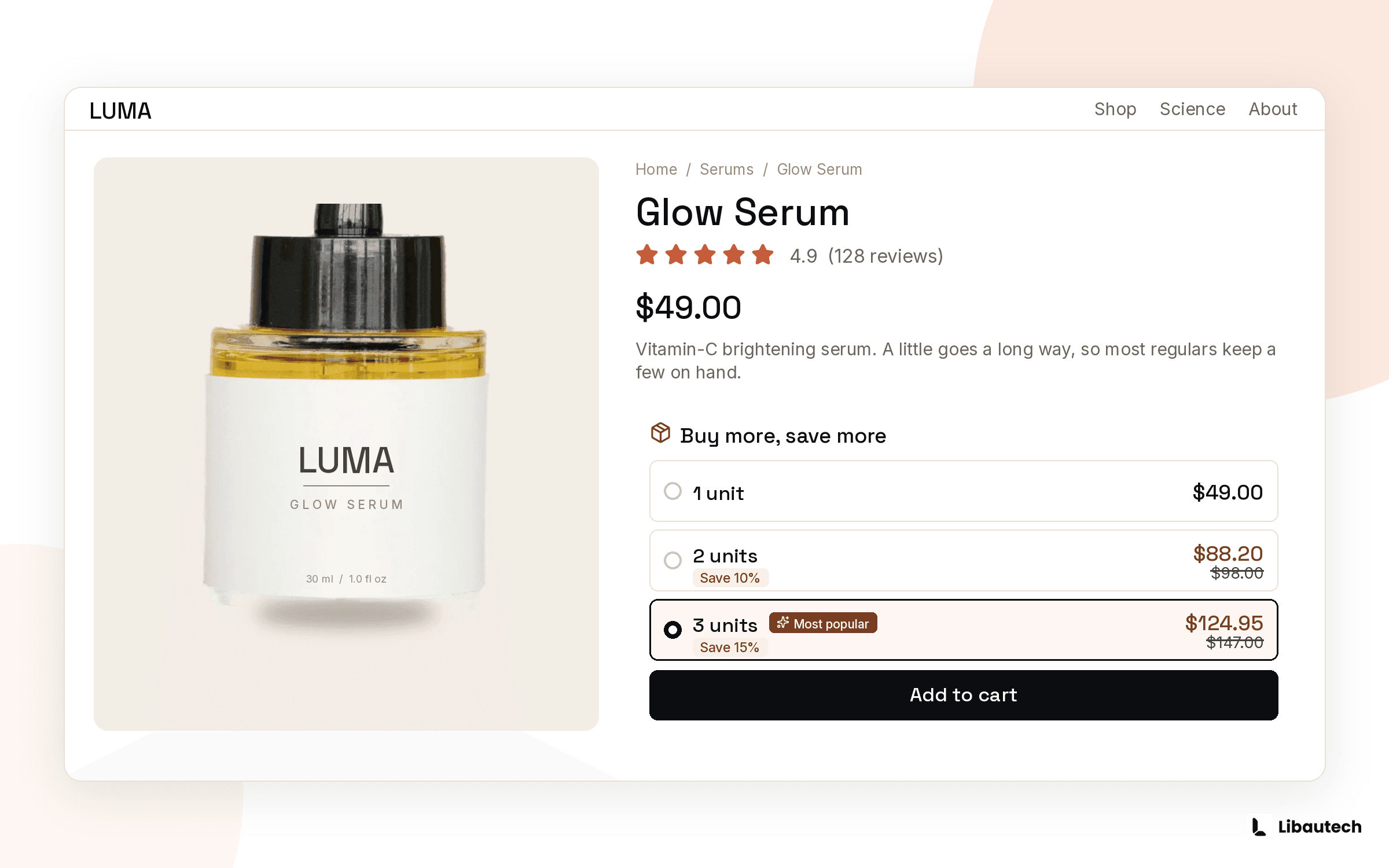
A quantity break app puts the ladder on the product page as a selectable block, typically framed as 1 unit, 2 units with a savings badge, and 3 units marked most popular. With Libautech: Bundles & Upsell (5.0 rating, Built for Shopify, free plan available), setup looks like this:
- Install Libautech: Bundles & Upsell from the Shopify App Store.
- Create a new offer and choose Volume discount.
- Pick the products or collections the ladder applies to.
- Set your tiers, for example 2 units at 10 percent off and 3 units at 15 percent off. Percentage or fixed amount both work.
- Style the widget to match your theme, including which tier is highlighted as most popular.
- Publish. The discount applies automatically in cart and checkout, and the analytics dashboard shows revenue per offer.
How to set the discount ladder
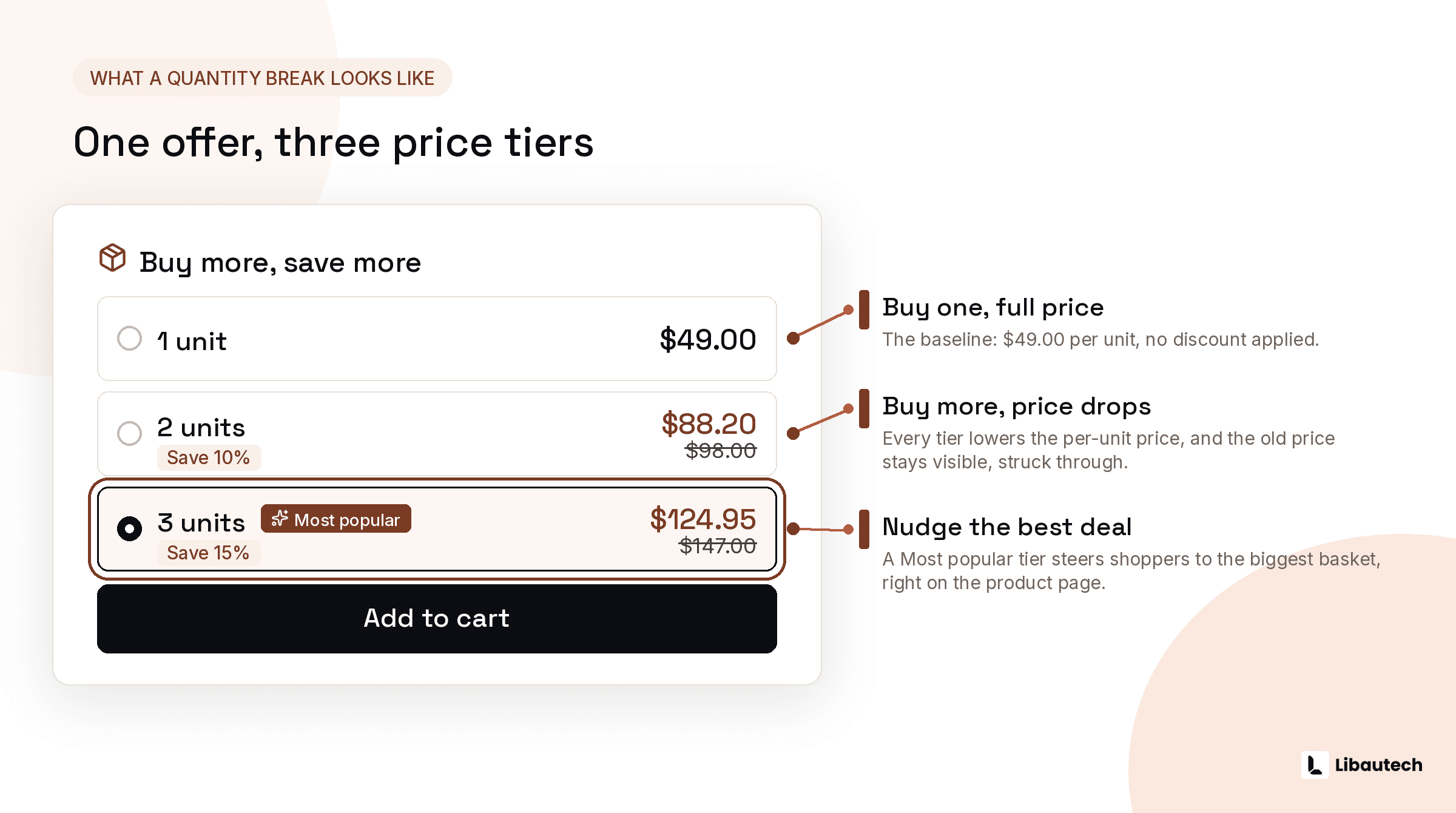
Anchor the ladder to your margin and your consumption pattern. For consumables and multi-use products, 10 percent at 2 units and 15 percent at 3 units is the standard start. Keep the top tier below the point where the discount exceeds your margin gain from the extra units: selling 3 units at 15 percent off beats selling 1 at full price whenever your gross margin is above roughly 45 percent. Highlight the middle or top tier as most popular, since the highlighted tier is the one shoppers disproportionately choose.
Where quantity breaks work best
Quantity breaks perform strongest on repeat-purchase and multi-unit products:
- Consumables and supplements
- Cosmetics and skincare
- Socks, underwear and basics
- Pet supplies
- Anything bought as a gift or in multiples
They perform worst on high-consideration, single-purchase items like furniture. If a product is bought once per customer per year, a frequently bought together offer with a complementary product will outperform a quantity ladder.
Add a visible quantity break to your bestseller today: install Libautech: Bundles & Upsell and launch on the free plan.