Customer-Group Pricing on Shopify: How to Set It Up
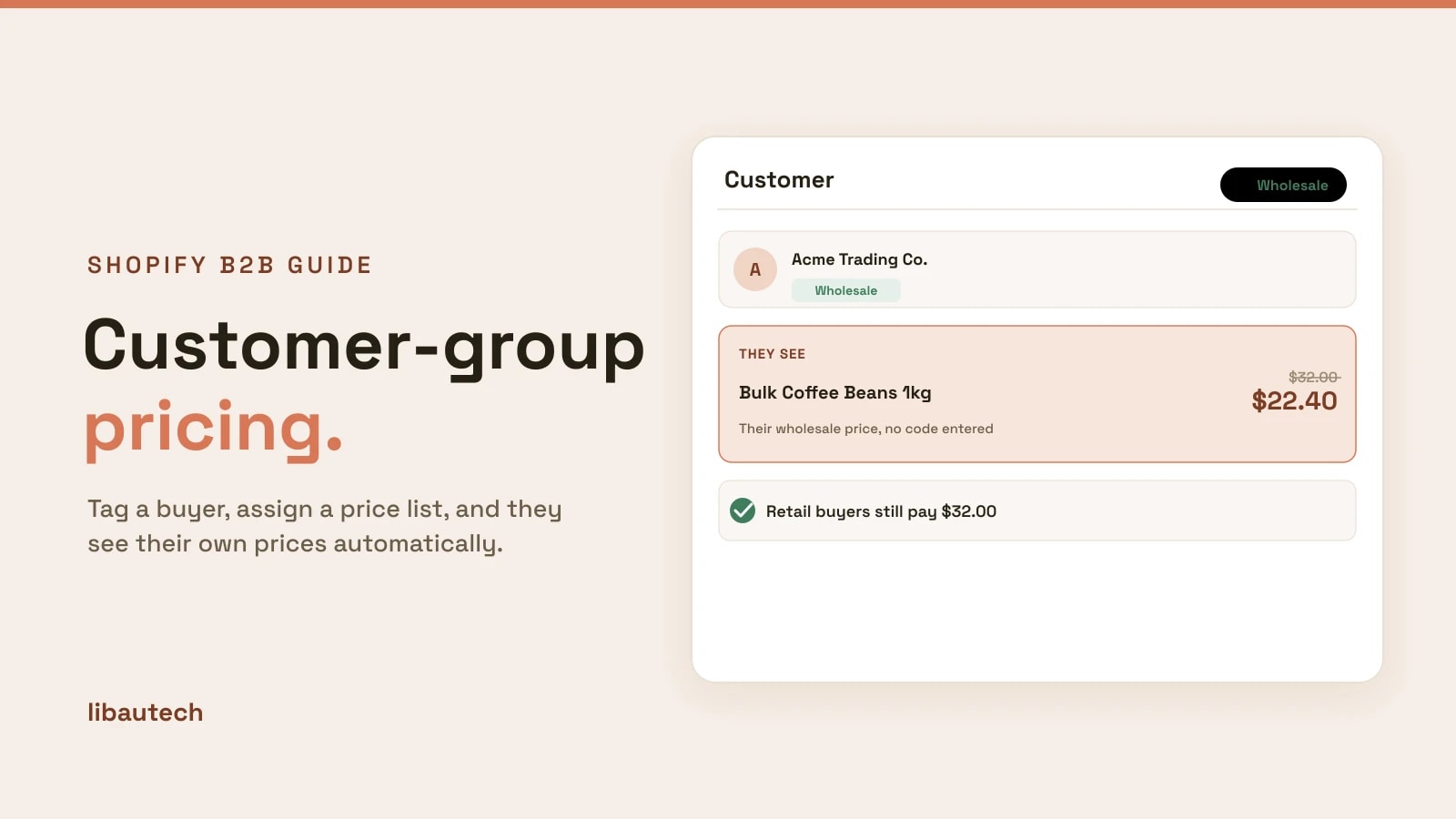
Customer-group pricing shows different prices to different customers: wholesale buyers, VIPs or staff pay less than the general public, on the same store. On Shopify you set it up by tagging customers into a group and assigning that group a price list, using an app, on any plan. This guide explains what it is, how to set it up, and where it is used.
Key takeaways
- Customer-group pricing means one product, different prices, based on who is logged in.
- You build it by tagging customers into a group, then assigning that group a price list.
- Prices apply automatically for logged-in group members, with no discount codes.
- It needs an app, not Shopify Plus, and Libautech B2B Discounts does it for free.
What is customer-group pricing?
Customer-group pricing, sometimes called customer-specific pricing, is the ability to charge different prices to different groups of customers. A tagged wholesale buyer might see 25 percent off, a VIP tier might see 10 percent, and a first-time shopper sees the full retail price, all on the same product page. The price a person sees depends on which group they belong to, decided when they log in.
It is the foundation of B2B on Shopify, because wholesale is really just a customer group that pays wholesale prices.
How to set up customer-group pricing on Shopify
Shopify does not offer per-group price lists natively outside of Plus, so you use an app. These steps use the free Libautech B2B Discounts app.
- Create your groups with tags. In Customers, tag people into groups, such as "wholesale", "vip" or "staff". A customer can carry a tag you assign manually or through a signup process.
- Install the pricing app and open it. No theme code is needed.
- Create a price list per group. Tie a price list to each tag. Set a blanket percentage off, or specific prices on specific products, for that group.
- Set the rules. Decide the discount for the group and, if you want, volume breaks so larger orders save more.
- Publish and test. Log in as a tagged test customer and confirm they see their group price, while a logged-out visitor still sees retail.
From then on, each customer sees the price for their group automatically, with nothing to type in.
Where customer-group pricing is used
- Wholesale. The most common use: B2B buyers get trade prices while retail stays full price. See how to set up wholesale pricing.
- VIP and loyalty tiers. Reward your best customers with standing lower prices, not one-off codes.
- Staff and partners. Give employees or affiliates a permanent discount tied to their account.
- Membership pricing. Paid members see member prices automatically once tagged.
Best practices
Gate prices behind login. Only show group prices to logged-in members, so the public never sees wholesale or VIP pricing.
Automate the tagging where you can. Tag customers on approval of a wholesale application, so the right people get the right prices without manual work.
Keep groups clear. A few well-defined groups (wholesale, VIP) beat a tangle of overlapping tags.
Customer groups are the building block of B2B on Shopify. For the wider picture, see the beginner's guide to B2B on Shopify.