How to Integrate Discord with Shopify to Sell Merch
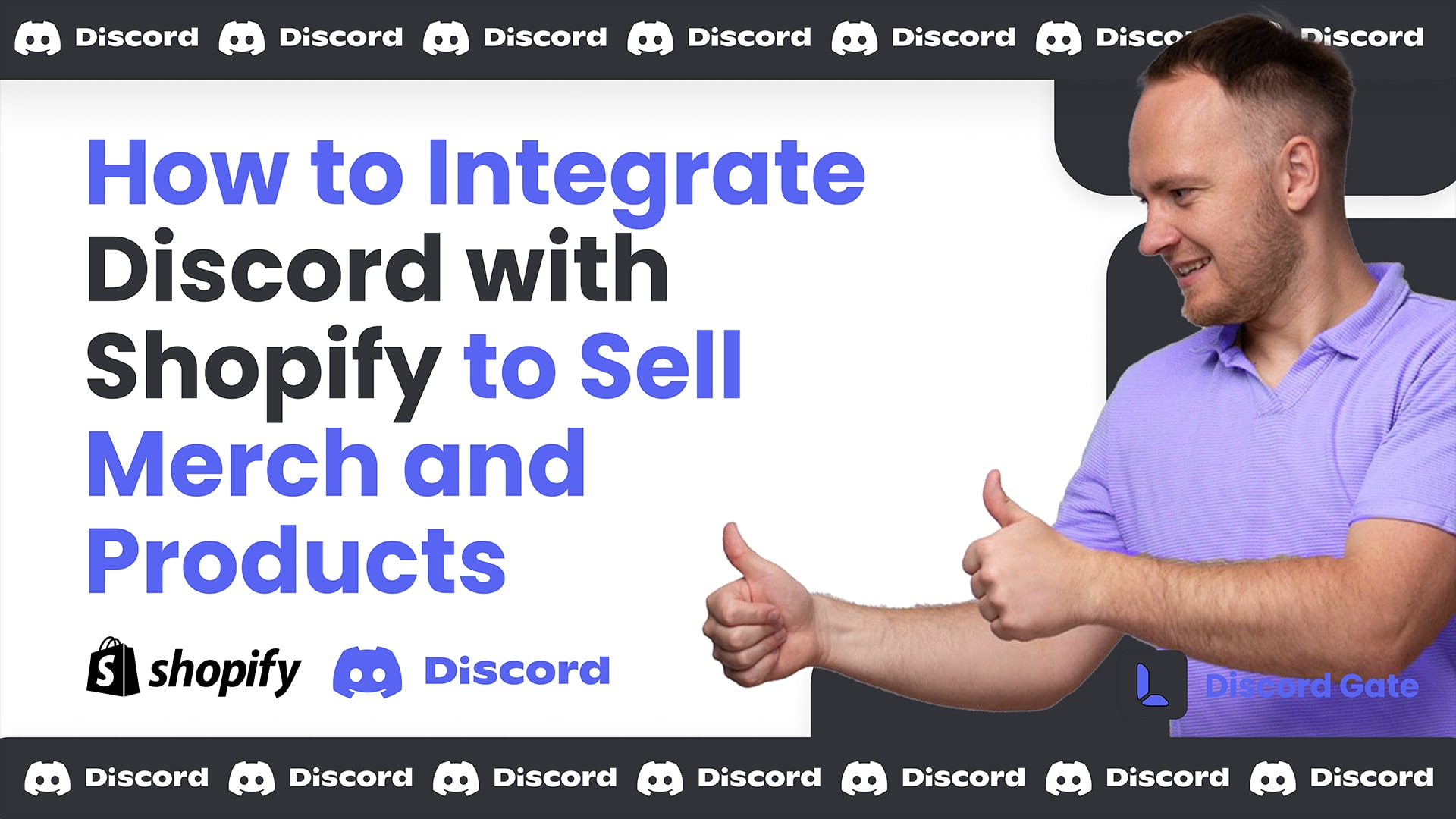
If you're looking to integrate your Discord server with Shopify to sell merchandise or other products, you're in the right place. The process is simple, the results are surprisingly strong, and it opens up a monetization channel that most creators and community owners overlook. In this guide, we'll walk through everything you need to connect your Discord community to a Shopify store with real exclusive perks for your members.
Why Discord + Shopify is such a strong combination
Discord communities are built around shared identity. A game, a brand, a creator, a cause. That same identity is exactly what drives merch sales. When your most engaged community members can buy something that represents their belonging (and get a discount for being a loyal member), conversion rates are significantly higher than cold traffic to a generic store.
Role-based discounts add another layer: they reward the community members you actually want to reward, and they create a visible perk that motivates others to reach higher roles. The practical setup is straightforward with the right tools.
Step 1: Set Up Your Shopify Store
If you don't have a Shopify store yet, you can start one for as little as $1 for the first month by clicking the link. After signing up, create your store and add your first products. Shopify makes it easy to list items, whether you're selling custom merch, physical goods, or digital products.
Step 2: Create Special Discounts for Discord Users
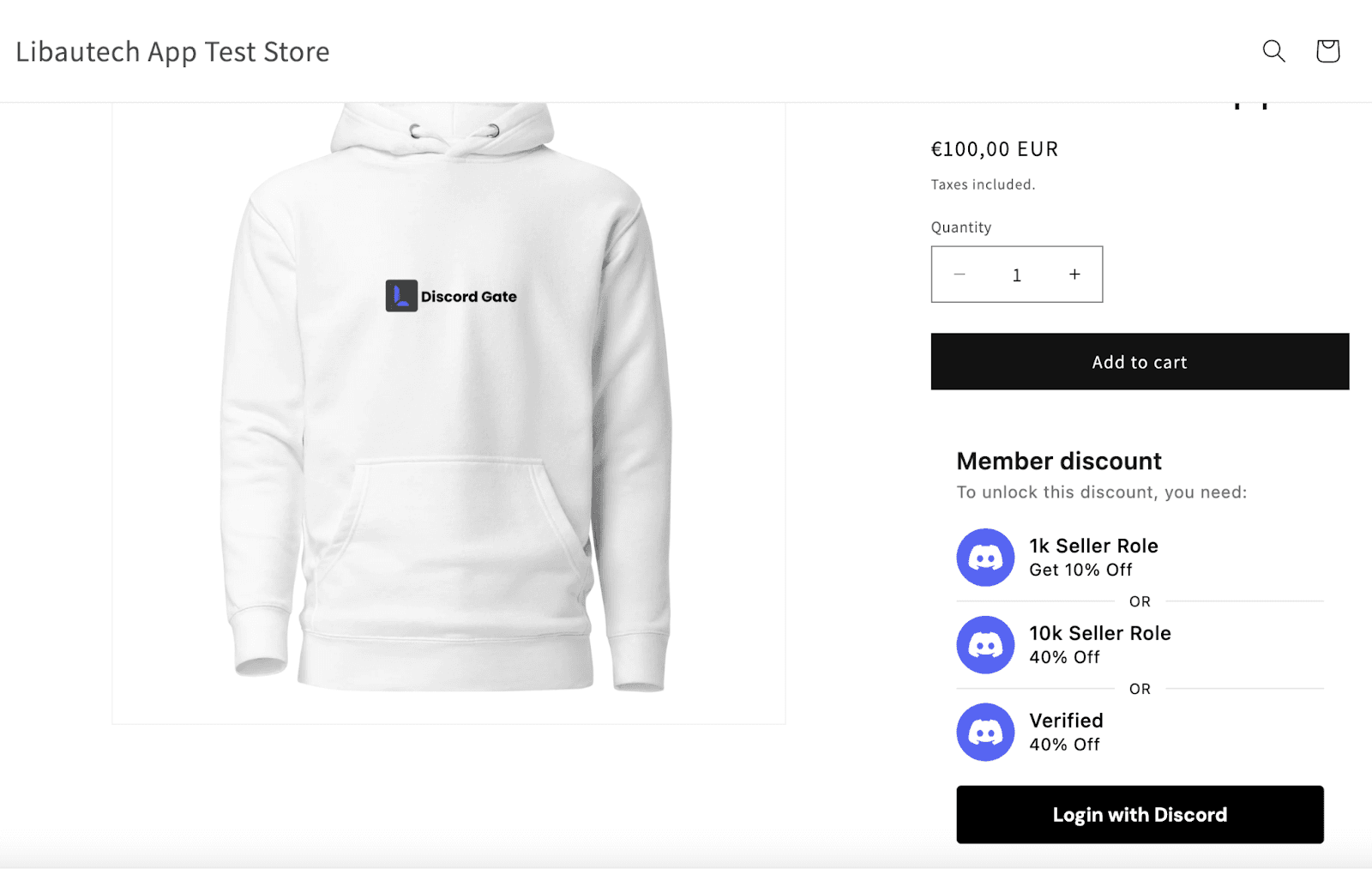
Once your store is live and you've added products, it's time to integrate Discord. Using the Discord Gate app (supported by Libautech), you can set up special discounts for your Discord community. This allows users with specific roles in your Discord server to access exclusive discounts when shopping on your site.
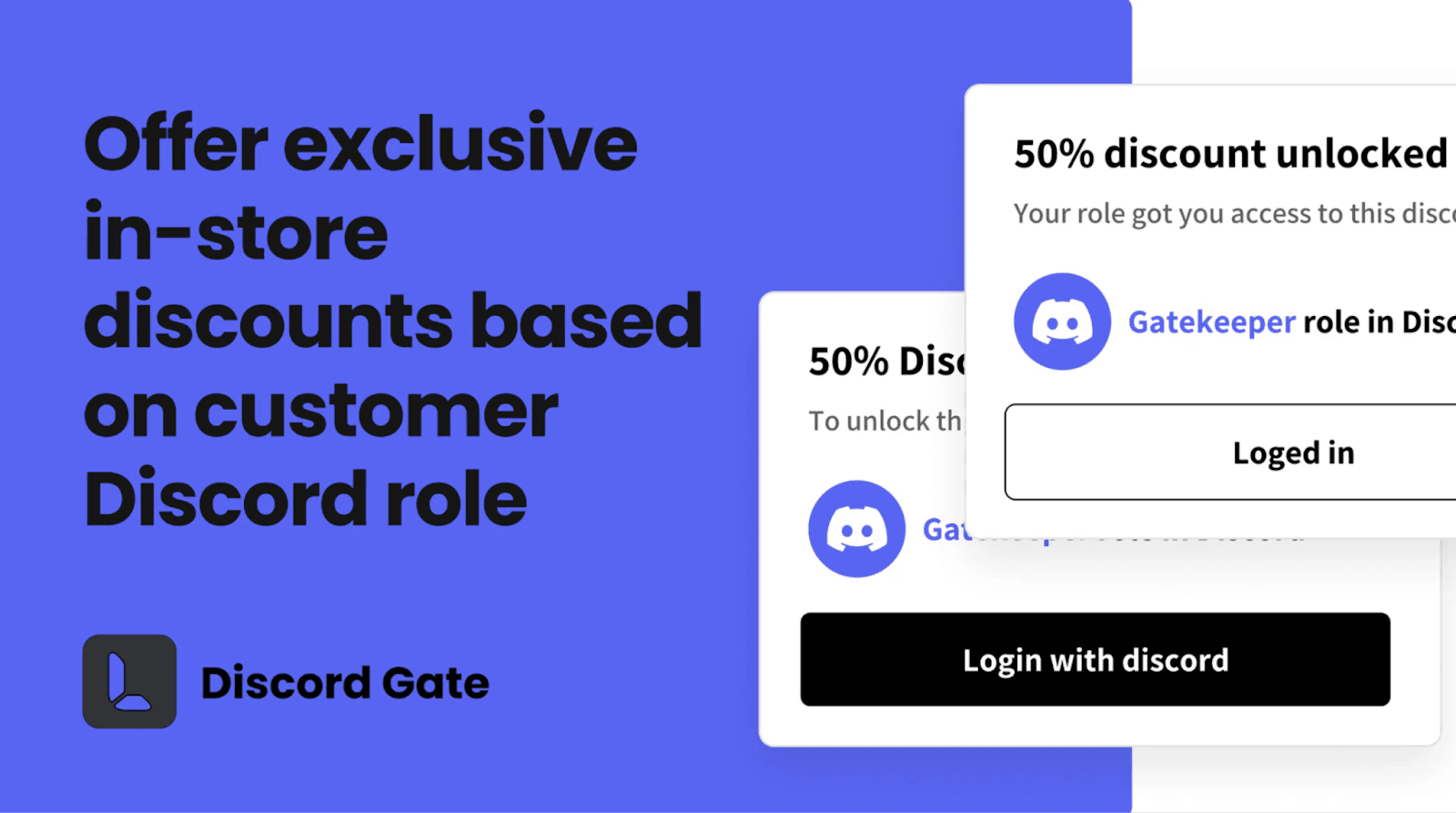
For example, a customer can connect their Discord account when visiting your Shopify store. If they have a specific role in your Discord community, such as a VIP or member, they can receive a discount, like 40% off on a hoodie or other merch.
Step 3: Create Merch with Printful or Sell Other Products
Not sure where to source merchandise? We recommend using the Printful app for creating custom merchandise like t-shirts, hoodies, and accessories. Printful integrates seamlessly with Shopify, allowing you to design and fulfill products on demand. If you're looking to sell non-merchandise products, Supliful is another great app to explore. It's perfect for selling supplements or other health and wellness products.
Step 4: Add Products and Customize Your Shopify Store
Once the integration is set up, continue adding more products. We recommend using the Dawn theme for a clean and professional look on your Shopify store. It's a user-friendly theme that allows for easy customization, making your store look appealing to visitors.
Step 5: Promote and Drive Traffic to Your Store
With your Discord integration live and products ready, the final step is promotion. Share your Shopify store link within your Discord community so members know about the exclusive deals available to them. You can host special events, giveaways, or limited drops to drive spikes in traffic and sales.
Discord Gate vs. manual discount codes: why role-based discounts win
The traditional approach is to post a discount code in a Discord channel. It works, but it has real downsides: codes leak outside your community, you can't control who uses them, and there's no way to tier discounts by role. Discord Gate solves all three problems.
With role-based discounts, only members who hold a verified role in your server can access the offer. A "founding member" role gets 30% off. A "supporter" role gets 15% off. Everyone else pays full price. This creates a genuine perk structure that is transparent, fair, and impossible to abuse.
It also creates a social incentive: members who see others getting better discounts for holding a higher role will naturally work toward earning that role. This keeps your community active and engaged, not just your store.