How to Offer a Free Gift with Purchase on Shopify (2026)
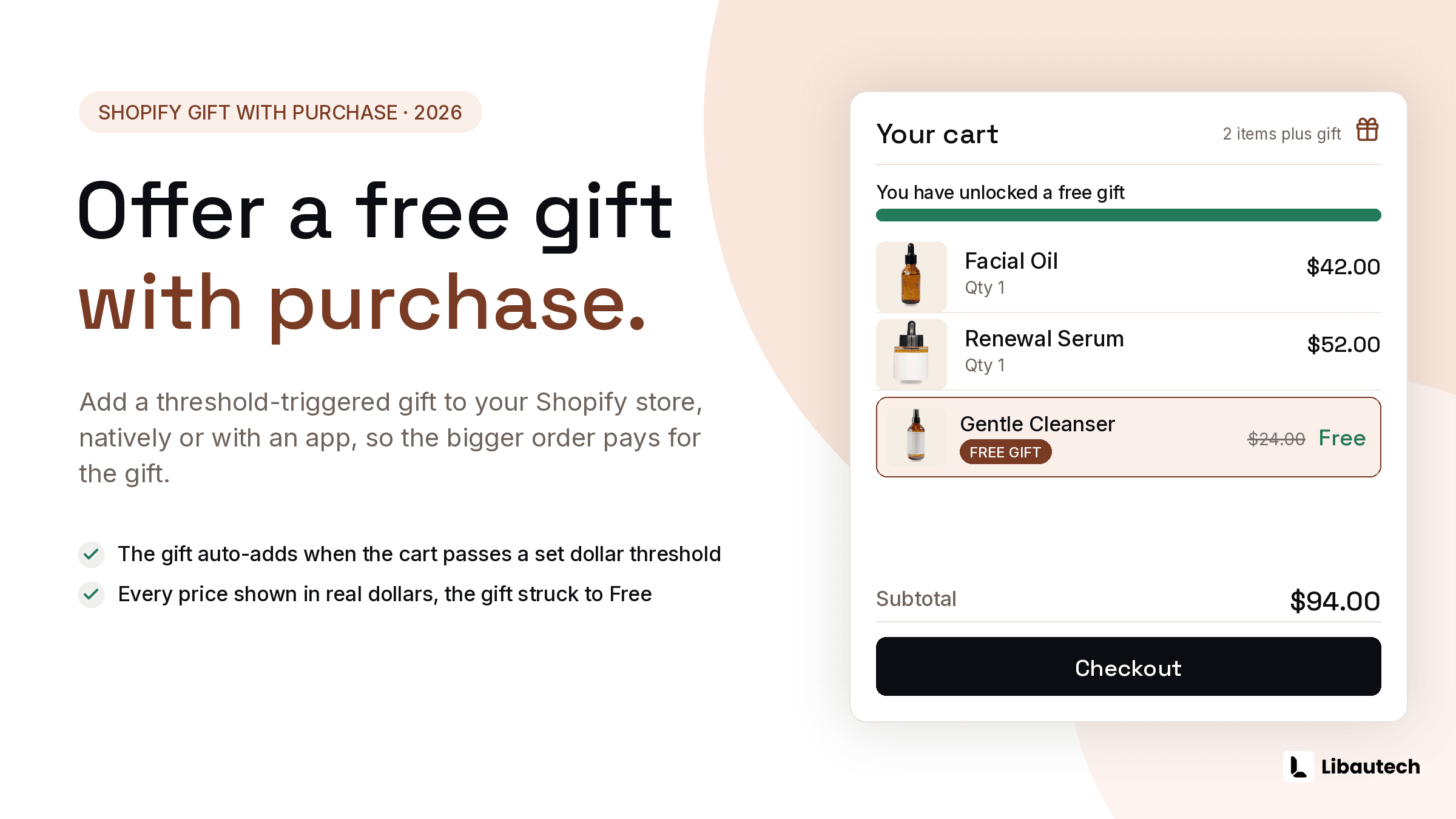
To offer a free gift with purchase on Shopify, create a Buy X Get Y automatic discount where the customer gets the gift product at 100 percent off when the qualifying condition is met, or use an app that advertises the gift on the storefront and adds it to the cart automatically when the threshold is reached. The native discount handles the pricing; the app handles the part that actually drives behavior, which is the shopper seeing "spend 15 more, get the free mini" before they qualify.
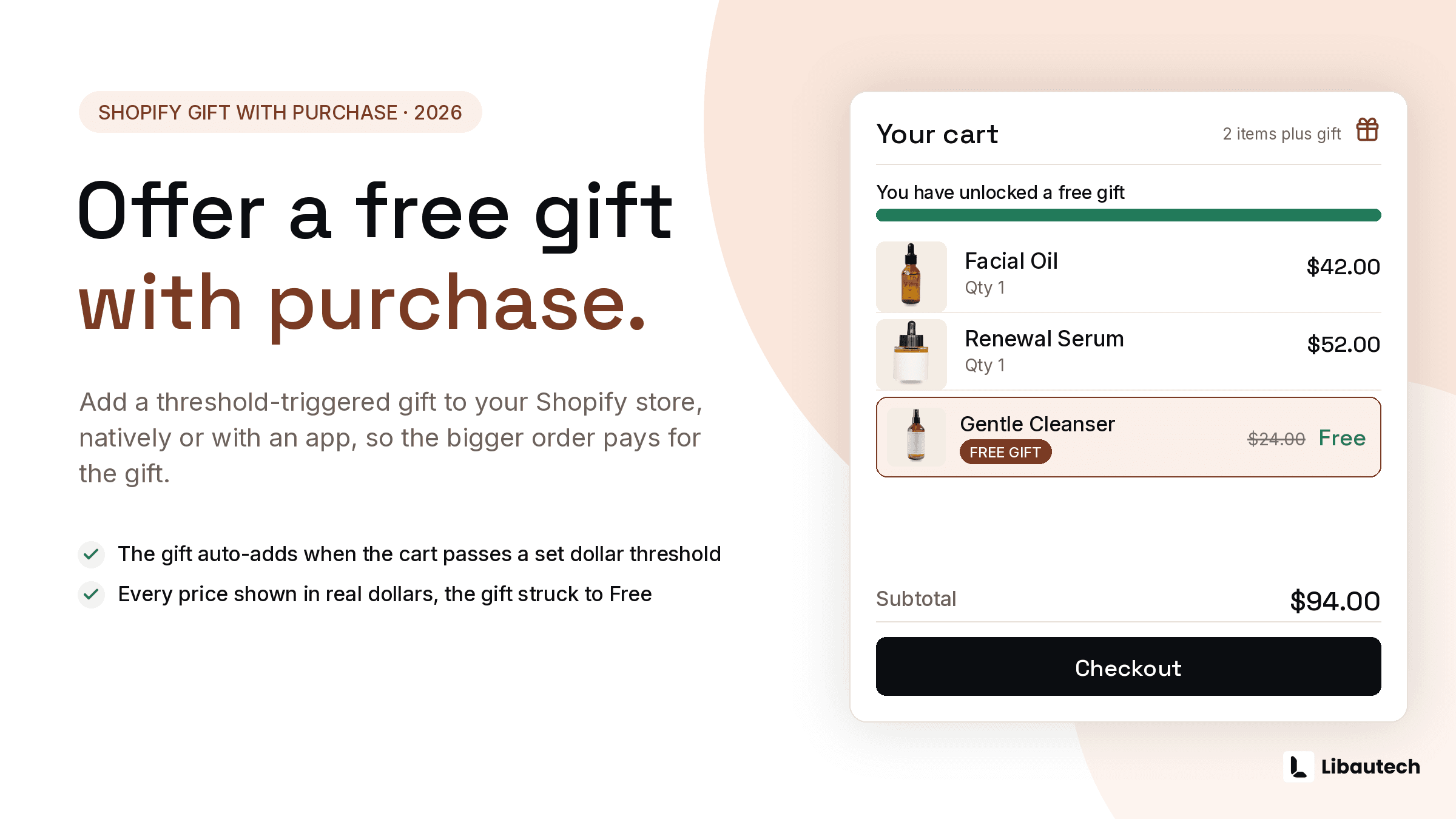
Gift with purchase is the promotion that discounts without looking like a discount: the product price stays intact, the gift carries perceived value above its cost, and the right gift samples a product you want reordered.
TLDR: Key Takeaways
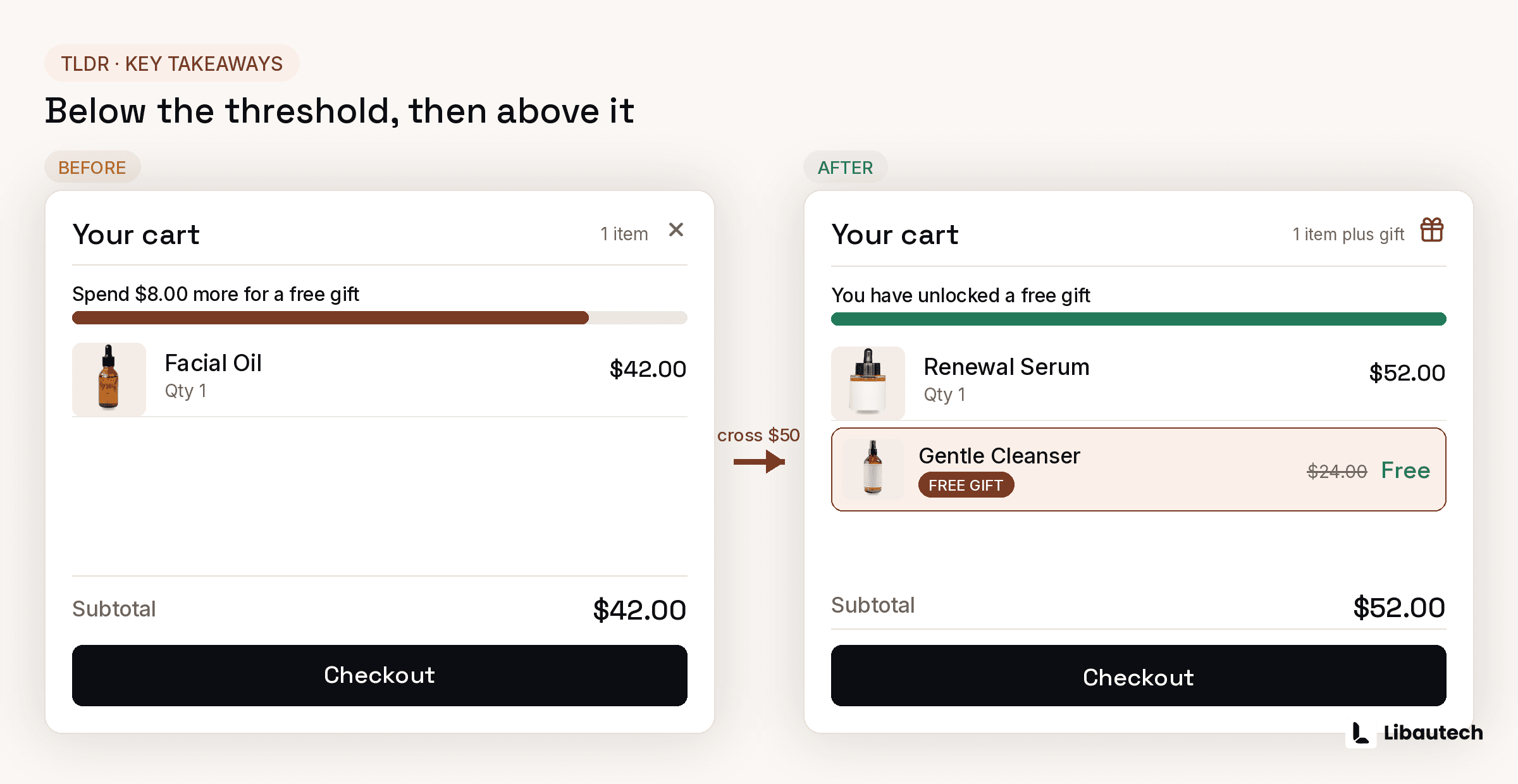
- Native route: Buy X Get Y automatic discount, gift at 100 percent off, minimum purchase amount as the condition. Free, 5 minutes, but invisible on the storefront and the customer must add the gift manually.
- App route: the gift is advertised with a progress bar and auto-added when the cart qualifies, which is where the AOV lift actually comes from.
- Set the threshold 15 to 25 percent above your current AOV, and pick a gift that costs you little but samples something reorderable.
- Guard the margin: cap 1 gift per order and exclude sale items from the qualifying total.
How Does a Free Gift with Purchase Work on Shopify?
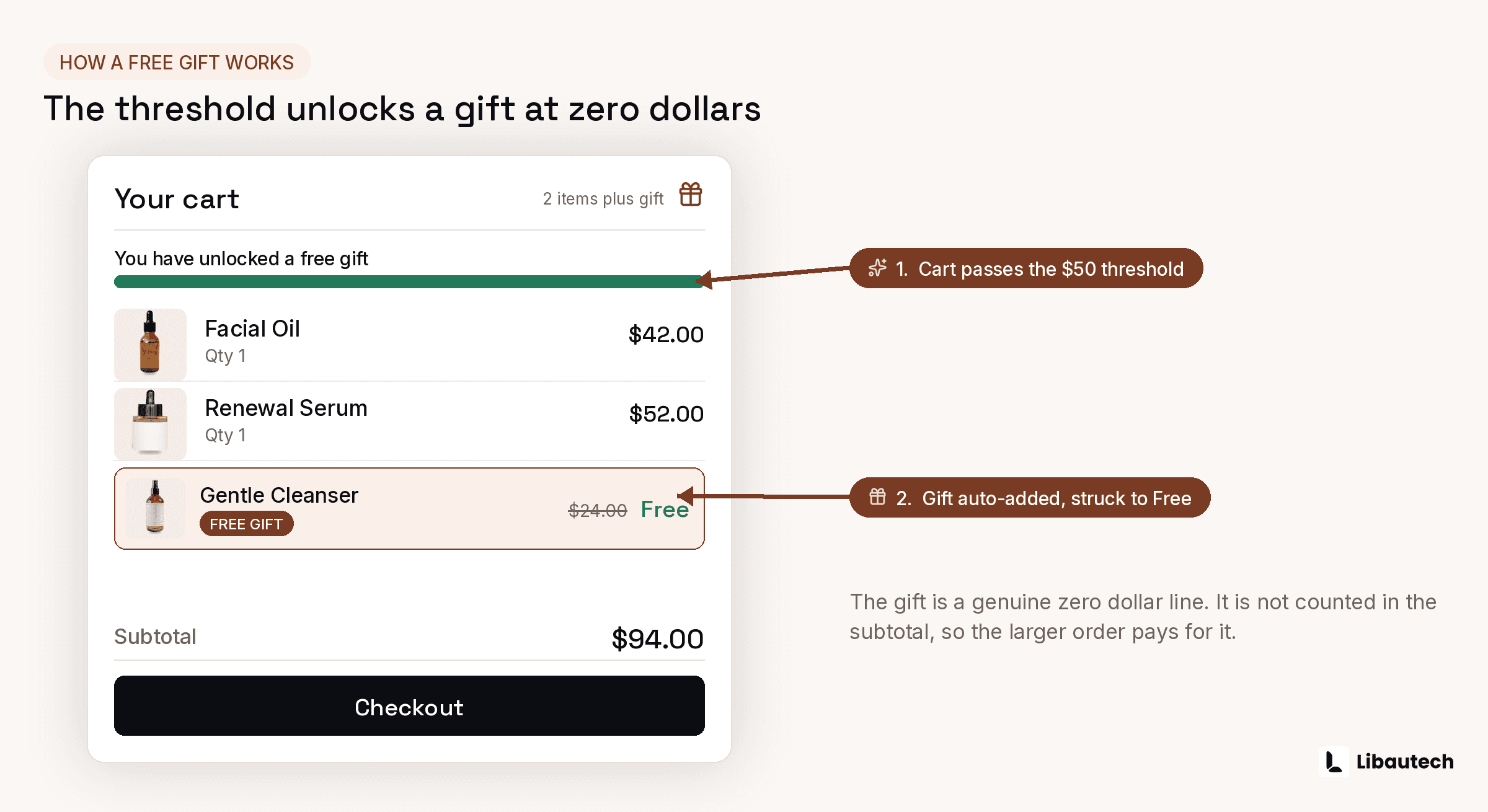
Mechanically it is a conditional 100 percent discount on 1 product. The customer's cart meets a condition (usually a minimum spend, sometimes specific products), and the gift product becomes free. Shopify's native discounts can express the rule; what they cannot do is promote the offer before qualification or add the gift automatically after it, and both gaps cost conversions: a gift the shopper never learns about changes nothing, and a free gift the shopper must find and add themselves goes unclaimed surprisingly often.
How Do You Set Up a Gift with Purchase Natively?
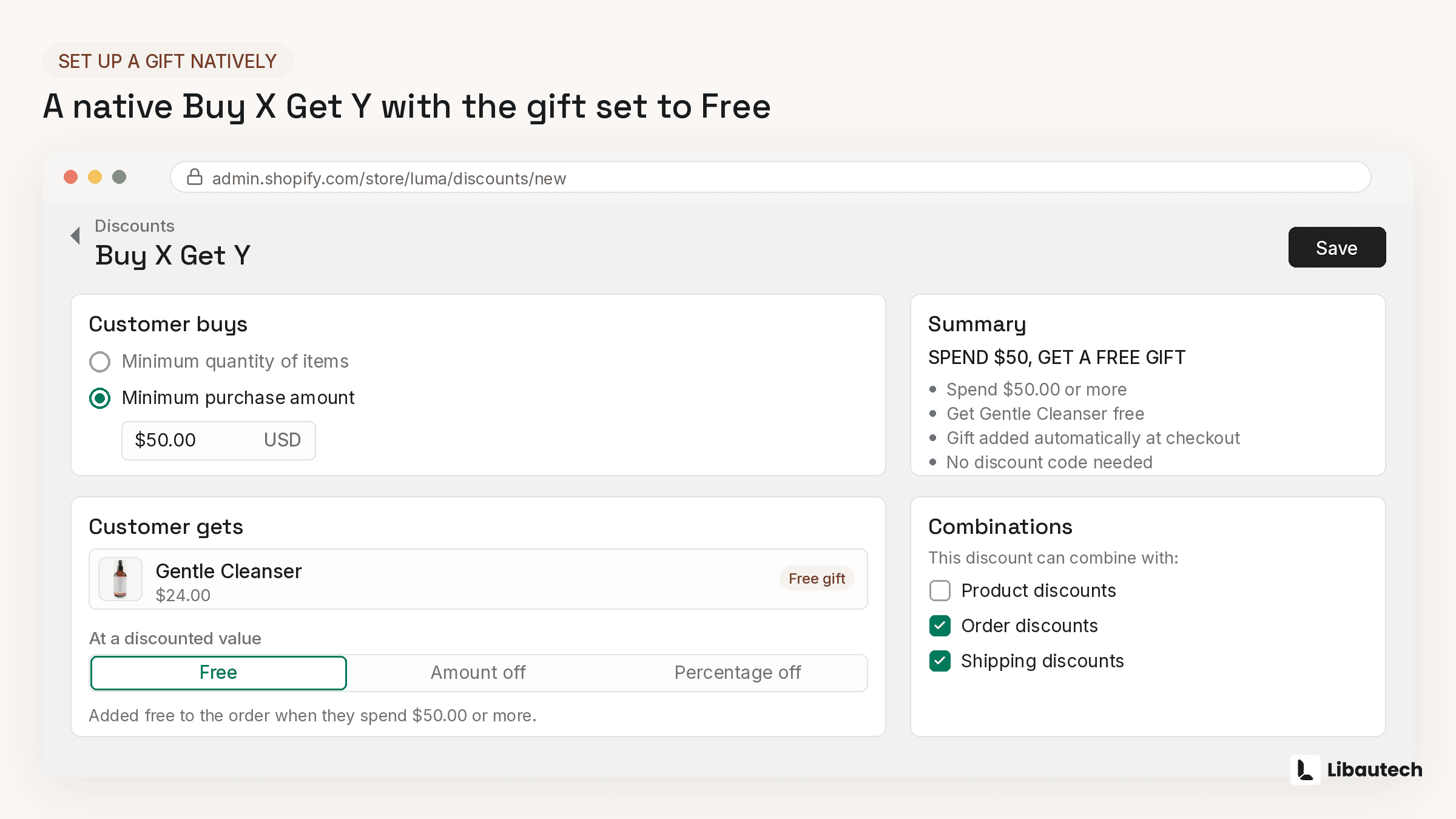
- In Shopify admin, open Discounts and create a Buy X get Y discount.
- Choose Automatic discount.
- Under Customer buys, set Minimum purchase amount and the qualifying scope (all products, or specific collections).
- Under Customer gets, select the gift product, quantity 1, at 100 percent off.
- Set uses per order to 1 so large carts do not earn multiple gifts.
- Save, then test with a real cart: qualify, add the gift manually, and confirm it prices at zero.
Then advertise it everywhere the native system cannot: announcement bar, product pages, cart note. The rule without the advertising is a promotion running in secret.
When Should You Use a Gift with Purchase App?
When you want the mechanic that makes the promotion visibly work: a progress bar ("You are 12 away from your free gift"), automatic gift addition at qualification, automatic removal if the cart drops below threshold, and gift selection when you offer a choice. Dedicated free gift apps such as BOGOS handle exactly this category; tiered gift structures also come built into some discount apps like Dealeasy. If you already run an upsell suite, check what it covers before adding a dedicated app: Libautech Bundles & Upsell covers buy X get Y offer display and cart-moment promotion alongside its bundle and upsell placements, keeping the gift promotion inside the same dashboard and analytics as the rest of your offers.
What Makes a Gift with Purchase Profitable?
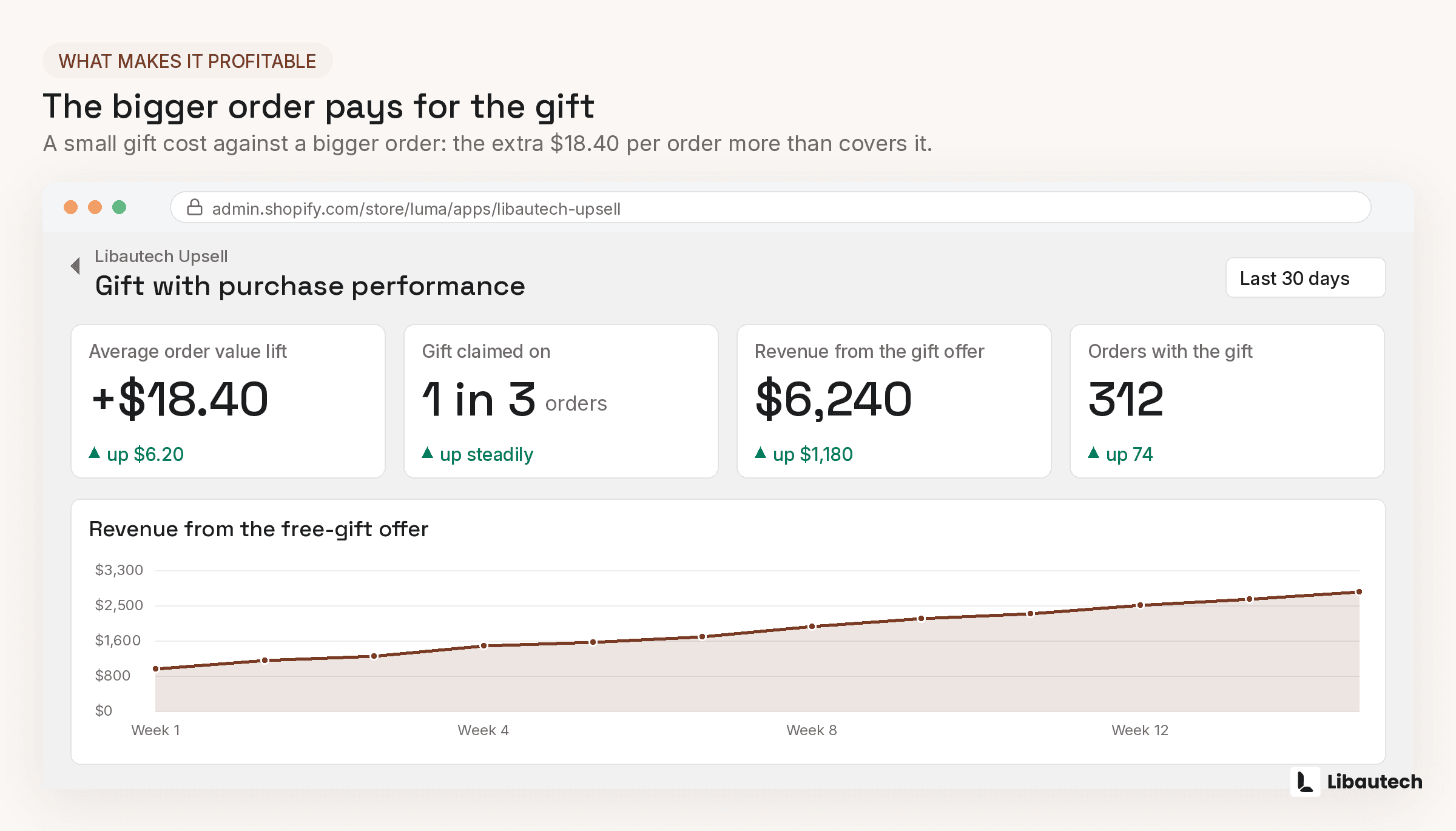
Four rules. Threshold placement: 15 to 25 percent above current AOV, so the average shopper is 1 item away, not half a cart away. Gift economics: choose a gift with low unit cost and high perceived value, ideally a travel size or sample of a replenishable product, because the gift that creates a future reorder pays for itself twice. Caps: 1 gift per order, always. Exclusions: keep sale items out of the qualifying total, or the gift stacks on top of already-cut margin. And measure the promotion on margin per order against the 30 days prior, not on redemption count; a heavily redeemed gift that lowered margin is a cost center with good vibes.
Related guides: Create Buy X Get Y offers, Product add-ons and free gifts, Bundle products at a discount and How to upsell on Shopify.