How to Add Checkout Upsells on Shopify (2026 Guide)
Adding upsells on the Shopify checkout page itself requires Shopify Plus, because only Plus merchants can customize checkout with checkout UI extensions; a Plus store installs an upsell app with a checkout extension, adds the offer block in the checkout editor, and publishes. Stores on Basic, Shopify, and Advanced plans cannot place offers inside checkout, but they can capture the same intent with the 2 checkout-adjacent placements available to everyone: a cart offer that fires at the add to cart moment and a post-purchase 1-click offer that fires right after payment.
This distinction gets blurred in most guides, so let me be precise about what each plan can and cannot do before the setup steps.
TLDR: Key Takeaways
- In-checkout offers are Shopify Plus only. This is a platform restriction, not an app limitation; no app can unlock checkout placement on a standard plan.
- Non-Plus stores lose less than it sounds: the add to cart moment (cart popup) and the after-payment moment (post-purchase) bracket checkout on both sides and are open to every plan.
- Checkout is a finish-the-purchase environment. Low-cost, no-deliberation items (shipping protection, gift wrap, consumable add-ons) convert; comparison purchases stall the payment.
- One offer block. Checkout is the worst possible place for decision fatigue.
Can You Add Upsells at Shopify Checkout Without Plus?
No, not on the checkout page itself. Shopify's checkout is locked on standard plans; checkout UI extensions, which is how apps render offer blocks inside checkout, only activate on Shopify Plus. Any app claiming checkout upsells on a standard plan is either describing the cart page (before checkout) or the post-purchase page (after payment). Both are useful, and both are covered below, but neither is the checkout page.
How Do You Add a Checkout Upsell on Shopify Plus?
- Install an upsell app that ships a checkout UI extension. Libautech Bundles & Upsell includes checkout offers alongside its product page, cart, and post-purchase placements, carries the Built for Shopify badge, and has a 7-day free trial.
- Create the checkout offer in the app: choose the product, the discount if any, and targeting rules (cart contents, order value).
- Open Settings, then Checkout, then Customize to enter the checkout editor.
- Add the app's offer block from the apps section of the editor and position it, typically between the order summary and the payment section.
- Save and publish the checkout profile, then run a test order to confirm the offer renders, adds in 1 click, and the totals recalculate correctly.
What Should You Offer at Checkout?
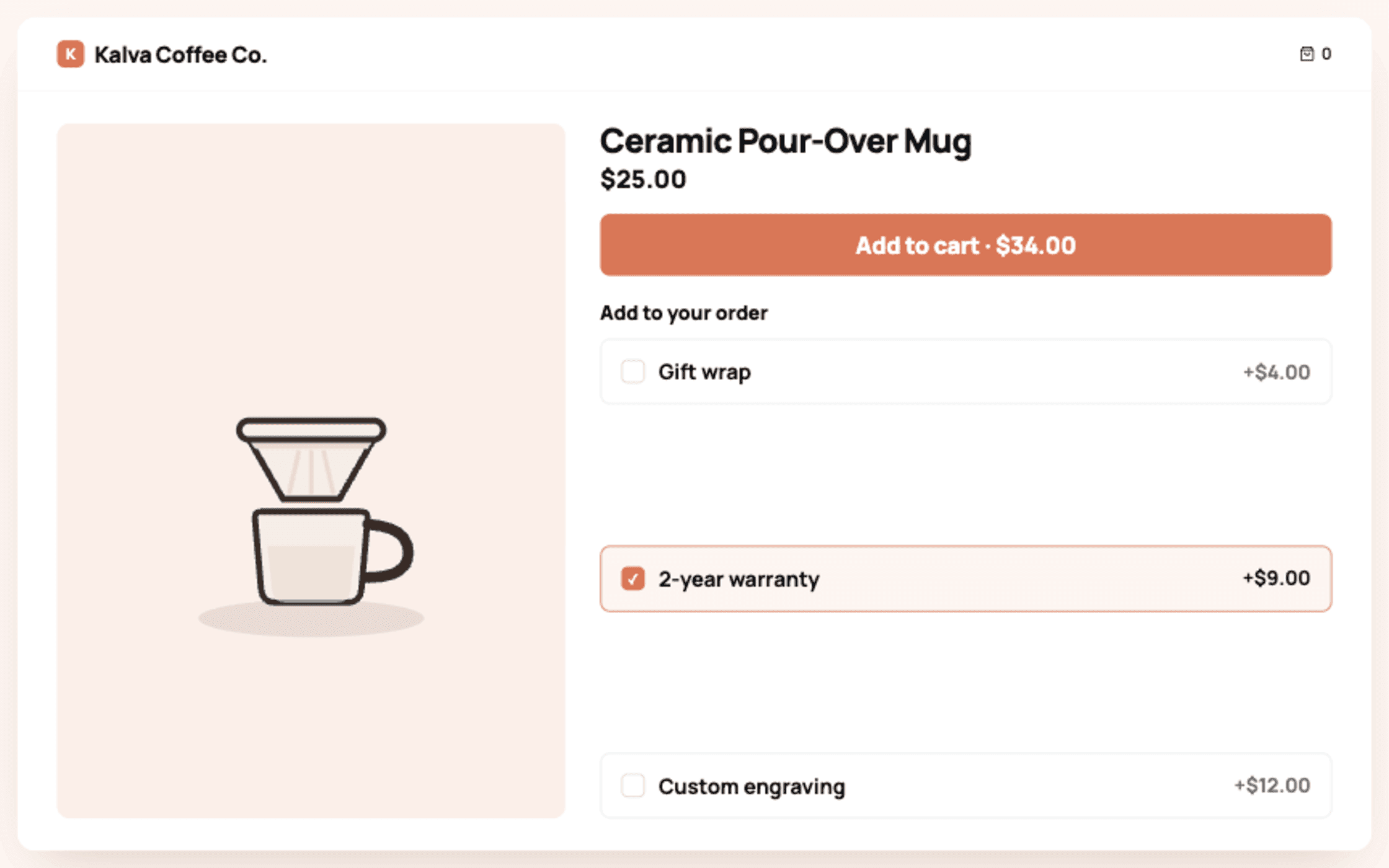
The shopper is entering payment details, which means their tolerance for decisions is at its session minimum. The offers that work here are additions that require no thought:
- Shipping protection or package insurance, a percentage of order value.
- Gift wrap or a gift note.
- A small consumable refill or sample tied to the cart contents.
- A warranty or priority processing option.
What fails at checkout: alternative products, anything needing a size or variant choice, and anything above roughly 25 percent of the order value. Those belong on the product page or in the cart, earlier in the journey.
What Can Non-Plus Stores Do Instead?
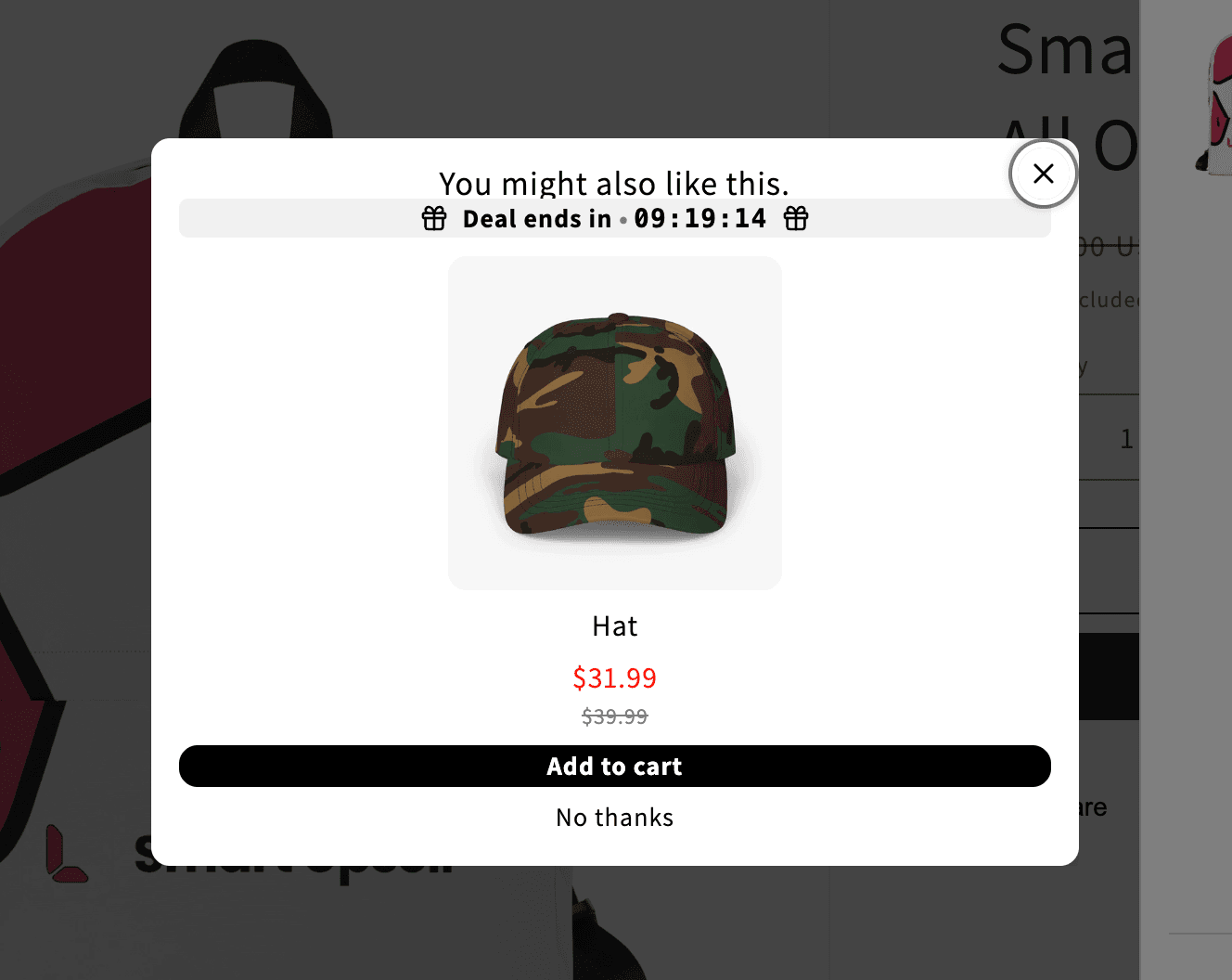
Bracket the checkout. Before it: a cart popup or drawer offer that triggers on add to cart, the highest-intent click of the session, carrying your strongest complementary offer. After it: a post-purchase 1-click offer between payment and the thank-you page, which works on every plan through Checkout Extensibility and carries zero risk to the completed sale. A standard-plan store running both placements captures more upsell revenue than a Plus store running only a checkout block, because the bracket covers 2 decision moments instead of 1.
| Placement | Plan | Fires | Best offer |
|---|---|---|---|
| Cart popup / drawer | Any | On add to cart | 1 complement or volume tier |
| Checkout page | Plus only | While paying | Shipping protection, gift wrap |
| Post-purchase | Any | After payment | 1-click complement or refill |
Related guides: How to upsell on Shopify, Set up post-purchase upsells, Best post-purchase upsell apps and Post-purchase funnel case study.