
Best Shopify Account & Login Apps (2026)
Last updated: May 2026 · Pricing and ratings verified from live Shopify App Store listings on May 4, 2026. Reviewed by the Libautech team — builders of Built for Shopify apps used by 5,000+ merchants across 50+ countries.
Key Takeaways
- Customer accounts solve four jobs: faster checkout, gated content or pricing, social proof through reviews tied to real buyers, and lower fraud through verified identity.
- Native Shopify accounts cover the basics. You only need a third party app when you want passwordless login, social SSO, B2B approval flows, or branded account pages with order history beyond the default.
- Passwordless OTP login lifts conversion on mobile because it removes the password reset loop. Social login lifts it on desktop where users already have Google or Facebook open.
- B2B and wholesale stores need account approval, customer tagging, and price visibility rules. That is a different category from D2C login optimization — do not pick a B2C focused app and try to retrofit it.
- Most stores under $50K MRR do not need an accounts app. They need a sticky add to cart, a clear announcement bar, and one upsell offer. Login optimization helps only after you have repeat purchase volume.
- If you do install an accounts app, pair it with the rest of the conversion stack — Bundles & Upsell for AOV, Sticky Add to Cart for the buy button, and Shoptank for AI search visibility.
Who Needs an Account & Login App, and Why?
An account and login app upgrades Shopify's basic customer accounts: richer account pages with order history and wishlists, social and one-tap OTP login, and access controls that gate content or wholesale pricing. Smoother login and useful accounts bring customers back and reduce checkout friction.
You need one if you want returning customers to log in easily, run a members or wholesale area, or need social and passwordless sign-in. A simple store where most buyers check out as guests may not need it.
The Four Jobs of Account and Login Apps
Customer accounts on a Shopify store look simple from the outside — a login link in the top right, a password field, an order history page. Underneath that, accounts are quietly doing four different jobs at once, and the right app to install depends entirely on which of those jobs is actually broken for you. Most merchants over install here. They reach for an account customizer when what they really needed was either nothing at all, or a completely different kind of tool.
The first job is friction reduction at checkout. A logged in customer skips the email and address forms, which lifts mobile conversion meaningfully. Native Shopify accounts already do this through the new customer accounts product, which uses email verification codes instead of passwords. The mechanics are: customer enters email, receives a six digit code, pastes it back, and is logged in. Best fit for stores running Shopify checkout on a standard D2C funnel where the only goal is faster repeat purchase.
The second job is gated access. You want certain customers to see certain prices, certain products, or certain content. This is the wholesale and B2B use case, and it cannot be solved by login customizers — it needs an app that ties customer tags to catalog visibility and pricing rules. The mechanics are: customer requests an account, you approve and tag them, and the storefront then shows or hides products and prices based on those tags. Best fit for B2B operators, exclusive product launches, and member only stores.
The third job is identity verification for fraud and reviews. When a review or comment is posted by a logged in customer with a verified email and order history, you trust it more, and so does Google. Apps in this lane sit alongside review apps and help connect the customer record to social or third party identity providers. The mechanics are: customer signs in with Google or Facebook, your store inherits the verified email from the provider, and the order is tagged with that identity. Best fit for stores fighting refund fraud or trying to lift review trust scores.
The fourth job is branded customer experience. The default Shopify account page is functional but plain. Some merchants want loyalty points, recently viewed products, wishlists, reorder buttons, and subscription management all in one place. The mechanics are: a customer dashboard app replaces or extends the native account page with widgets pulling from Shopify and from connected apps. Best fit for stores with high repeat rates, subscription components, or loyalty programs that need a real home.
Account apps stack with broader trust and conversion tools. See our guides on best Shopify fraud prevention apps for the security side of identity, best Shopify wholesale apps for B2B account workflows, and best Shopify loyalty apps for the retention layer that lives inside the account page.
Login and Account Optimization
1. Shopify Customer Accounts (Native)
Rating: Built into Shopify · Pricing: Free · Best for: Most D2C stores
Before you install anything, turn on new customer accounts in your Shopify admin. The new account system uses email one time codes instead of passwords, which removes the entire password reset support load. Customers get a branded login flow at shop.app/accounts and a clean order history page. For 80 percent of D2C stores under $200K MRR, this is the right answer and the only answer.
Where it falls short: no social login, no full account page customization, no B2B approval logic. If your only complaint is the look of the page, fix it with a theme edit before you reach for an app.
2. Flits Customer Account Page
Rating: 4.8/5 · Pricing: Free plan, paid from $4.99/mo · Best for: Stores wanting a richer account dashboard
Flits replaces the native account page with a fuller dashboard — profile editor, order history, recently viewed, reorder button, social login, store credit, and a wishlist. The store credit module is the standout, useful for refund alternatives that keep money in the store. Setup is theme aware and requires no code edits on most modern themes.
Use it when your repeat rate is high enough to justify the dashboard real estate. Skip it if your repeat rate is below 15 percent — a dashboard for customers who never come back is dead pixels.
3. Customer Accounts Concierge
Rating: 4.7/5 · Pricing: Free plan, paid from $9/mo · Best for: Stores layering multiple account features
Concierge bundles social login, customer profile customization, account fields, order tracking, and a points style loyalty option in one install. The fewer apps approach matters because every account customizer adds load to the customer pages and risks conflicting with the others. Concierge is built around being the single account layer, not one of three.
Pick it when you know you want at least three of: social login, custom fields, branded order history, and loyalty hooks. For just one of those, a more focused app is leaner.
Passwordless and Social Login
4. miniOrange Social Login
Rating: 4.8/5 · Pricing: Free plan, paid from $4.99/mo · Best for: Stores adding Google, Facebook, Apple SSO
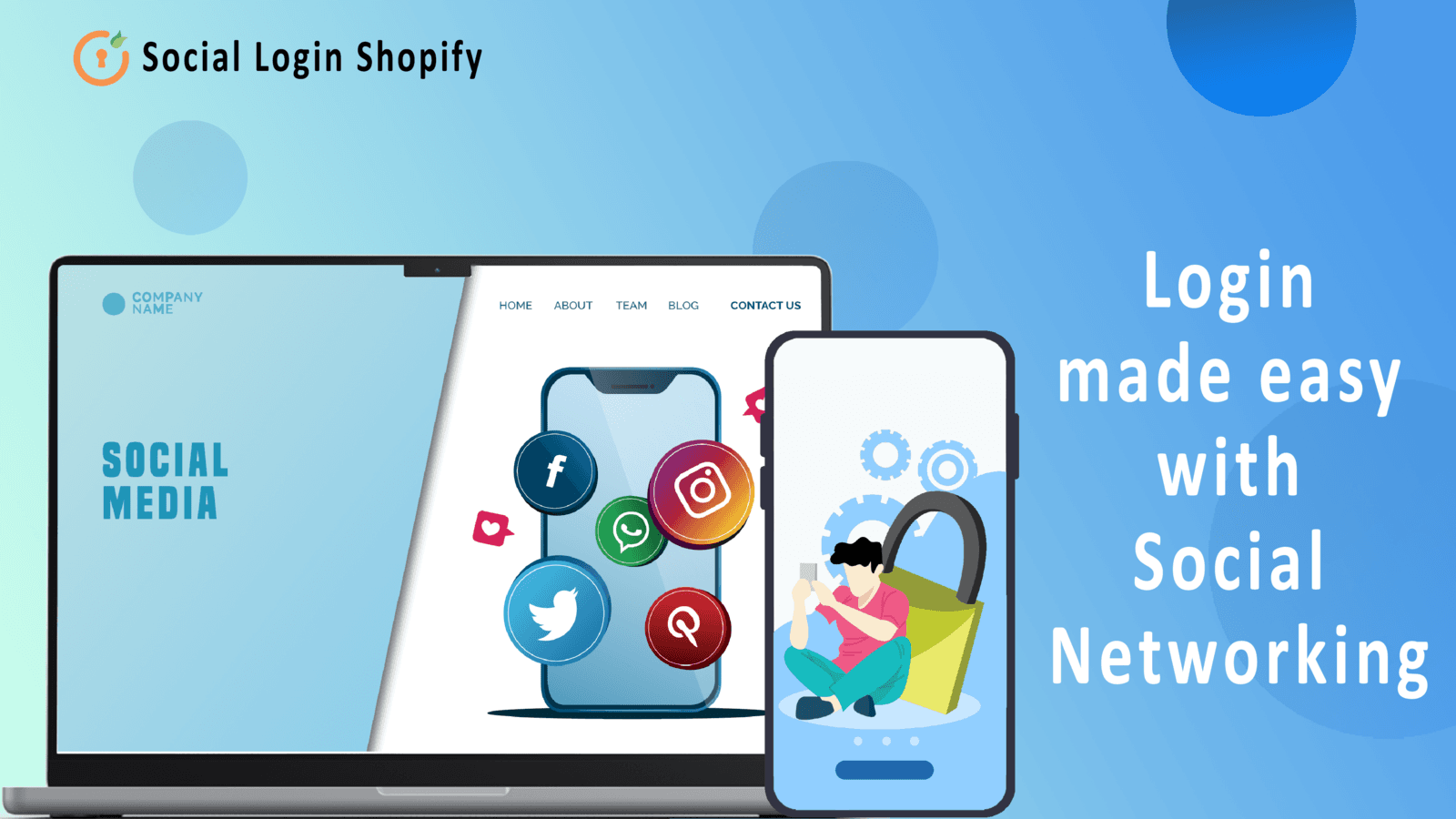
miniOrange is the social login workhorse on Shopify. It supports Google, Facebook, Apple, Twitter, Amazon, LinkedIn, and a long tail of others, with OTP based passwordless login as a backup. The free plan covers Google and Facebook, which is enough for most D2C use cases. Configuration is a few clicks per provider, with a placement choice between login page, popup, or both.
It works best on stores where customers already have an account with one of the big providers, which is to say most stores. The single biggest conversion lift you will see from this app is on mobile, where typing a password is annoying and tapping the Google button is one tap.
5. OTP Login — SMS and Email
Rating: 4.6/5 · Pricing: Free plan, paid from $9.99/mo · Best for: Markets where SMS login is normal
In India, Southeast Asia, the Middle East, and parts of Latin America, customers expect to log in with a phone number and an OTP, not an email and password. OTP Login apps add a phone number first signup and login flow that uses your chosen SMS provider. SMS costs are passed through, so the per login cost is real but small.
Install only if your customers are in markets where SMS login is the cultural default. In the US, EU, and UK, most users find it unfamiliar and trust falls slightly. Test before you commit on a default storefront.
B2B and Wholesale Account Control
6. B2B/Wholesale Solution
Rating: 4.8/5 · Pricing: Free plan, paid from $24.99/mo · Best for: Hybrid B2B/D2C stores
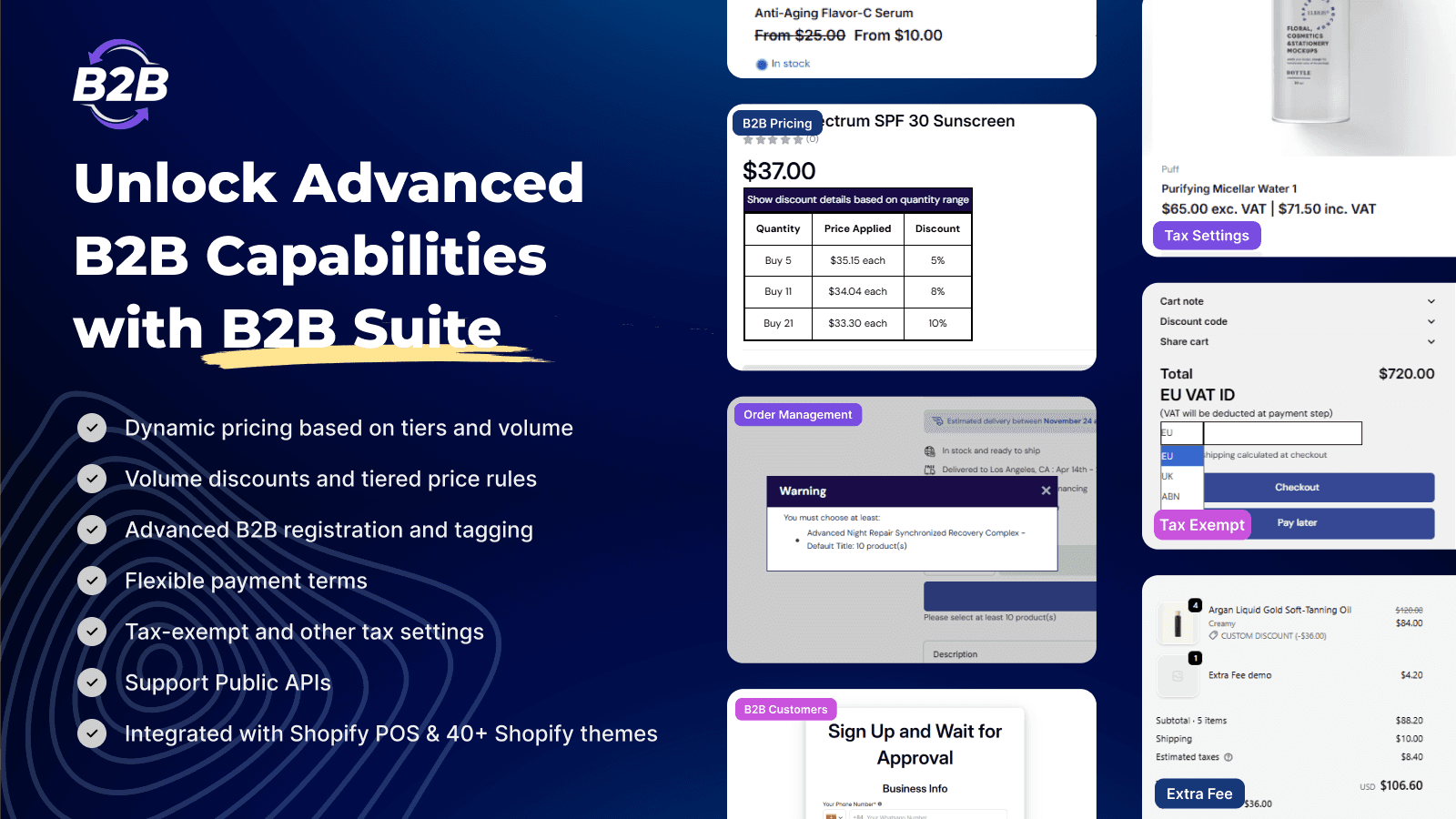
This category solves a different problem than D2C login. The job is: gate the storefront so anonymous visitors see one experience and approved B2B customers see another — different prices, different products, different minimum orders. The mechanics are customer registration with approval, tag based price lists, and storefront visibility rules driven by those tags.
If you are running a Shopify Plus B2B catalog, you may not need a third party app at all — the native Plus B2B features cover most of this. For Basic, Shopify, and Advanced plans running hybrid models, a wholesale app is still the cleanest path.
7. Locksmith
Rating: 4.9/5 · Pricing: $9/mo · Best for: Granular content gating
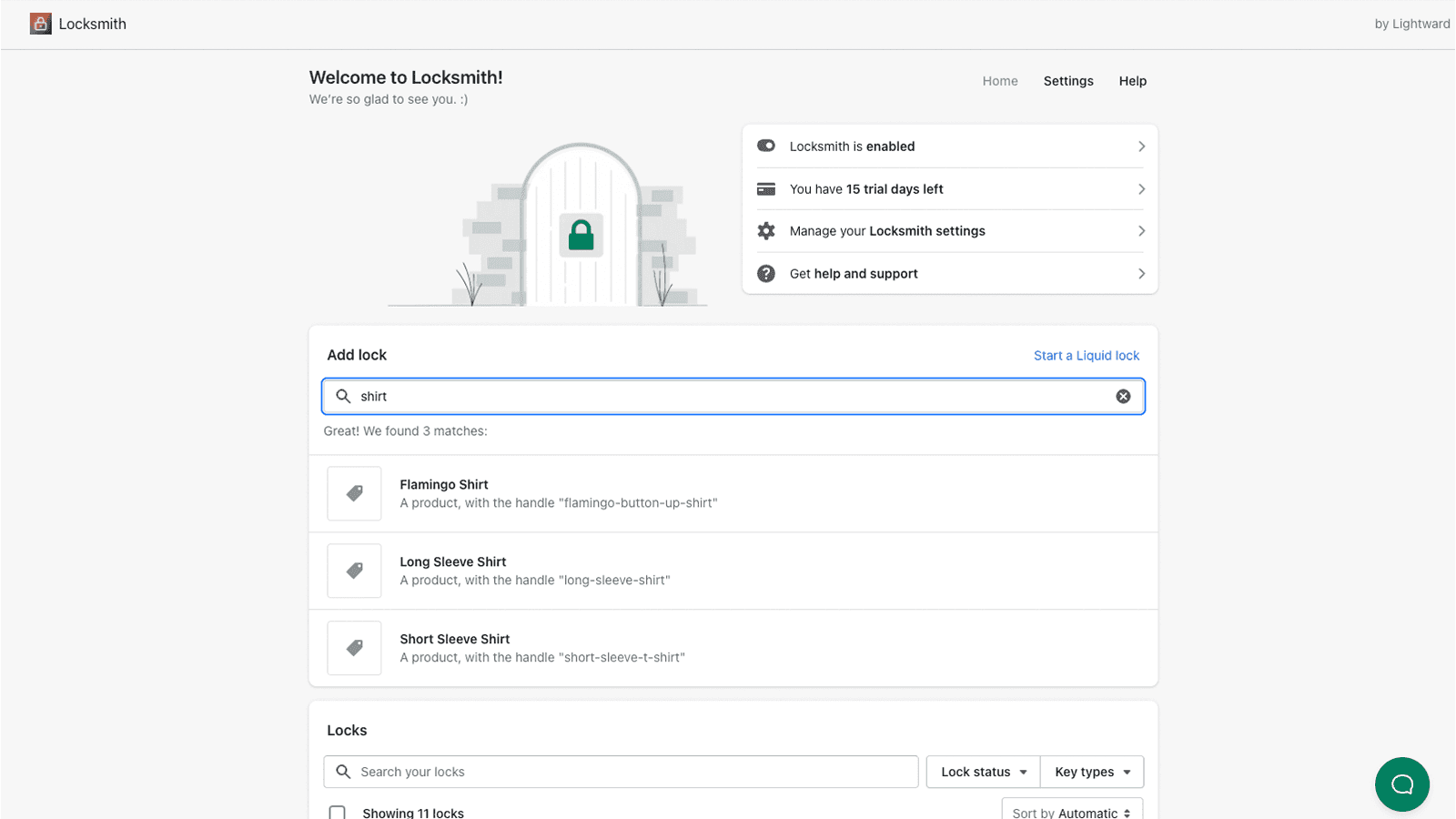
Locksmith is a precision tool. It lets you lock pages, products, collections, or even theme sections behind any condition — customer tag, password, secret link, country, or login state. It does not try to be an account customizer. It just does access control, and it does it with surgical control. Install it when your gating logic is more complex than what a wholesale app handles natively, like a hidden VIP collection that only opens for customers tagged from a specific newsletter signup.
Account Page Branding and Loyalty
8. Smile.io — Loyalty and Rewards
Rating: 4.8/5 · Pricing: Free plan, paid from $49/mo · Best for: Account pages that double as loyalty homes
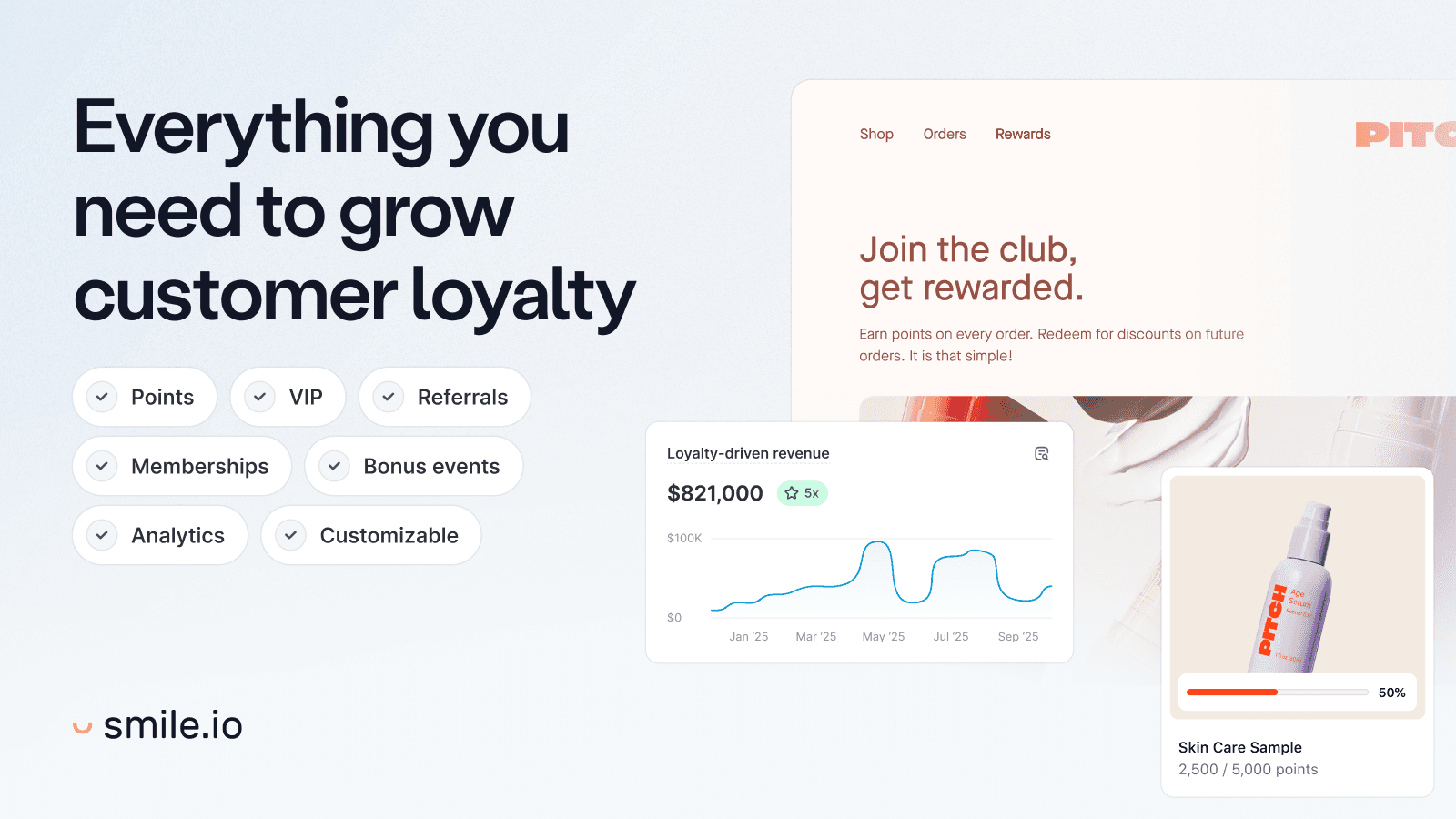
Smile is not technically an account app, but it is the most common reason a Shopify customer logs in after the first purchase. Points balance, redemption history, referral links, and tier status all live in the customer account view. If you are going to invest in account page real estate, loyalty is the highest leverage thing to put there — it gives the page a reason to exist on every visit, not just at checkout.
Pair it with native Shopify accounts plus a single social login app and you have covered the four jobs without bloating the storefront with three different account customizers fighting over the same DOM.
Comparing the Stack
The decision tree for accounts is simpler than most categories. If you are pure D2C and your repeat rate is under 20 percent, run native Shopify accounts and stop. If you want to add social login because most of your customers are on mobile, install miniOrange on the free plan. If you are B2B or hybrid, install a wholesale app and ignore the consumer login customizers. If your repeat rate is above 30 percent and customers visit their account page more than once a month, layer Smile or Flits on top to make that page worth visiting.
The cheapest mistake in this category is installing a heavy account customizer on a low repeat rate store. Logins do not drive first purchases. They lift second and third purchases. If your second purchase rate is the problem, fix the product, the email flow, or the post purchase experience first — then optimize the login. While you do that, the conversion rate work that does help every store starts at the product page and the cart. Libautech's Sticky Add to Cart keeps the buy button visible while customers scroll long product pages, Bundles & Upsell adds product page and cart upsells that lift average order value, and Announcement Bar runs the store wide free shipping or sale messaging that pulls anonymous visitors toward checkout in the first place. All three are on the $14.99 per month Package plan, which is what most stores need before they need a richer account experience.
How We Ranked These Apps
Every rating, pricing tier, and capability claim in this post was verified directly from each app's live Shopify App Store listing on May 4, 2026. Account and login pricing changes frequently — always confirm current pricing on the Shopify App Store before installing.
Ranking criteria, in priority order: (1) which of the four account jobs each app solves best (login optimization, gated access, identity verification, or branded experience) — there is no single best account app, and the right choice depends on your store profile (D2C vs B2B), repeat rate, and whether you need social login or just better default accounts; (2) cost-effectiveness at realistic store scale (most stores get the value from native Shopify accounts plus one specialist for the one job that's actually broken); (3) Shopify App Store rating and review volume as a signal of long-term reliability; (4) integration depth with Shopify's native customer accounts and theme system — apps that work alongside Shopify's primitives win over apps that fight them.
Frequently Asked Questions
What is the best Shopify account and login app in 2026?
Depends on which job. For most D2C stores: Shopify's native customer accounts (free, password-free with email codes) is enough. For social login on mobile-heavy stores: miniOrange (4.8 rating, free plan covers Google and Facebook). For B2B and wholesale gating: B2B/Wholesale Solution (4.8 rating, free plan, paid from $24.99/month) or native Shopify Plus B2B if you're on Plus. For granular content gating: Locksmith (4.9 rating, $9/month). For loyalty-driven account pages: Smile.io (4.8 rating, free plan, paid from $49/month). Most stores need just one of these alongside native accounts.
Do I need a third party account app if Shopify's native customer accounts work?
For most D2C stores under $200K MRR, no. The new Shopify customer accounts (passwordless email codes, branded login flow, clean order history) cover the core jobs. You only need a third-party app when you have a specific named gap: social login, B2B approval workflows, granular content gating, or a loyalty-centered account page. The mistake to avoid is installing an account customizer because the default page looks plain — fix that with a theme edit, not an app.
What is the difference between native Shopify accounts and Shopify Plus B2B?
Native customer accounts are the consumer-facing login system, free on every Shopify plan. Shopify Plus B2B is a separate B2B catalog feature with company-level accounts, customer-specific price lists, draft order workflows, and approval rules — only available on Shopify Plus. For Basic/Shopify/Advanced plans running B2B, you need a third-party wholesale app (B2B/Wholesale Solution, BSS, etc.) to replicate the gating and pricing logic Plus B2B provides natively.
Will account and login apps slow down my Shopify store?
Some can. Heavy account customizers replace the native account page with a JavaScript-driven dashboard that adds storefront load. Lightweight social login apps (miniOrange) add only a small script. Native customer accounts add zero. Pick the leanest tool for the job you actually need, and avoid stacking multiple account customizers — they fight for the same DOM and compound the load cost.
Does social login actually lift Shopify conversion?
On mobile, often yes — typing a password on a phone is annoying, and tapping a Google or Apple SSO button is one tap. On desktop, the lift is smaller because users may not be signed into Google in the same browser. The real conversion lift comes from removing the password reset loop, which native Shopify accounts already solve via email codes. If you've enabled native accounts and you still want social login, miniOrange's free plan covers Google and Facebook at no cost.
What is OTP login and when should I use it?
OTP (one-time password) login is phone-number-first authentication — customer enters their phone, receives an SMS code, and is logged in. It's the cultural default in India, Southeast Asia, the Middle East, and parts of Latin America. In the US, EU, and UK, most customers find SMS login unfamiliar and trust drops slightly. Install OTP login only if your traffic is in markets where it's expected. SMS costs pass through to you, so per-login cost is real but small.
How do I gate Shopify products to certain customers only?
Three options, in increasing complexity. (1) Customer tags + theme conditional logic: free, but needs theme edits. (2) A wholesale app like B2B/Wholesale Solution: gates products and pricing based on customer tags through a UI, no code required. (3) Locksmith ($9/month): the precision tool for complex gating across pages, products, collections, and theme sections. Pick based on whether you need pricing differences (wholesale app) or just visibility differences (Locksmith).
Should I combine account apps with bundle and upsell apps?
Yes. Account apps reduce friction for repeat purchases; bundle and upsell apps lift AOV on every transaction. They run in parallel rather than competing for budget. Bundles & Upsell by Libautech handles frequently-bought-together bundles, post-purchase upsells, and product page recommendations. Better account UX gets customers back faster; better upsell UX makes every visit more valuable. The two together compound rather than trade off.
How does AI search affect Shopify customer accounts in 2026?
AI search engines (ChatGPT, Gemini, Perplexity, Claude, Copilot) increasingly recommend products to shoppers in conversational answers. Customer accounts don't change for AI-sourced traffic, but the store needs to be discoverable in AI search to receive that traffic in the first place. Shoptank by Libautech handles AI catalog discoverability — generating the structured product feed, schema, and llms.txt configuration that ChatGPT, Gemini, and Perplexity need to surface your store. One merchant has already generated $10,000+ in ChatGPT-referred orders. Plans start at $14.99/month with a 7-day free trial.
What is the difference between Flits and Customer Accounts Concierge?
Flits (4.8 rating) focuses on a richer account dashboard with order history, recently viewed, reorder buttons, store credit, and wishlist — best when your goal is making the account page itself more useful. Customer Accounts Concierge (4.7 rating) bundles social login, custom fields, order tracking, and basic loyalty into one install — best when you want multiple account features without stacking multiple apps. For just one named feature, pick a more focused tool; for three or four features, Concierge is leaner.
Final Word
Accounts and login is the category most often over engineered on Shopify. The default new customer accounts feature is genuinely good now — password free, branded, and free. Reach for an app only when you have a specific named job: social login, B2B gating, or a loyalty centered account page. Install one app for that one job. Anything else is theming pretending to be conversion optimization.