How to Add Upsells to Your Shopify Cart Drawer (2026)
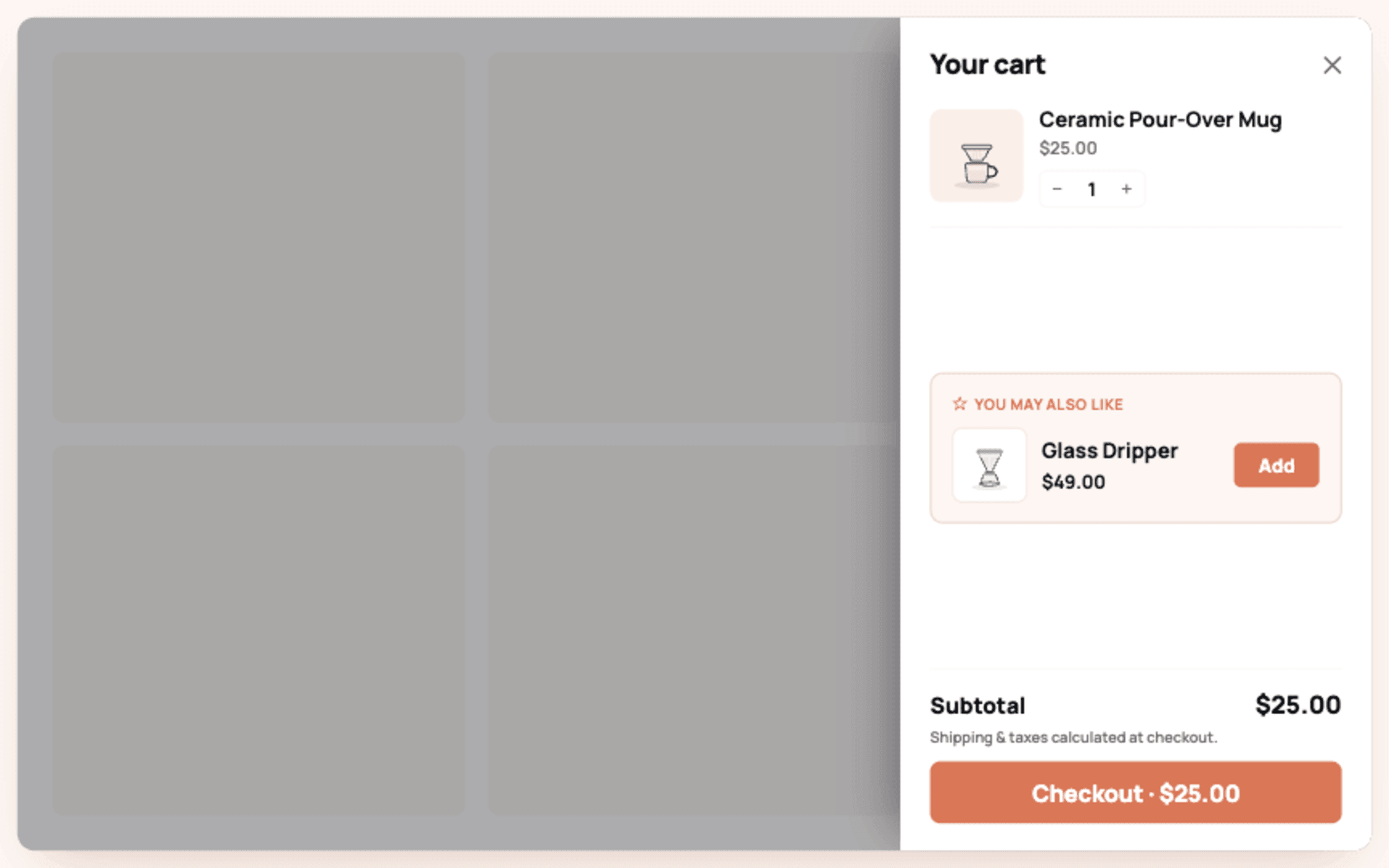
To add upsells to your Shopify cart drawer, install a cart upsell app that supports drawer embeds, create 1 complementary offer with a 1-click add, and enable the app's drawer block; no code is needed on Online Store 2.0 themes and setup takes about 15 minutes. The manual alternative, editing your theme's cart-drawer Liquid and wiring the AJAX cart API, works but breaks with theme updates, which is why even developer-led stores mostly run apps here.
The cart drawer is prime upsell real estate: the shopper just added a product, intent is at its session peak, and the drawer is already open in front of them.
TLDR: Key Takeaways
- The add to cart moment is the highest-intent click in the session; a single relevant complement in the drawer captures it.
- App route: 15 minutes, survives theme updates, includes analytics. Manual Liquid route: full control, breaks on theme changes, no offer analytics.
- One offer in the drawer, priced at 25 to 50 percent of the cart's main item, added in 1 click with any discount applied automatically.
- A free shipping progress bar belongs in the same drawer; the 2 mechanics stack cleanly because one offers a product and the other a threshold.
What Is a Cart Drawer Upsell?
The cart drawer (slide cart or mini cart) is the panel sliding in from the side when a shopper adds a product. A cart drawer upsell is an offer rendered inside that panel: a complementary product with a 1-click add, a quantity nudge, or a threshold bar. It differs from a cart popup (a modal interrupting the page) in that the drawer is part of the shopper's normal flow, which is why drawer offers read as suggestion rather than interruption.
How Do You Add Cart Drawer Upsells with an App?
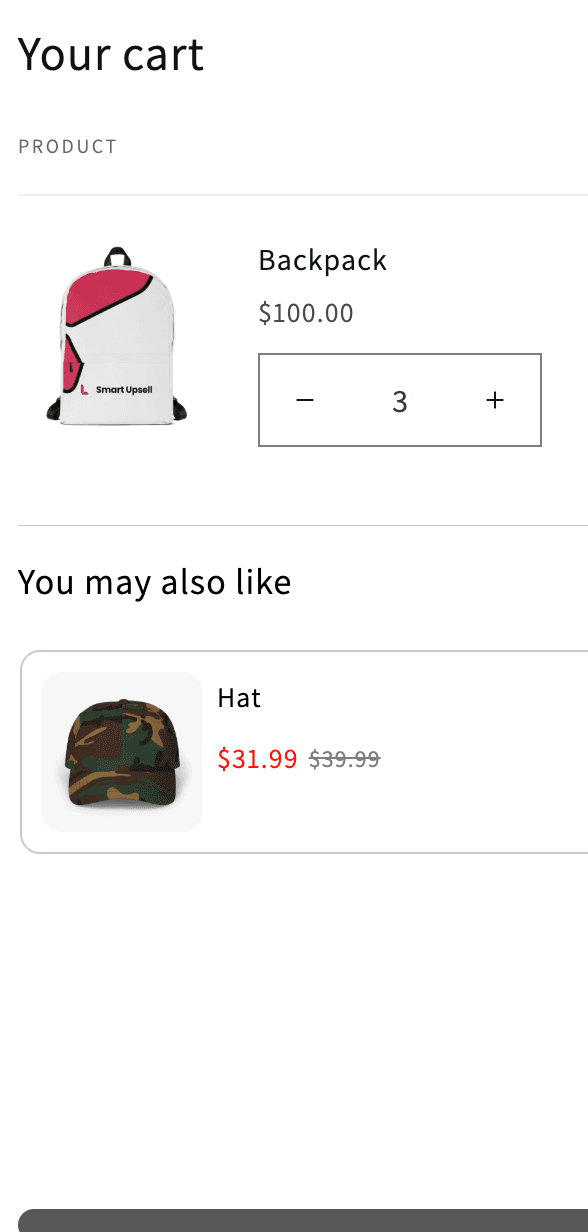
- Install an upsell app with cart drawer support. Libautech Bundles & Upsell renders offers in the drawer and as a popup, alongside its product page, checkout, and post-purchase placements, with a Built for Shopify badge and a 7-day trial.
- Create the offer: pick trigger products (or collections), the complementary product to offer, and the discount if any.
- Choose the drawer placement in the app's display settings; the offer renders inside your existing drawer rather than replacing it.
- Match the styling: fonts and buttons should inherit or mirror your theme so the offer reads native.
- Test on mobile first: add a trigger product, confirm the offer renders inside the drawer, adds in 1 click with the discount applied, and never covers the checkout button.
- Publish and watch offer conversion in the app's analytics; healthy drawer offers convert above 5 percent.
If your theme's drawer is heavily customized or you use a dedicated drawer builder (UpCart, Kaching CartDrawer), check compatibility in the upsell app's listing first; most conflicts in this category are 2 apps both trying to own the drawer.
Can You Build Cart Drawer Upsells Without an App?
Yes, if you own your theme code. The sketch: identify the drawer snippet (commonly cart-drawer.liquid or similar), render recommended products using Shopify's product recommendations API or hand-coded complement mappings, and wire the add button to the AJAX cart API (/cart/add.js) with a section re-render so the drawer updates without a reload. Discounts require either automatic discounts configured in admin or Shopify Functions.
The honest costs: it breaks when you switch or significantly update themes, complement mappings live in code where merchandisers cannot touch them, and you get no offer-level analytics. It is the right route for stores with a developer on staff and unusual drawer requirements, and the wrong route for everyone else.
What Should the Drawer Offer Contain?
One complement to the cart's anchor item, in the 25 to 50 percent price band, with the discount visible and applied automatically. Consumables and accessories dominate acceptance: socks with shoes, filters with the machine, a travel size with the full size. Add a free shipping progress bar above or below the offer; the bar converts hesitant carts and the product offer converts committed ones, and they never compete. What kills drawer performance: multiple offers stacked in the panel, offers requiring a variant choice with no selector, and anything pushing the checkout button below the fold on mobile.