
8 Best Shopify Design Customization Apps (2026)
The best Shopify design customization apps in 2026 let you shape how your store looks and feels without touching theme code: custom pages, ready-made theme sections, product personalization and on-brand polish. They span four jobs: page building, theme sections and blocks, product personalization, and UX layers like a persistent add-to-cart bar. PageFly leads page building, Section Store owns drop-in theme sections, and Globo handles product options. We make one app on this list, a sticky add-to-cart bar, and we list it last and clearly as our own.
Key takeaways
- Design customization is not one tool but several. Match the app to the job: a page builder for custom pages, a section library for drop-in blocks, an options app for product personalization, and a UX layer for things like a sticky buy bar.
- PageFly is the most-installed page builder and Section Store the most-installed section library, both with strong free tiers. For product personalization, Globo leads. We cover page builders and product options in depth in their own guides, linked below.
- Do not stack overlapping apps. Running a page builder, a section library and a theme editor that all edit the same page creates conflicts and page-speed drag. Pick one tool per job.
- Keep it on brand and fast. Use consistent colors, fonts and spacing rather than ad-hoc styling, and test page speed after adding design apps, since extra markup can hurt Core Web Vitals. Ratings and pricing are from the live App Store as of August 2026.
On this page
What a design customization app does
Shopify themes are a strong starting point, but making a store genuinely yours usually means going beyond the theme editor. Design customization apps cover that gap, and they fall into four families.
Page builders give you a drag-and-drop canvas to design custom landing, product and home pages from scratch. If page building is your main need, see our dedicated best Shopify page builder apps guide for a full comparison.
Theme sections and blocks take a lighter approach: a library of pre-designed sections, hero banners, feature grids, testimonials, you drop into your existing theme through the native editor, without rebuilding whole pages.
Product personalization adds custom options and fields to products, swatches, text inputs, uploads, so shoppers can configure what they buy. For the full comparison, see our best Shopify product add-ons apps guide.
UX design layers polish the shopping experience itself, for example a sticky add-to-cart bar that keeps the buy button in view. These are design in the service of usability and conversion rather than pure styling.
Which design job is yours
Name what you want to change and match it to a row.
| You want | Best pick | Why |
|---|---|---|
| Custom landing and product pages | PageFly | The most-installed, most-flexible page builder. |
| Drop-in sections for your theme | Section Store | A big library of ready sections, no full rebuild. |
| Premium, designer-quality sections | Design Packs | A 5.0-rated set of high-end sections and blocks. |
| Custom product options | Globo Product Options | The most-reviewed options and personalization app. |
| A persistent add-to-cart bar | Libautech Sticky Add to Cart | Keeps the buy action in view (our app). |
How we ranked these
We ranked the design apps on flexibility, quality of output, ease of use, page-speed impact, rating and review depth, and price. One app here is ours, Libautech Sticky Add to Cart, and it is a UX layer rather than a page or theme builder, so we list it last and label it plainly as our own. Because design customization spans page builders, section libraries and product options, this is an umbrella guide: where a category has its own dedicated comparison, page builders and product add-ons, we link to it rather than repeat it. Ratings and pricing are from the live Shopify App Store as of August 2026.
The 8 best design customization apps compared
| App | Rating | Reviews | Price | Best for |
|---|---|---|---|---|
| PageFly Landing Page Builder | 4.9 | 5,659 | Free plan available | Custom page building |
| Section Store: Theme Sections | 4.9 | 2,730 | Free to install | Drop-in theme sections |
| GemPages Landing Page Builder | 4.9 | 3,968 | Free plan available | Design-rich pages with AI |
| Globo Product Options | 4.9 | 4,744 | Free plan available | Product personalization |
| EComposer Landing Page Builder | 4.9 | 3,352 | Free plan available | Pages, sections and extras |
| Design Packs: Theme Sections | 5.0 | 85 | Free plan available | Premium designer sections |
| Shogun Landing Page Builder | 4.8 | 1,871 | Free plan available | Enterprise pages and A/B testing |
| Libautech Sticky Add to Cart | 5.0 | 7 | Free plan available | Persistent add-to-cart bar (ours) |
Ratings and pricing verified from live listings, August 2026. The last entry, Libautech Sticky Add to Cart, is our own app; it is a UX layer that complements the design tools rather than a page or theme builder, and it is new.
The apps, ranked
1. PageFly Landing Page Builder
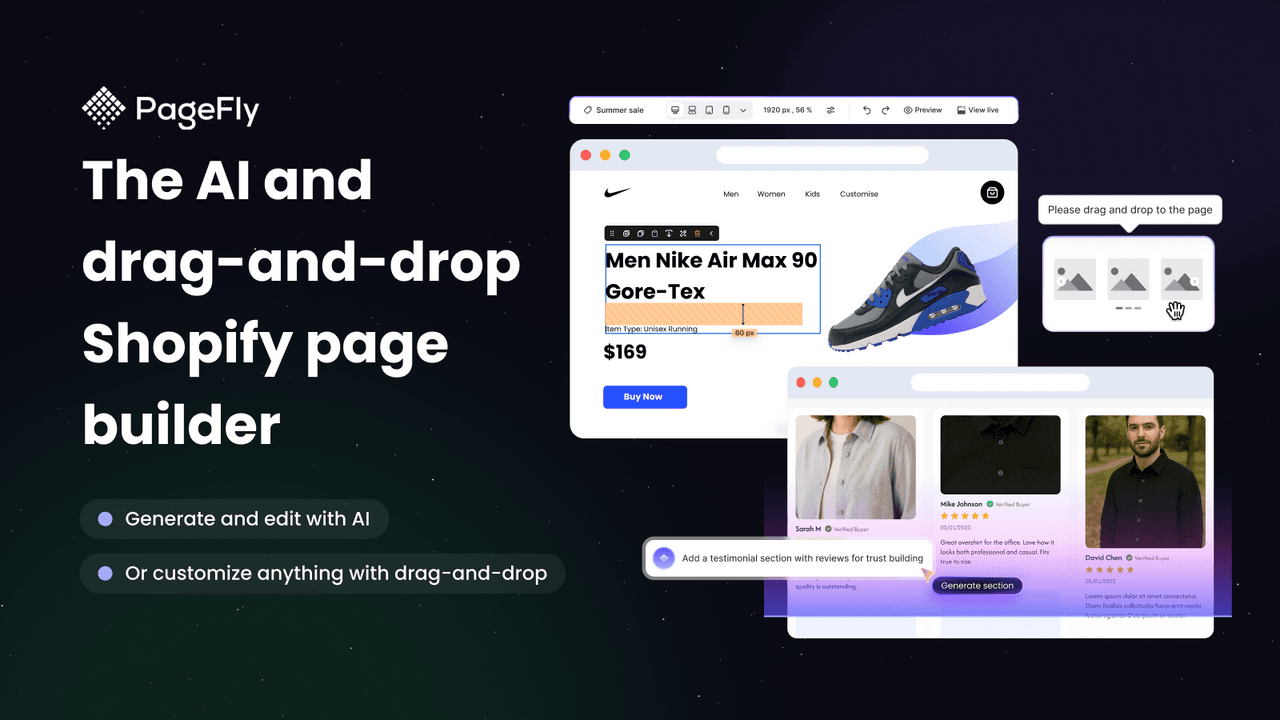
PageFly (4.9 across more than 5,600 reviews) is the most-installed and most-flexible page builder, and the anchor of custom design on Shopify. Its drag-and-drop editor builds any page from a deep library of elements and templates, with a free plan to start. For the full builder comparison, see our page builder apps guide.
Strengths: unmatched flexibility, the deepest review base, every page type, and a genuine free tier.
Watch-outs: the depth has a learning curve, and heavy pages need speed checks to protect Core Web Vitals.
Best for: stores that want to design custom pages from scratch. Free plan available.
2. Section Store: Theme Sections
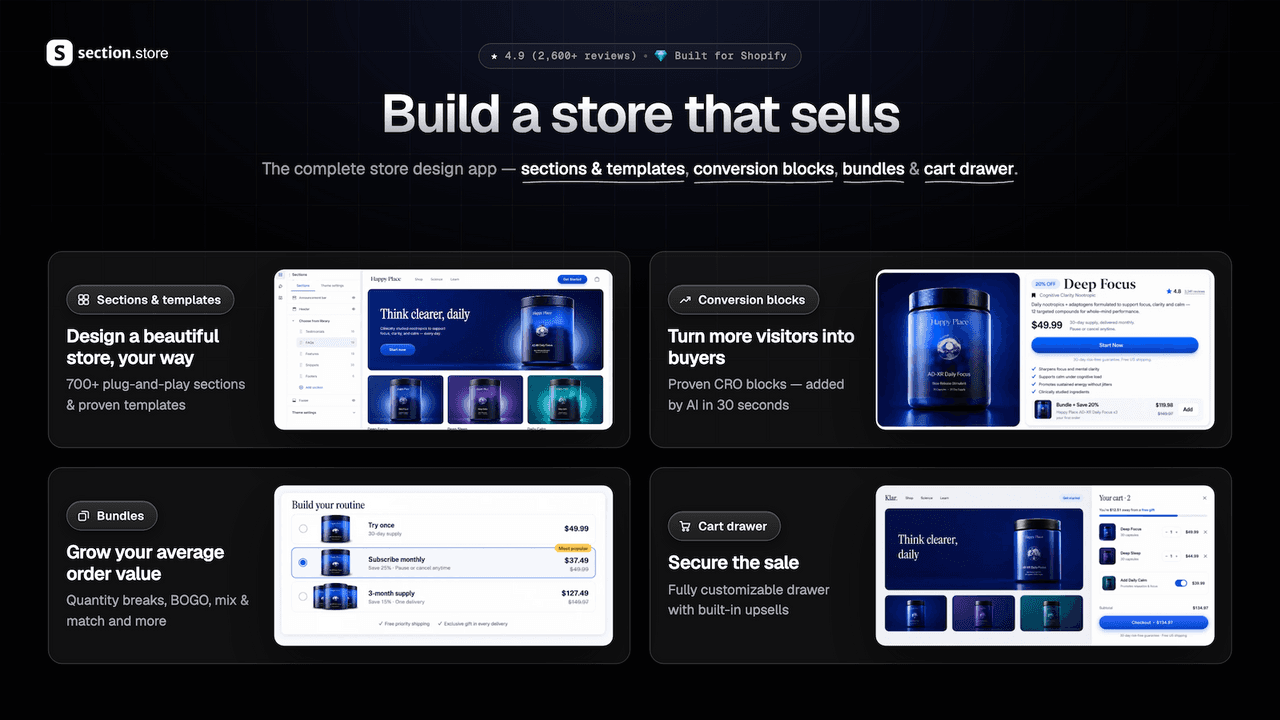
Section Store (4.9 across more than 2,700 reviews) takes the lighter path to design customization: a large library of pre-built theme sections you add to your existing theme through the native editor, with a pay-per-section model and no subscription. It is ideal when you want to upgrade a theme's look without a full page builder.
Strengths: a big library of quality sections, native-editor integration, no monthly fee, and a 4.9 across a deep review base.
Watch-outs: you buy sections rather than build freely, so it is less open-ended than a page builder for fully custom layouts.
Best for: stores wanting to add polished sections to their current theme. Free to install, pay per section.
3. GemPages Landing Page Builder
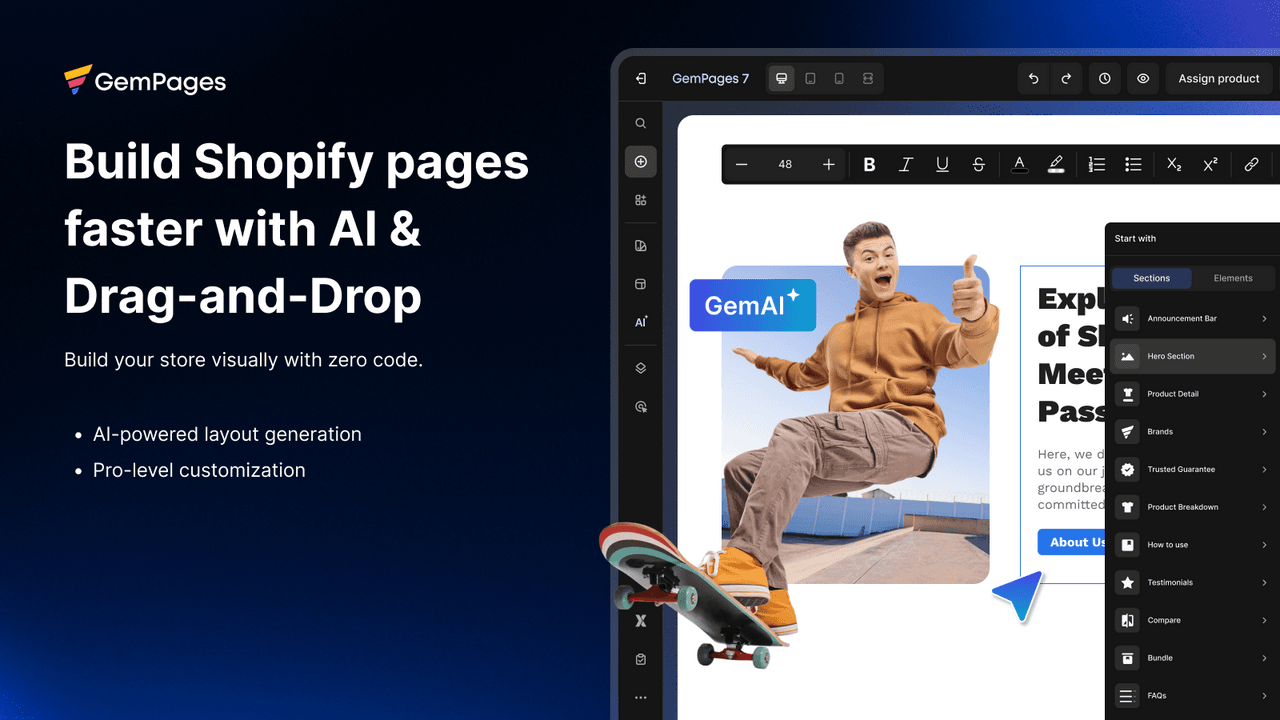
GemPages (4.9 across roughly 3,970 reviews) is a polished, design-forward page builder with strong AI features, including generating a page from a prompt or image. It is a favorite for brands that want striking, custom-looking design quickly.
Strengths: excellent design output, AI page generation, a big template set, and a high rating.
Watch-outs: the richest features and AI tools sit on paid tiers, and complex pages need performance attention.
Best for: brands wanting design-rich pages built fast. Free plan available.
4. Globo Product Options
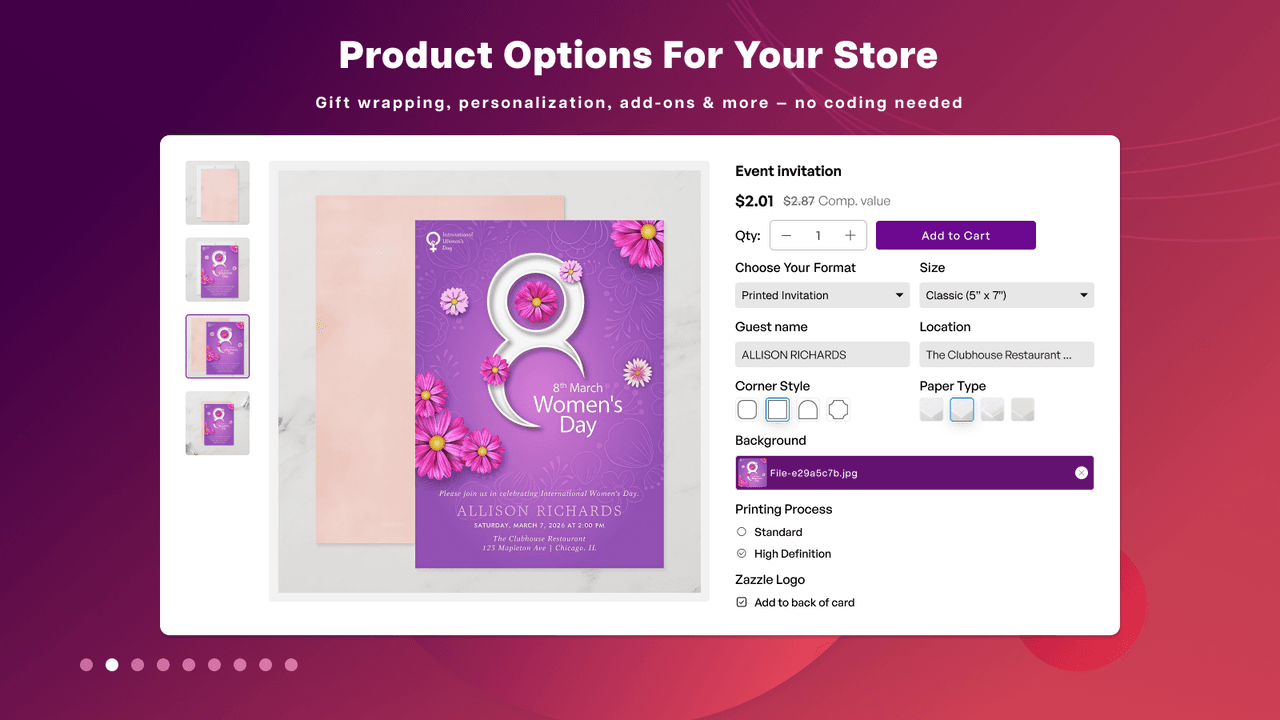
Globo Product Options (4.9 across more than 4,700 reviews) is the design customization app for the product itself: custom fields, swatches, dropdowns, text inputs and file uploads that let shoppers personalize what they buy. For the full options comparison, see our product add-ons apps guide.
Strengths: the most-reviewed options app, every field type, conditional logic, and a free plan.
Watch-outs: option-heavy product pages can add weight, so test performance, and complex option sets take setup time.
Best for: stores that let customers personalize products. Free plan available.
5. EComposer Landing Page Builder
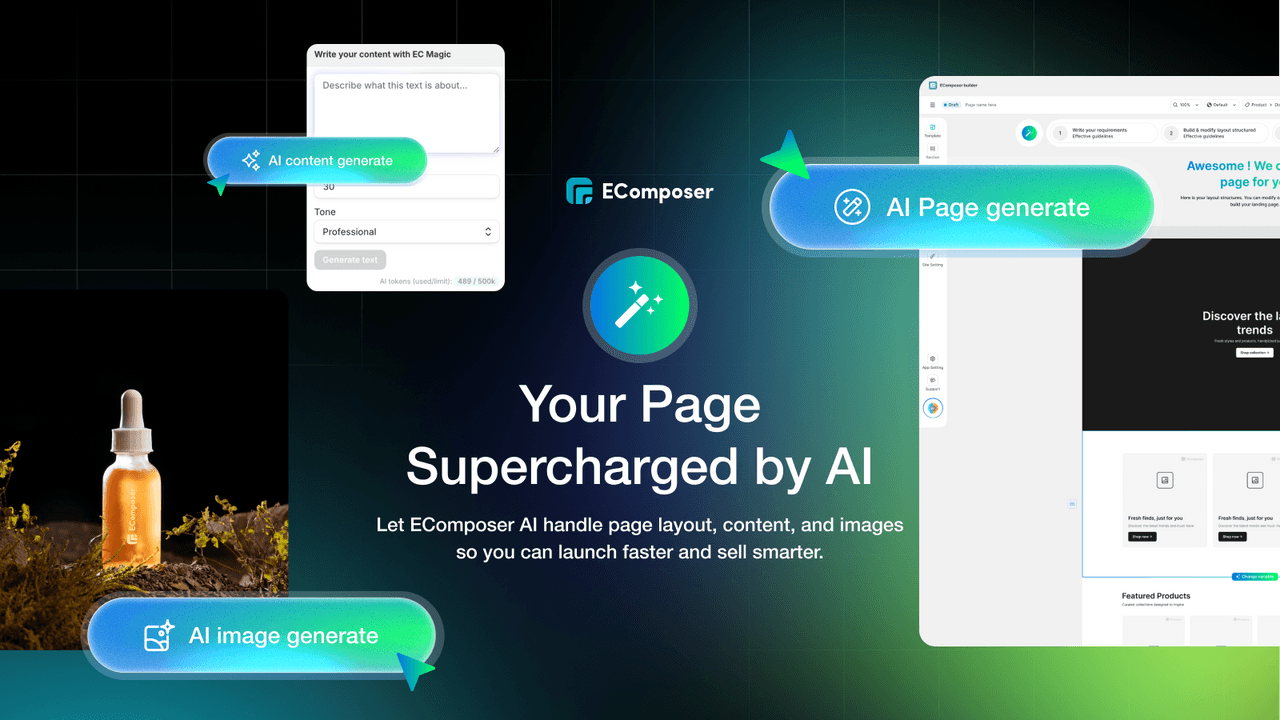
EComposer (4.9 across roughly 3,350 reviews) is a fast-rising all-in-one that combines page building with sections, pop-ups and other design tools in one app, useful if you want to customize several parts of the store from a single install.
Strengths: a broad design toolkit beyond pages, a modern editor, a high rating, and a good free tier.
Watch-outs: the all-in-one scope can be more than a store that just needs one thing, and premium features are paid.
Best for: stores wanting pages, sections and design tools together. Free plan available.
6. Design Packs: Theme Sections
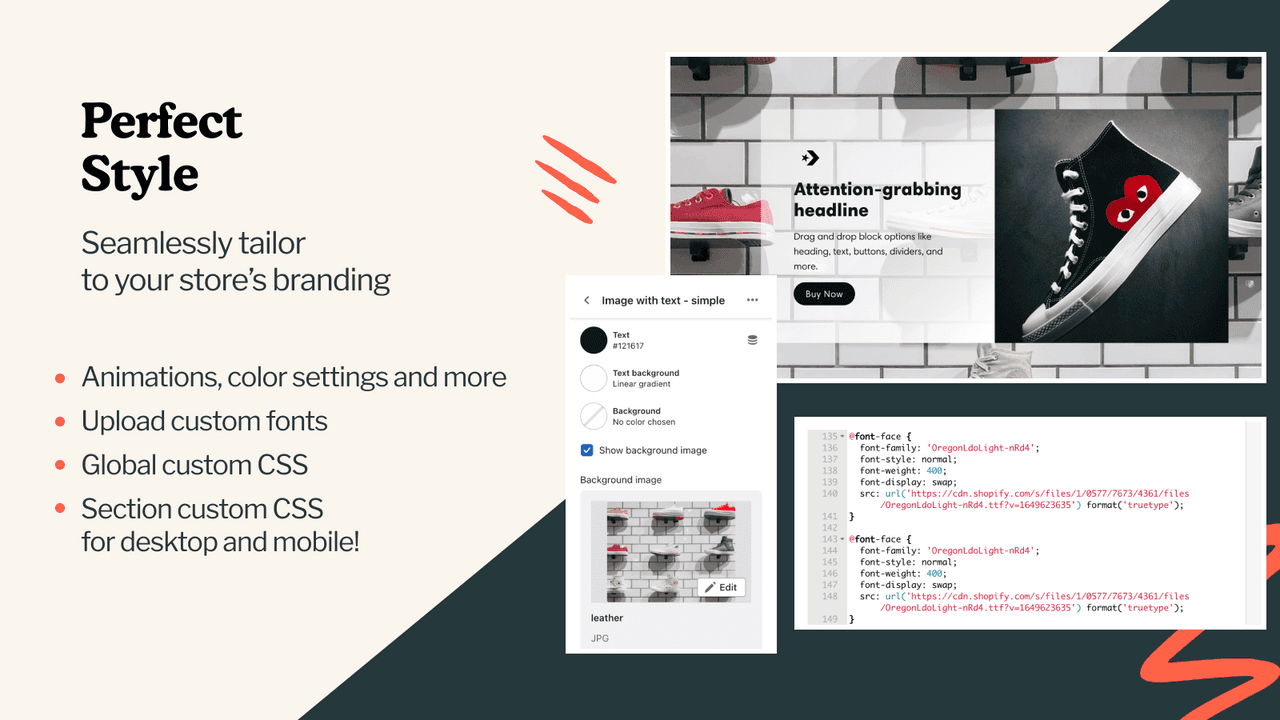
Design Packs (5.0 across roughly 85 reviews) offers premium, professionally designed theme sections and blocks, aimed at stores that want a high-end, editorial look without commissioning custom design work.
Strengths: a 5.0 rating, genuinely designer-quality sections, and native-editor integration for a polished result fast.
Watch-outs: a smaller review base than Section Store, and its premium focus suits brands prioritizing look over lowest cost.
Best for: brands wanting premium, designer-grade sections. Free plan available.
7. Shogun Landing Page Builder
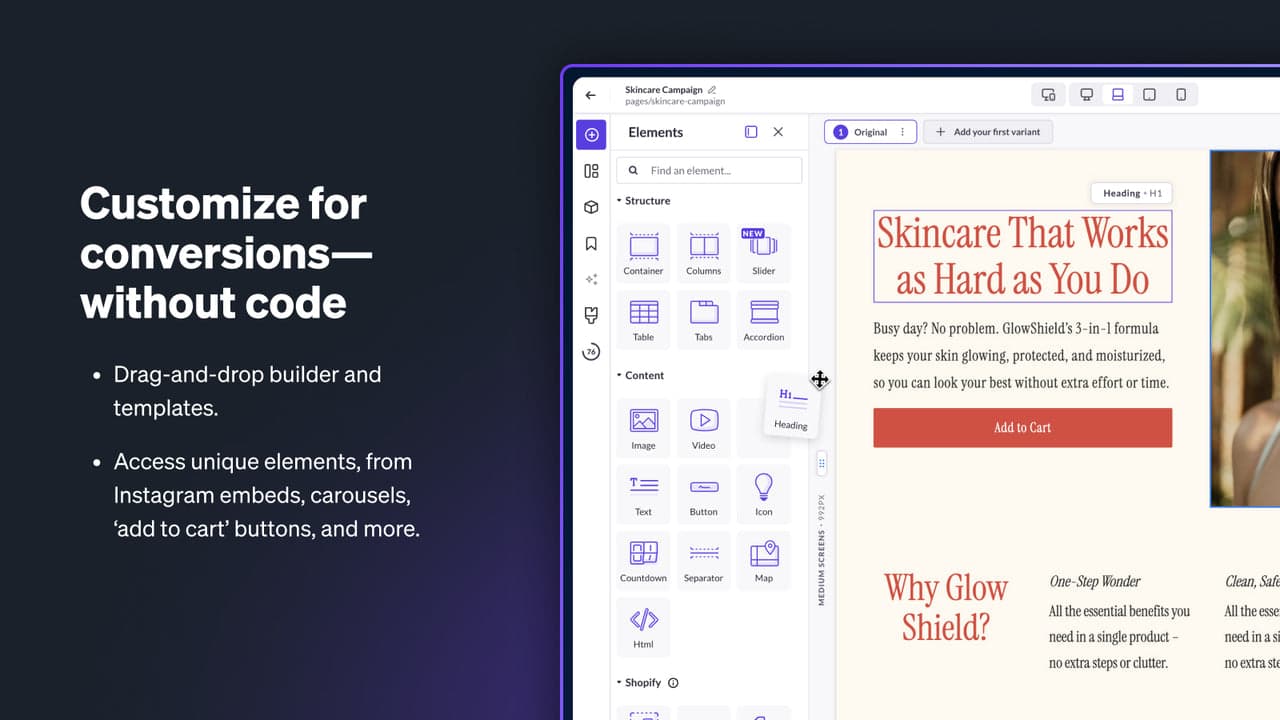
Shogun (4.8 across roughly 1,870 reviews) is the enterprise-grade design builder, with A/B testing, personalization and analytics built in, for teams that optimize their design rather than just publish it, often across multiple stores.
Strengths: built-in A/B testing and personalization, strong analytics, and enterprise features for larger teams.
Watch-outs: it is priced and built for larger operations, so it is more than a small store needs.
Best for: larger brands optimizing design with A/B testing. Free plan available, enterprise tiers.
8. Libautech Sticky Add to Cart
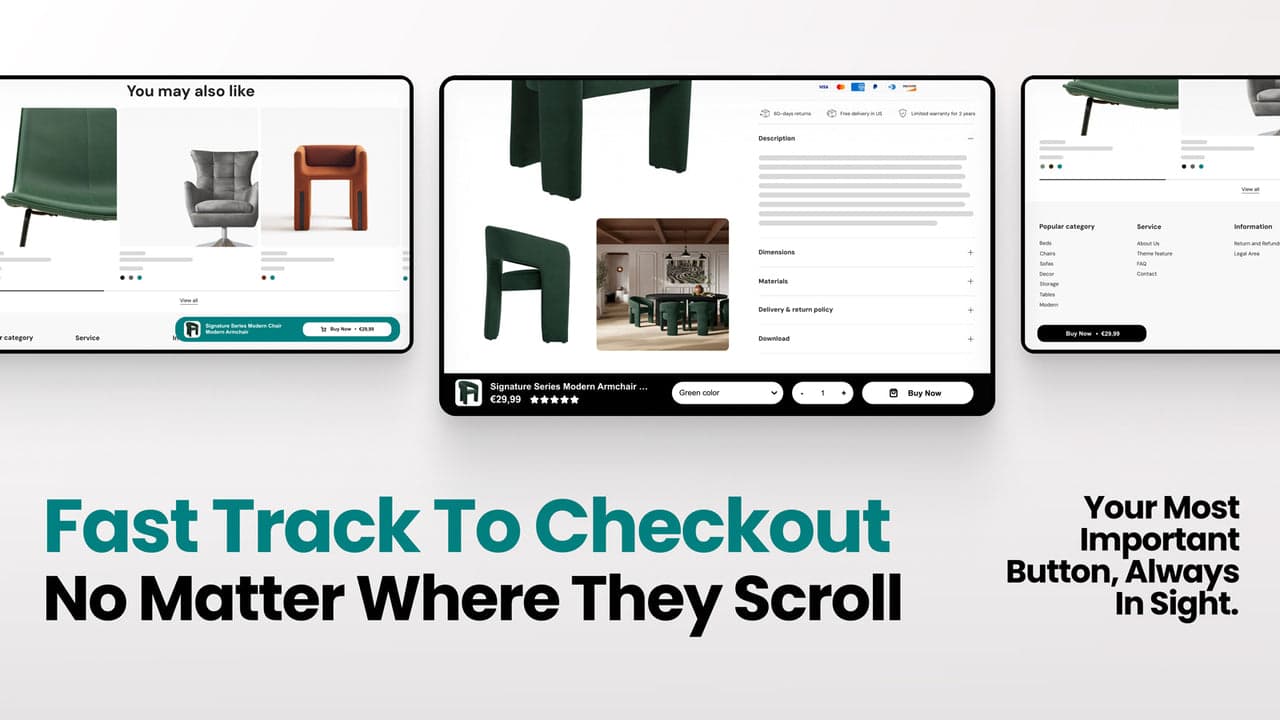
This one is ours, and it is a UX design layer rather than a page or theme builder, so we list it last and say so plainly. Libautech Sticky Add to Cart (a new app, 5.0 across a small base of 7 reviews) adds a sticky, on-brand add-to-cart bar that keeps the buy button and price in view as shoppers scroll a long product page. It is a Built for Shopify app with a free plan, and it complements the design tools above rather than replacing them: they shape the page, it keeps the path to purchase visible.
Strengths: keeps the add-to-cart action in view on long pages, styled to match your brand, a Built for Shopify app with a free plan.
Watch-outs: it is a focused UX layer, not a design builder, so it complements rather than replaces the tools above. And it is our own product, and new, so weigh that.
Best for: stores with long product pages that want the buy action always visible. Free plan available.
Which design app to choose
Best for custom pages: PageFly, the most-installed page builder.
Best for drop-in sections: Section Store, or Design Packs for premium sections.
Best for design with AI: GemPages.
Best for product personalization: Globo Product Options.
Best persistent buy bar: Libautech Sticky Add to Cart, our own app, alongside your design tools.
Which design customization app fits your store?
Pick what you want to customize and we will point you to the best fit. Most picks are third-party tools chosen on merit; the add-to-cart-bar option is our own app, and we say so.
Common design customization mistakes
Stacking overlapping apps. A page builder, a section library and the theme editor all editing the same page create conflicts, duplicate markup and slowdowns. Pick one tool per job and remove the ones you are not using.
Ignoring page speed. Every design app adds markup and scripts. Test your Core Web Vitals after customizing, especially on mobile, since a beautiful but slow page loses sales and search ranking.
Designing without a system. Ad-hoc colors, fonts and spacing make a store feel amateur. Decide on a small palette, one or two fonts and consistent spacing, and apply them everywhere for a coherent, professional look.
Forgetting the uninstall lock-in. Pages and sections built in an app usually depend on that app to render. Before committing, understand what happens to your design if you uninstall, and keep backups.
Over-designing the path to purchase. The product and checkout flow should be clean and obvious. Save the bold, experimental design for landing and campaign pages, and keep the buy action, and a persistent add-to-cart where it helps, clear and unmissable.
Think your app belongs on this list?
We review submissions against the same criteria we rank on and add the ones that qualify. If you build a Shopify app in this category, send it in.