
8 Best Shopify Product Add-Ons Apps (2026)
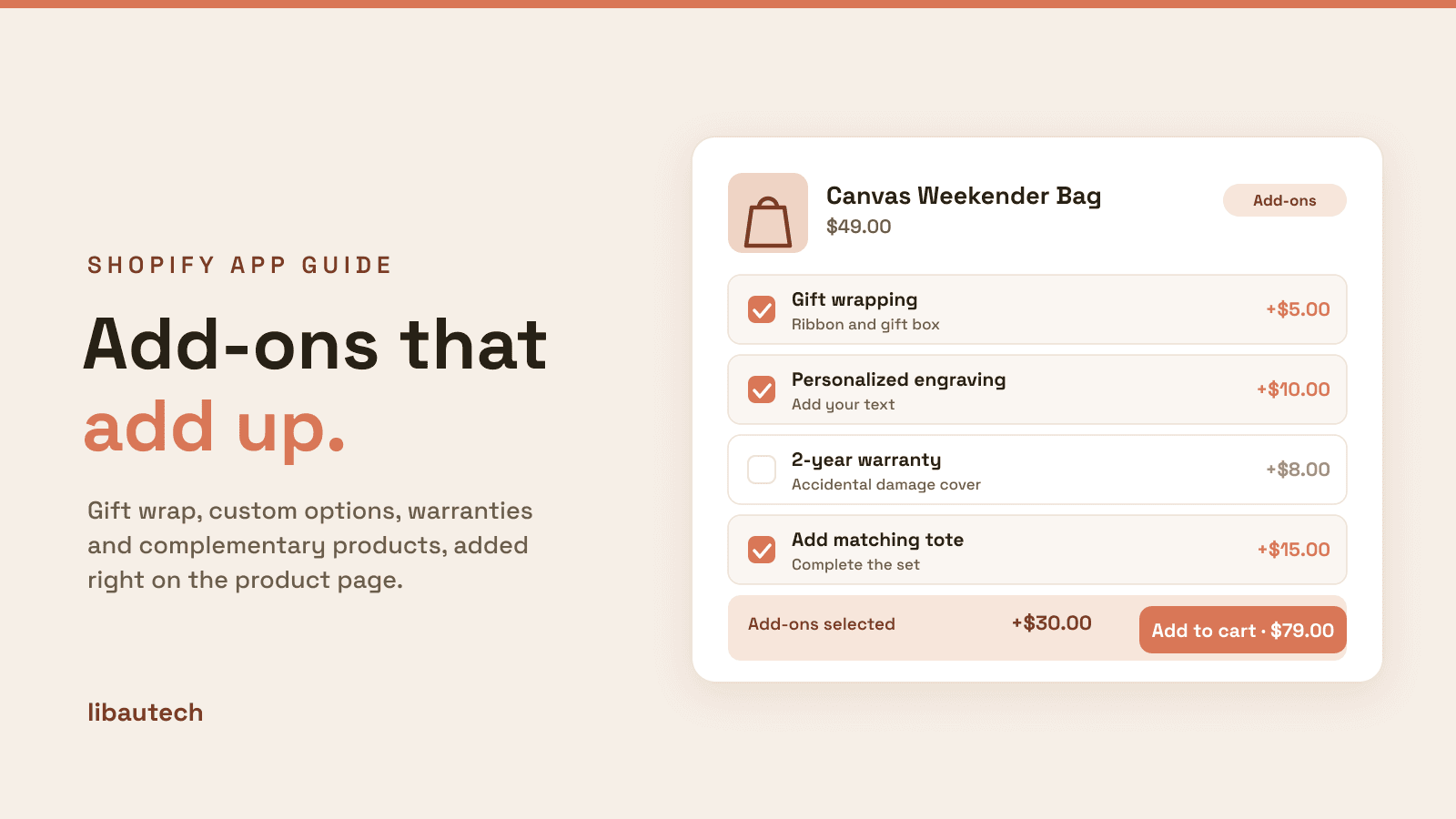
The best Shopify product add-ons apps in 2026 let shoppers attach extras to a purchase, complementary products, custom options, paid services and gift wrapping, which lifts average order value without extra traffic. They cover four jobs: complementary product add-ons, customization and options, add-on fees and services, and gift options. Our own Libautech Bundles & Upsell leads for complementary add-ons; Globo, Hulk, Infinite Options and SC Product Options lead for customization; and Wrapped owns gift wrapping. We make one app on this list and we say so clearly, then rank the rest on merit.
Key takeaways
- Product add-ons split into four jobs: complementary products (add a matching item), customization (dropdowns, text fields, swatches), paid add-on fees and services (engraving, warranty, rush), and gift options (wrap and messages). Pick the app for your main job.
- For complementary product add-ons, the highest-revenue type, our Libautech Bundles & Upsell presents one-click add-ons and bundles on the product and cart pages. It is our app, so weigh that against the alternatives.
- For pure customization, the dedicated options apps lead by a wide margin on reviews: Globo Product Options, Hulk Product Options, Infinite Options and SC Product Options. For calculated pricing, Mageworx APO handles formula-based add-ons.
- Ratings and pricing are read from the live Shopify App Store as of August 2026. Candy Rack, which older versions of this guide listed, has been delisted and is removed.
On this page
What a product add-ons app does
A product add-on is anything extra a shopper can attach to the item they are already buying. Shopify's native variants and line-item properties can express simple choices, but they hit limits fast: a hard cap on variant combinations, no per-option pricing, and no easy way to surface a complementary product as an add-on. Add-on apps fill those gaps, and they do it in four distinct ways.
Complementary product add-ons surface a related product as a one-click add-on: add the matching tote, the refill, the care kit. This is the highest-revenue add-on type because it sells another whole product, not a small extra.
Customization and options add dropdowns, swatches, checkboxes, text fields and file uploads to the product page: choose a color, engrave a name, upload a logo. These are the classic product options apps.
Add-on fees and services attach a paid extra to the order: gift wrapping, engraving, insurance, priority handling or a warranty, often with conditional or formula-based pricing.
Gift options are a focused slice of that: paid gift wrapping and personalized gift messages, which spike around the holidays.
Which add-on job is yours
The fastest way to choose is to name your main add-on job and match it to a row.
| Your goal | Best pick | Why |
|---|---|---|
| Sell a complementary product as an add-on | Libautech Bundles & Upsell | One-click add-ons and bundles on the product and cart pages. |
| Custom options, fields and swatches | Globo Product Options | The most-reviewed options app, free plan, every field type. |
| Paid add-on fees and services | Aco Product Options & Addons | Add-on products, fees and services attached to a product. |
| Calculated or formula-based pricing | APO Product Options (Mageworx) | Price add-ons by area, length or quantity, not a flat fee. |
| Gift wrapping and gift messages | Wrapped | A focused paid gift-wrap and message add-on. |
How we ranked these
One app on this list is ours: Libautech Bundles & Upsell. We rank it first for the complementary-product add-on job, adding a related product as a one-click add-on or bundle, which is the add-on type that moves average order value the most, and we disclose the bias plainly so you can weigh it. For every other job we ranked on merit, and we are honest that the dedicated options apps, Globo, Hulk, Infinite Options and SC Product Options, lead the customization job by a wide margin on review depth. We scored on the range of add-on types supported, pricing and conditional-logic flexibility, performance, rating and review depth, and price. Ratings and pricing are read from the live Shopify App Store as of August 2026.
The 8 best product add-ons apps compared
| App | Rating | Reviews | Price | Best for |
|---|---|---|---|---|
| Libautech Bundles & Upsell | 4.9 | 35 | From $9.99/mo | Complementary product add-ons (ours) |
| Globo Product Options, Variant | 4.9 | 4,744 | Free plan available | The most-reviewed options app |
| Infinite Options | 4.7 | 2,418 | $12.99/mo | Unlimited options at scale |
| Hulk Product Options | 4.8 | 1,142 | Free plan available | Conditional logic on a free plan |
| SC Product Options | 4.6 | 1,197 | Free to install | Established, enterprise-grade options |
| APO Product Options (Mageworx) | 4.6 | 468 | Free plan available | Formula-based add-on pricing |
| Aco Product Options & Addons | 5.0 | 45 | Free plan available | Add-on fees and services |
| Wrapped: Gift Wrap & Messages | 4.9 | 125 | From $19/mo | Gift wrapping and messages |
Ratings and pricing verified from live listings, August 2026. The highlighted row is our own app, Libautech Bundles & Upsell, ranked first for the complementary-add-on job and disclosed as ours.
The apps, ranked
1. Libautech Bundles & Upsell
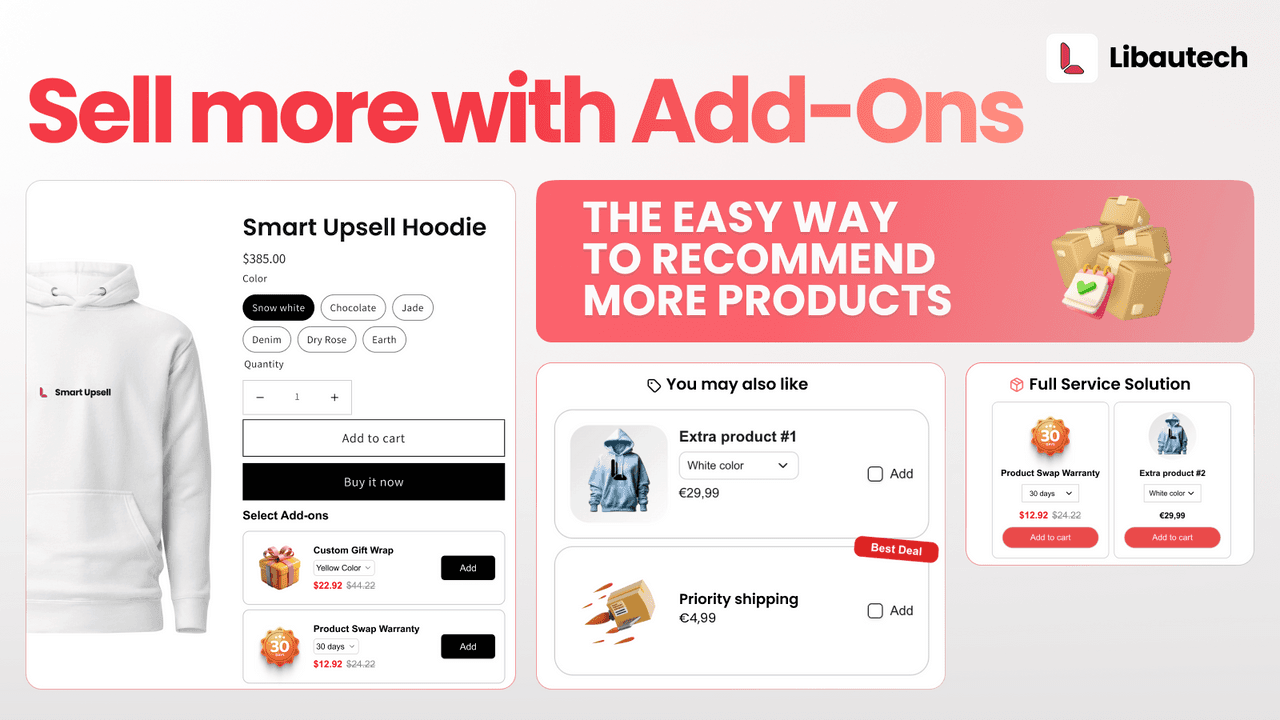
Libautech Bundles & Upsell (4.9 across 35 reviews) is our own app, and we rank it first for one specific job: complementary product add-ons. It surfaces a related product as a one-click add-on and builds bundle offers on the product and cart pages, so shoppers add a whole extra item, the add-on type that lifts average order value the most.
Strengths: one-click complementary add-ons and bundles that add real products rather than small fees, with a clean product-page and cart placement and setup help from our team.
Watch-outs: it is our app, so treat the ranking with that in mind. It focuses on complementary add-ons and bundles, not custom fields or formula pricing; for those, use one of the options apps below.
Best for: stores that want to add complementary products as add-ons to lift order value. From $9.99/mo, with a free trial.
2. Globo Product Options, Variant
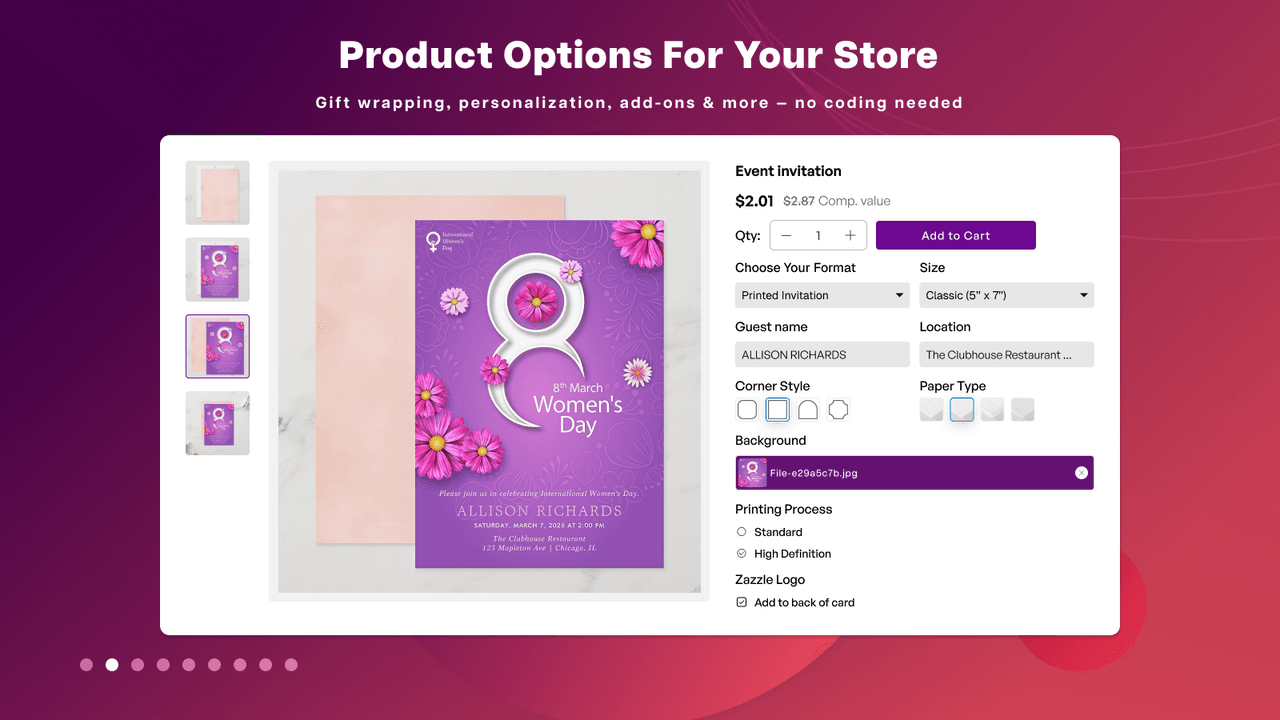
Globo Product Options, by Globo (4.9 across more than 4,700 reviews), is the most-reviewed customization app here by a wide margin and the one we would pick for pure options. It adds every field type, dropdowns, swatches, checkboxes, text fields, file uploads and add-on pricing, with a genuinely usable free plan.
Strengths: the deepest review base on this list at a 4.9, a full range of option types, conditional logic and a free tier that covers most stores.
Watch-outs: options apps that inject fields can add page weight, so test performance, and complex option sets take setup time.
Best for: most stores that need custom options and fields. Free plan available.
3. Infinite Options
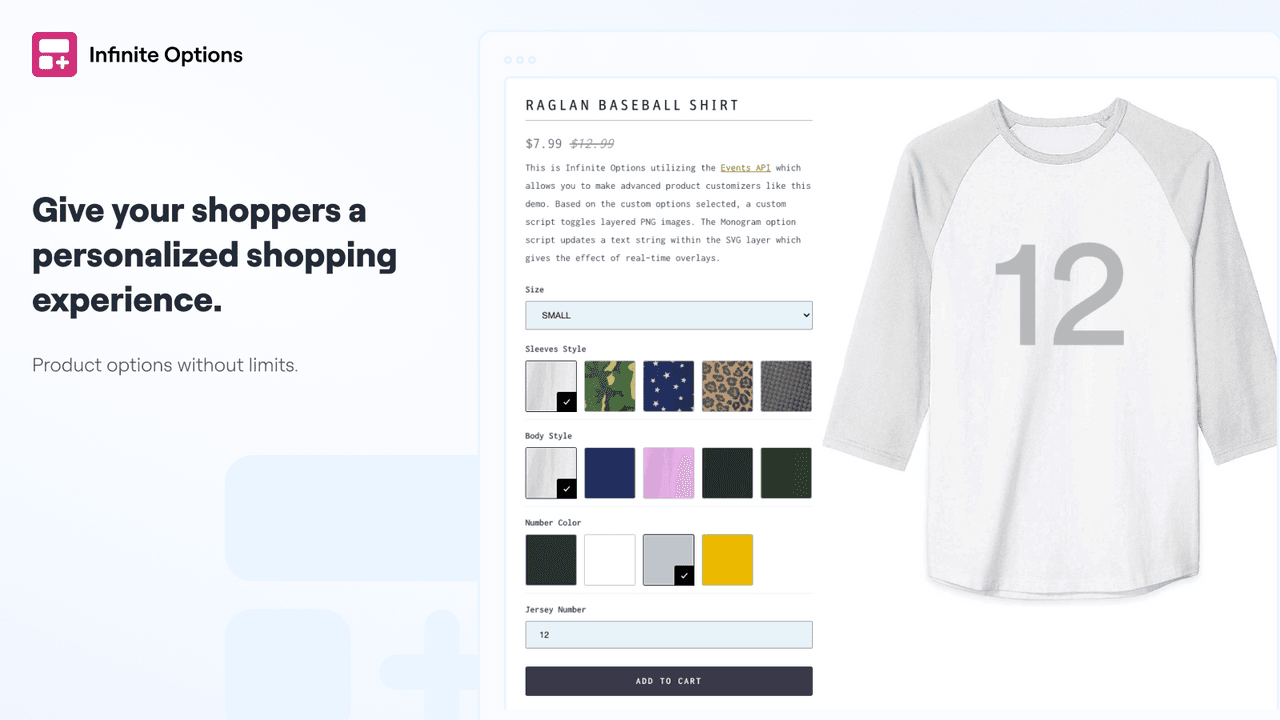
Infinite Options, by ShopPad (4.7 across more than 2,400 reviews), is a veteran options app built to add unlimited options and add-on products across large catalogs, sidestepping Shopify's variant limits, with a flat, predictable price.
Strengths: a huge, trusted review base, unlimited options at scale, and add-on-product support that pairs options with paid extras.
Watch-outs: no free plan, and the interface is more functional than flashy compared with newer apps.
Best for: larger catalogs that need many options without variant limits. $12.99/mo.
4. Hulk Product Options
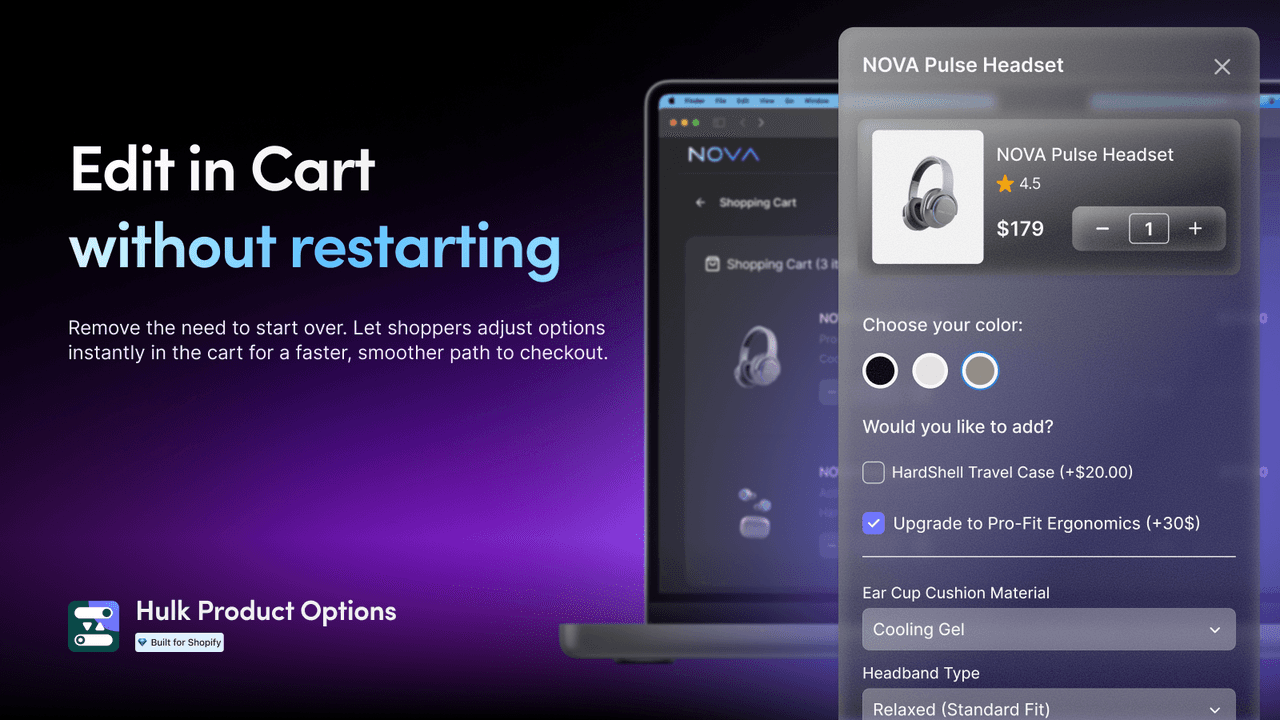
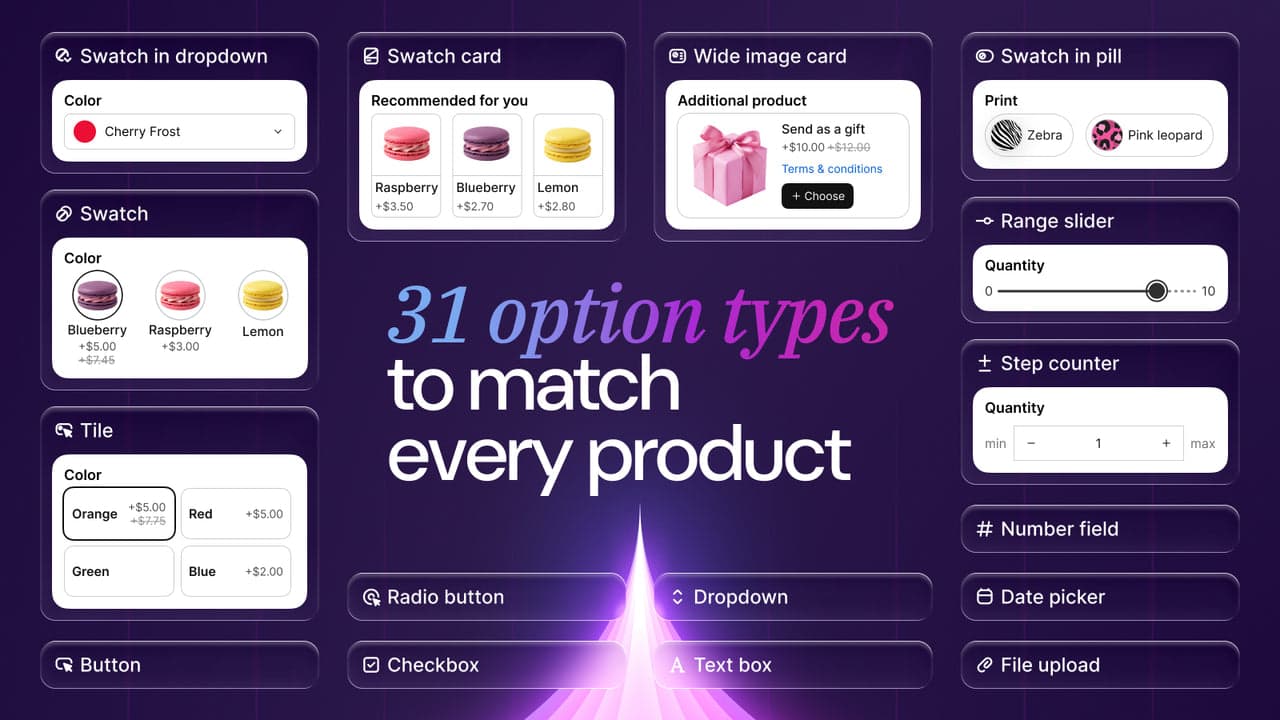
Hulk Product Options, by HulkApps (4.8 across more than 1,100 reviews), is a strong options app with conditional logic, bulk application across products, add-on pricing and image swatches, all available starting on a free plan.
Strengths: a high rating on a deep review base, conditional logic and bulk-apply that save time, and a free tier to start.
Watch-outs: the deepest features and higher usage sit on paid tiers, and, like any options app, watch product-page performance.
Best for: stores wanting conditional-logic options without paying up front. Free plan available.
5. SC Product Options
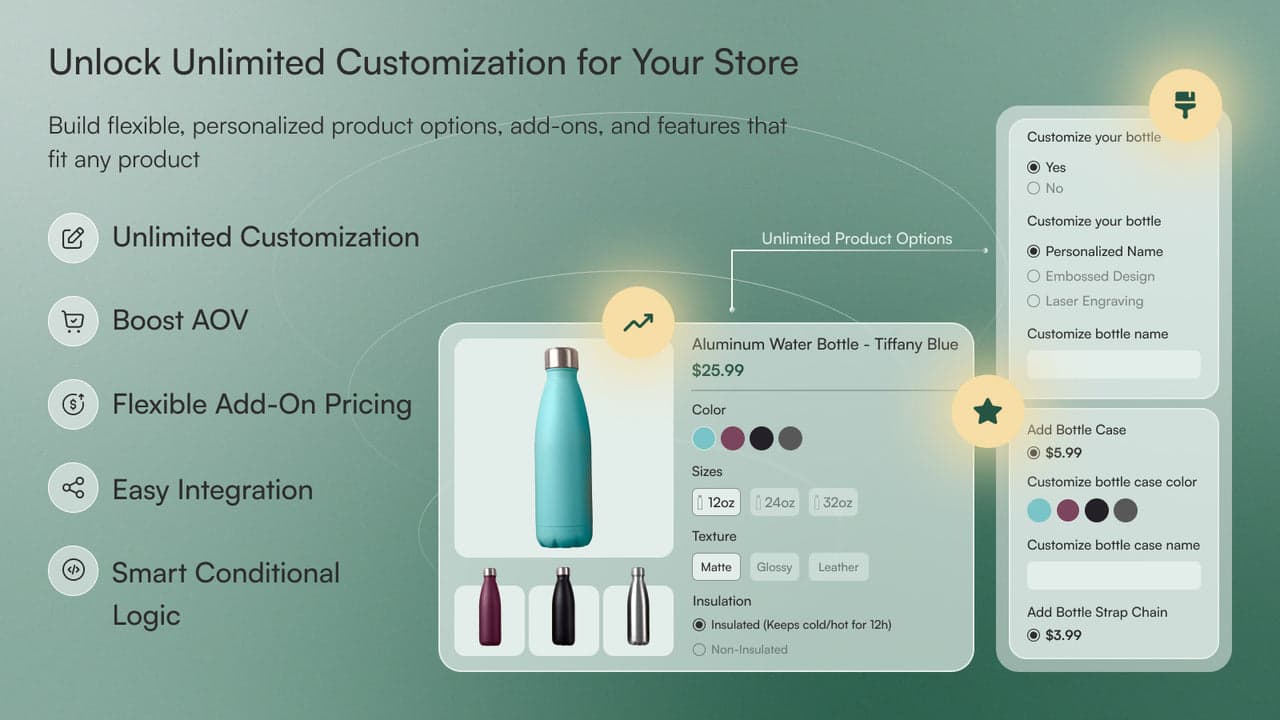
SC Product Options, by Shop Circle (4.6 across roughly 1,200 reviews), is the app formerly known as Bold Product Options, a long-standing, enterprise-grade options tool with custom fields, add-on products, conditional logic and file uploads.
Strengths: a mature, well-supported options engine with a large install base and a free-to-install entry point, suited to established stores.
Watch-outs: a slightly lower rating than the top options apps, and advanced use can run into paid charges, so confirm pricing for your setup.
Best for: established stores wanting a proven, enterprise-grade options app. Free to install, paid charges apply.
6. APO Product Options (Mageworx)
APO Product Options, by Mageworx (4.6 across roughly 470 reviews), stands out for calculated pricing: it prices add-ons by formula, area, length, weight or quantity, which is essential for made-to-measure and configurable products where a flat add-on fee will not do.
Strengths: formula-based and conditional add-on pricing that few competitors match, ideal for custom-sized or configurable goods, on a free plan.
Watch-outs: the formula-pricing power is overkill if your add-ons are simple flat fees, and setup is more technical.
Best for: made-to-measure and configurable products needing calculated pricing. Free plan available.
7. Aco Product Options & Addons
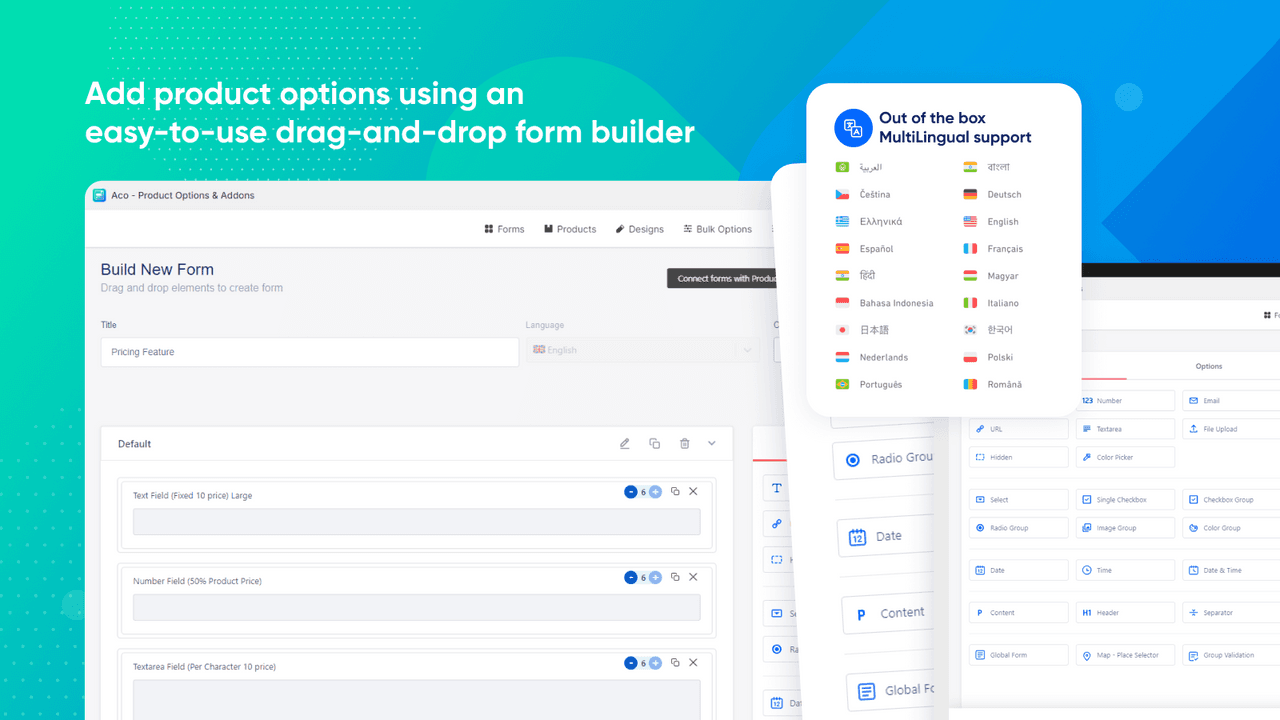
Aco Product Options & Addons, by Acowebs (5.0 across roughly 45 reviews), is squarely built for the add-ons job in its name: attach add-on products, fees and services, engraving, insurance, rush handling, to a product, alongside standard custom options, with a free plan.
Strengths: a 5.0 rating and a clear focus on paid add-on fees and services, not just cosmetic options, at an accessible price.
Watch-outs: a smaller review base than the category leaders, so it has less public track record than Globo or Hulk.
Best for: stores selling paid add-on services and fees on their products. Free plan available.
8. Wrapped: Gift Wrap & Messages
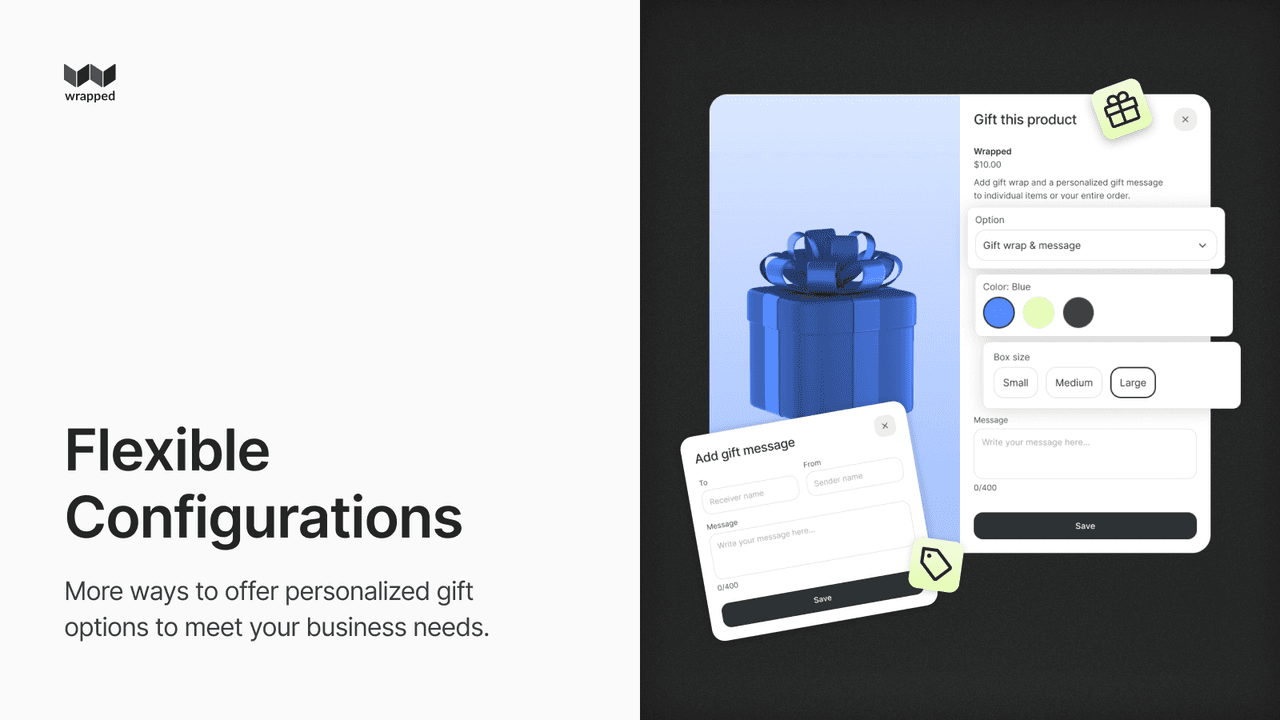
Wrapped: Gift Wrap & Messages, by Alacart Apps (4.9 across roughly 125 reviews), does one add-on job very well: paid gift wrapping and personalized gift messages, added at the product or cart level, with clean styling that fits your theme.
Strengths: a focused, well-rated gift add-on that is quick to set up and converts strongly during gifting seasons.
Watch-outs: it is single-purpose, so it complements rather than replaces a full options or add-ons app, and it starts at $19 a month.
Best for: stores that want a polished paid gift-wrap and message add-on. From $19/mo.
Which product add-ons app to choose
Best for complementary product add-ons: Libautech Bundles & Upsell, our own app, for adding related products as one-click add-ons.
Best options app overall: Globo Product Options, the most-reviewed and most complete.
Best for scale: Infinite Options, for many options across a large catalog.
Best for calculated pricing: APO Product Options (Mageworx).
Best for paid add-on services: Aco Product Options & Addons.
Best for gift wrapping: Wrapped.
Which product add-on app fits your store?
Pick the add-on job that matters most and we will point you to the best fit. The complementary-add-ons pick is our own app; the rest are third-party, chosen on merit, and we say which is which.
Common product add-on mistakes
Confusing options with add-ons. A custom option (engrave a name) and a complementary add-on (add the matching tote) are different jobs. Options apps do the first well; a bundle and upsell app does the second. Using the wrong tool leaves revenue on the table.
Adding page weight and slowing the product page. Options apps inject fields and scripts. Test your product-page speed after install, and remove options you do not use, so add-ons do not cost you conversions.
Not charging for add-ons that cost you money. Gift wrapping, engraving and rush handling have real costs. Use an app that supports paid add-on fees, not just free line-item notes, so the extras are profitable.
Forgetting fulfillment. A gift-wrap or engraving add-on has to reach your pick-and-pack process. Make sure the add-on shows clearly on the order and packing slip so it actually gets done.
Stacking too many add-on apps. Running an options app, an add-ons app and a bundle app at once creates conflicts and clutter. Pick one app per job, and prefer one that covers several jobs where you can.
Think your app belongs on this list?
We review submissions against the same criteria we rank on and add the ones that qualify. If you build a Shopify app in this category, send it in.