
8 Best Shopify Metafields Apps (2026)
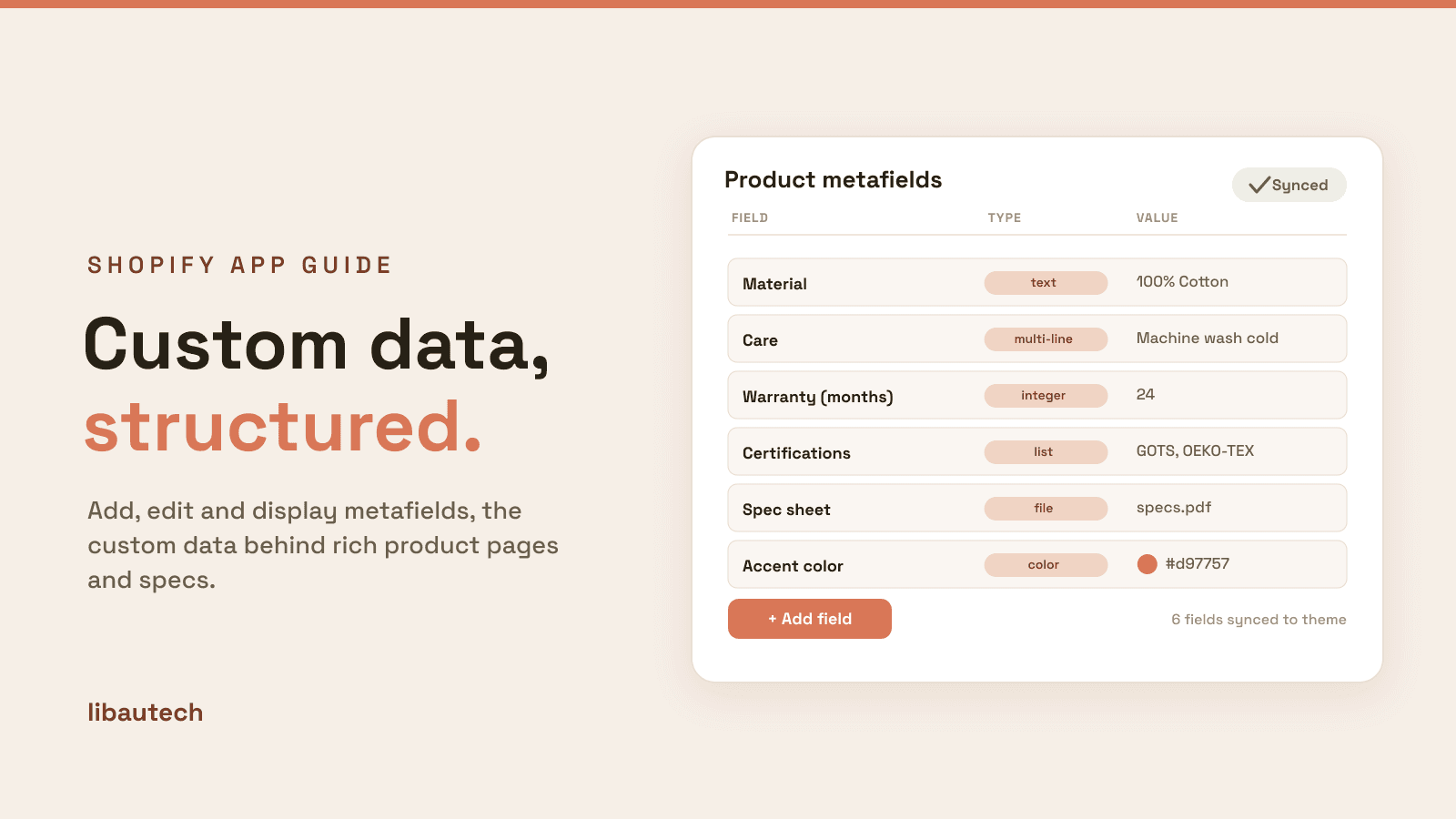
The best Shopify metafields apps in 2026 make it easy to add, edit and display the custom data behind rich product pages, specs, ingredients, warranties, care instructions and more, at a scale the native admin cannot match. They cover three jobs: editing and managing metafields, advanced custom field types, and bulk data management. Metafields Guru is the go-to editor, Ablestar leads bulk editing, and Accentuate owns advanced field types. We do not make a metafields app, so this is a neutral roundup ranked on merit, and it is honest that Shopify's native metafields now cover the basics for free.
Key takeaways
- Shopify now supports metafields and metaobjects natively, for free, including a theme-editor way to display them. For simple, low-volume custom data, you may not need an app at all.
- Apps earn their place on scale and depth: bulk editing, import and export, richer field types and data cleanup that the one-at-a-time native admin makes painful.
- Metafields Guru is the best-rated editor, Ablestar the most-reviewed bulk tool, and Accentuate the classic for advanced field types. Metafields Manager is the pick for spreadsheet import and export.
- Metafields only help once they are displayed. Make sure your theme, or the app, actually shows the data on the storefront, or it is just hidden information. Ratings and pricing are from the live App Store as of August 2026.
On this page
What a metafields app does
Metafields are extra pieces of custom data attached to products, collections, customers, orders and other Shopify objects, the fields the standard admin does not include, like fabric, wattage, ingredients or a downloadable spec sheet. A metafields app makes working with them practical, in three ways.
Edit and manage metafields across your catalog through a fast, spreadsheet-style interface, instead of clicking into each product and each field one at a time.
Add advanced field types beyond the basics, dates, colors, JSON, media, references and repeatable groups, so your custom data can be as structured as your products need.
Bulk import, export and clean, moving thousands of values in and out via spreadsheets and finding and fixing inconsistent data, which is where apps save the most time.
Which metafields job is yours
Name your main need and match it to a row.
| Your need | Best pick | Why |
|---|---|---|
| Edit metafields quickly | Metafields Guru | A fast, spreadsheet-style metafields editor. |
| Bulk-edit at scale | Ablestar Bulk Product Editor | Edit metafields and everything else in bulk, with undo. |
| Advanced custom field types | Accentuate Custom Fields | Rich field types and strong theme display. |
| Import and export via spreadsheet | Metafields Manager | Bulk import and export of metafields. |
| Clean up messy product data | Webify Data Doctor | Find and fix inconsistent data. |
How we ranked these
We do not make a metafields app, so nothing on this list is ours and there is no bias to disclose. We ranked on editing speed and bulk power, field-type depth, import and export, theme display and data cleanup, rating and review depth, and price. We are also honest that Shopify's native metafields and metaobjects now handle simple needs for free, so we weight the depth an app adds over the built-in tools. Ratings and pricing are from the live Shopify App Store as of August 2026.
The 8 best metafields apps compared
| App | Rating | Reviews | Price | Best for |
|---|---|---|---|---|
| Metafields Guru | 5.0 | 218 | Free to install | The go-to metafields editor |
| Ablestar Bulk Product Editor | 4.9 | 788 | Free plan available | Bulk editing at scale |
| Accentuate Custom Fields | 4.8 | 154 | Free plan available | Advanced custom field types |
| Metafields Manager | 4.9 | 65 | $20/mo | Bulk import and export |
| ACF: Metafields Custom Fields | 4.6 | 92 | Free to install | Custom fields on a budget |
| Webify Metafields + Data Doctor | 4.7 | 57 | Free plan available | Editing plus data cleanup |
| Datify Product Data Management | 4.8 | 6 | Free to install | Managing all product data |
| Metafields2 | 4.5 | 16 | From $7/mo | A simple, low-cost editor |
Ratings and pricing verified from live listings, August 2026. Metafields is a technical niche, so several apps have smaller review bases; we show the real counts.
The apps, ranked
1. Metafields Guru
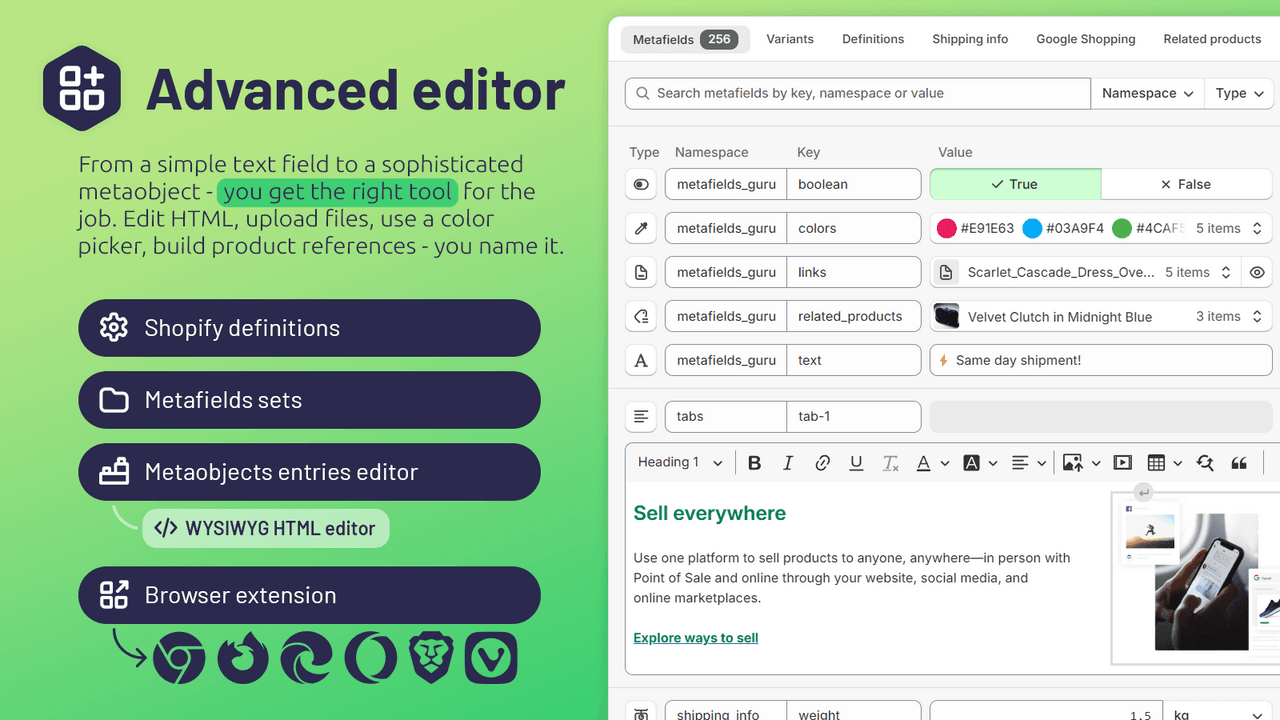
Metafields Guru (5.0 across more than 200 reviews) is the editor most stores reach for. It lets you view, add and edit metafields across products, variants, collections, customers, orders and more, with bulk actions and a spreadsheet-style workflow, and it supports every native metafield type.
Strengths: a 5.0 rating, coverage of every object type, bulk editing, and a clean, fast interface, free to install.
Watch-outs: it is an editor rather than a display tool, so pair it with theme work to show the data on the storefront.
Best for: most stores that need to edit metafields efficiently. Free to install.
2. Ablestar Bulk Product Editor
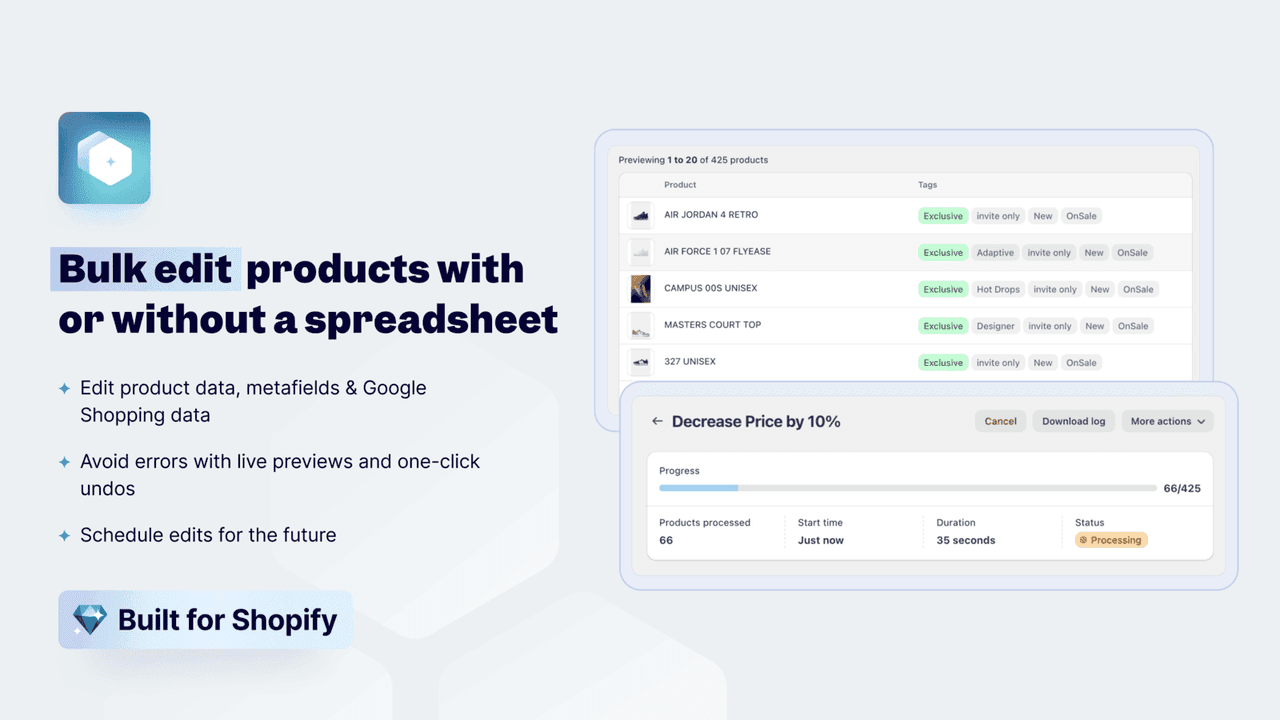
Ablestar Bulk Product Editor (4.9 across nearly 800 reviews) is the most-reviewed tool here and the pick for scale. It edits metafields alongside every other product field in bulk, with undo, scheduled edits and spreadsheet import, so large catalog changes are safe and fast.
Strengths: the deepest review base, powerful bulk edits with undo, scheduling, and metafield support across the catalog.
Watch-outs: it is a broad bulk editor rather than a pure metafields tool, so it is more than you need for occasional single edits.
Best for: stores making large-scale metafield and product edits. Free plan available.
3. Accentuate Custom Fields

Accentuate Custom Fields (4.8 across roughly 150 reviews) is the long-standing choice for advanced field types. It adds rich fields, dates, colors, JSON, media, references and repeatable groups, with strong theme integration so the data displays well on the storefront.
Strengths: the richest set of field types, good theme display, and a proven track record.
Watch-outs: the depth means a steeper setup, and it is aimed at stores with genuinely complex data needs.
Best for: stores needing advanced, well-displayed custom fields. Free plan available.
4. Metafields Manager
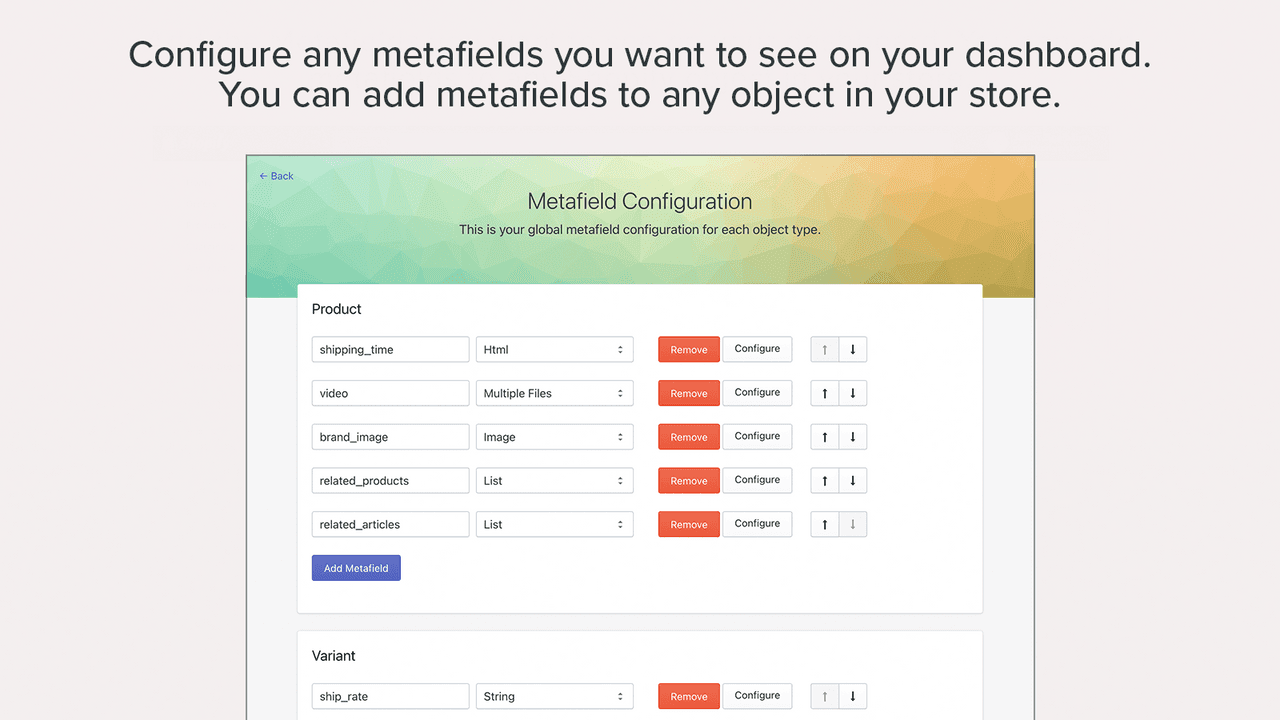
Metafields Manager (4.9 across roughly 65 reviews) is built around bulk import and export: move large sets of metafield values in and out via spreadsheets, ideal for migrations and mass updates.
Strengths: a high rating, and focused, reliable bulk import and export.
Watch-outs: it is import-export focused and flat-priced, so it suits data-migration work more than day-to-day editing.
Best for: stores migrating or mass-updating metafields. $20/mo.
5. ACF: Metafields Custom Fields
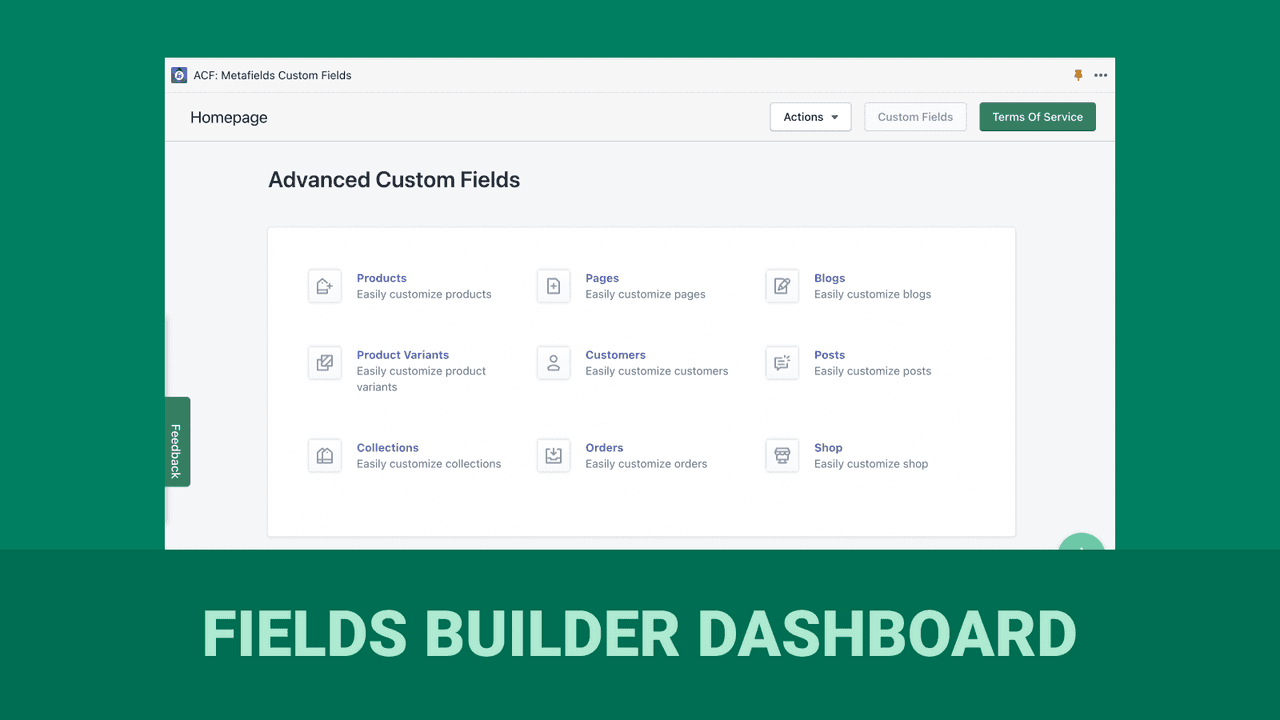
ACF: Metafields Custom Fields (4.6 across roughly 90 reviews) is a straightforward custom-fields app that adds and manages metafields with a simple interface, free to install for cost-conscious stores.
Strengths: a simple approach to custom fields, free to install, and easy to start with.
Watch-outs: a lower rating than the leaders, so test that it covers the field types and display you need.
Best for: stores wanting basic custom fields at no upfront cost. Free to install.
6. Webify Metafields + Data Doctor
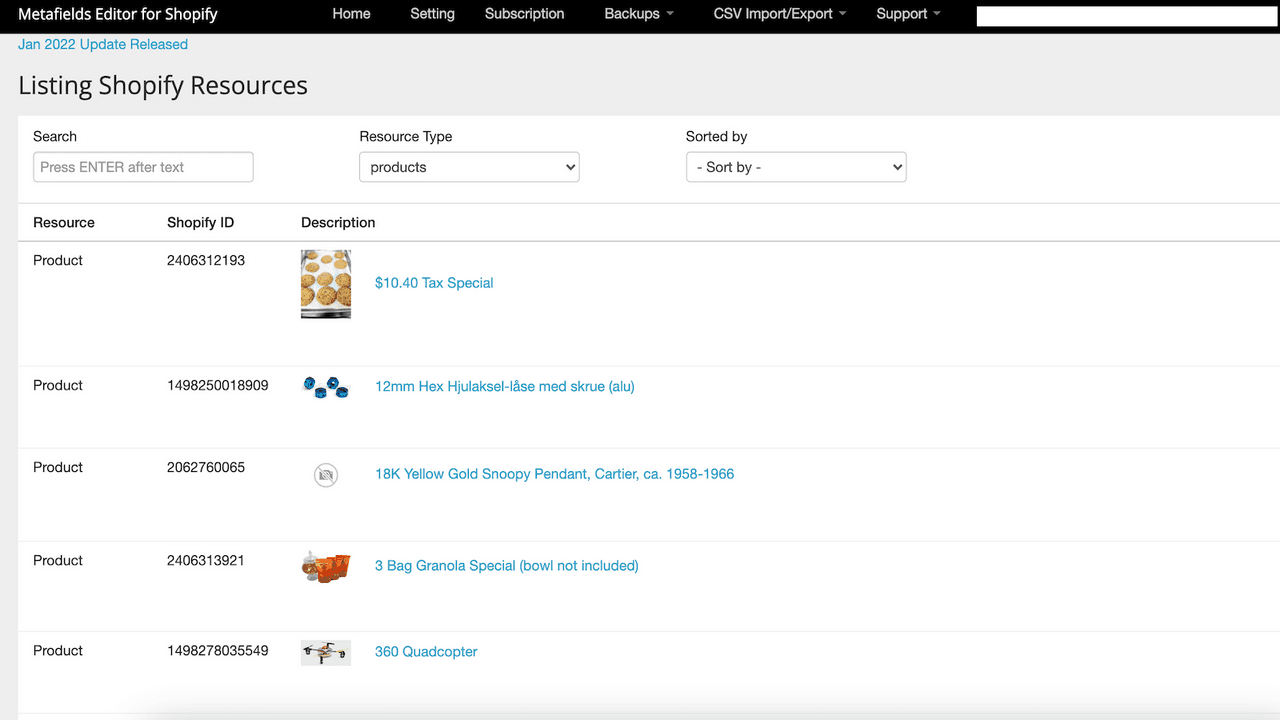
Webify Metafields + Data Doctor (4.7 across roughly 55 reviews) combines a metafields editor with data-cleanup tools that find and fix inconsistent or messy product data, on a free plan, useful when your catalog data has drifted over time.
Strengths: editing plus a data-cleanup angle few competitors offer, with a free plan.
Watch-outs: a smaller review base, so pilot the cleanup features on a subset first.
Best for: stores with messy product data to clean up. Free plan available.
7. Datify Product Data Management
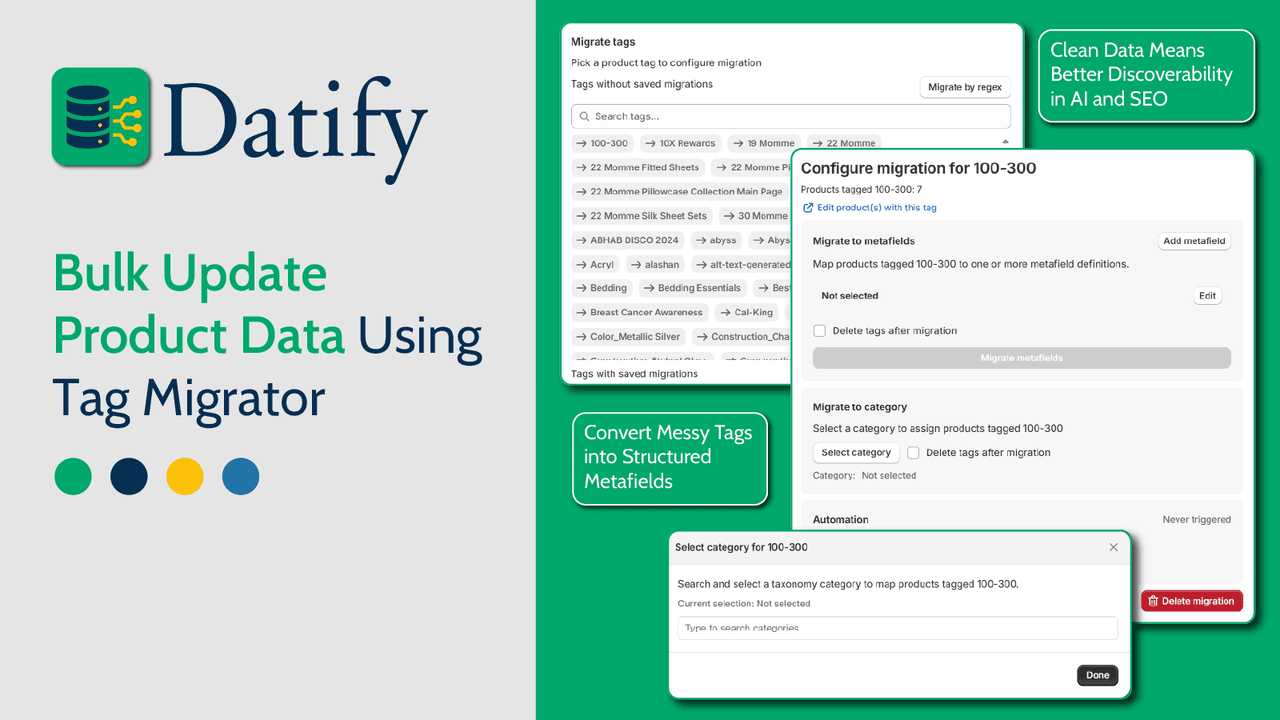
Datify Product Data Management (4.8 across a small base of 6 reviews) takes a broader product-data view, managing metafields alongside other product information in one place, free to install, for stores that think in terms of overall data management.
Strengths: a product-data management angle beyond just metafields, free to install.
Watch-outs: a very small review base, so treat it as newer and test before relying on it.
Best for: stores wanting broader product-data management. Free to install.
8. Metafields2
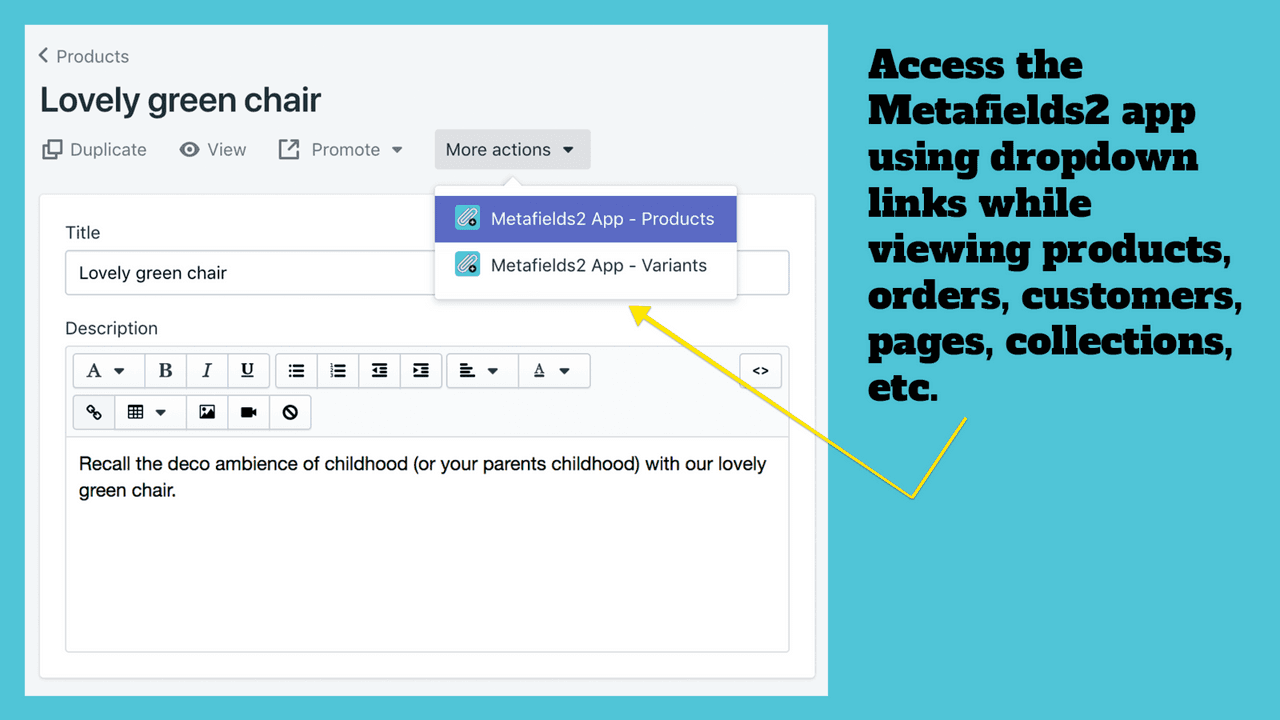
Metafields2 (4.5 across a small base of 16 reviews) is a simple, low-cost metafields editor for stores that want basic add-and-edit functionality without a bigger tool, from $7 a month.
Strengths: simple and inexpensive, for straightforward metafield editing.
Watch-outs: a small review base and a lower rating, and a lighter feature set than the leaders.
Best for: stores wanting a cheap, basic metafields editor. From $7/mo.
Which metafields app to choose
Best editor overall: Metafields Guru.
Best for bulk editing: Ablestar Bulk Product Editor.
Best for advanced field types: Accentuate Custom Fields.
Best for import and export: Metafields Manager.
Best for data cleanup: Webify Data Doctor.
Which metafields app fits your store?
Pick what you need most and we will point you to the best fit. We do not make a metafields app, so every pick here is chosen on merit.
Common metafields mistakes
Paying for what Shopify now does free. Native metafields and metaobjects handle simple custom data at no cost, including basic theme display. For low-volume needs, try the built-in tools before installing an app.
Adding metafields you never display. Data that is never shown on the storefront is just hidden clutter. Make sure your theme or app actually renders each metafield where shoppers or search engines will see it.
Editing one field at a time. The native admin is slow for anything at scale. If you are updating many products, use a bulk editor with undo rather than clicking through each product by hand.
Inconsistent keys and types. Mixing formats, unit styles or key names across products breaks display and filtering. Decide on a clear namespace and type for each field, and keep values consistent.
Confusing metafields with metaobjects. Metafields add data to existing objects; metaobjects are custom content types of their own. Use metaobjects for reusable content like size guides or authors, and metafields for per-product attributes.
Think your app belongs on this list?
We review submissions against the same criteria we rank on and add the ones that qualify. If you build a Shopify app in this category, send it in.