
8 Best Shopify Animation & Effects Apps (2026)
The best Shopify animation and effects apps in 2026 add polish and personality to your storefront, seasonal snow and petals, scroll-triggered reveals, smooth page transitions and eye-catching button animations. They cover a few jobs: seasonal effects for holidays and campaigns, persistent storefront animations like scroll reveals and micro-interactions, preloaders and page transitions, and conversion micro-animations. Dakaas leads seasonal effects by a wide margin, with Hura and FX alongside it, and Preloadify and Animify cover transitions and reveals. We do not make an animation app, so this is a neutral roundup ranked on merit, and it is honest that motion is a light-touch tool.
Key takeaways
- Dakaas AI 3D Seasonal Effects is the standout, a 4.9 across more than 1,500 reviews with effects for every season, on a free plan. This is a niche category, so most other apps have much smaller review bases, which we show honestly.
- Match the effect to the job: seasonal decor for a holiday window, subtle scroll reveals for everyday polish, a preloader for slower pages, and a button animation to draw the eye to add-to-cart.
- Motion is a light-touch tool. Too much hurts page speed and Core Web Vitals, distracts from the buy button, and can cause problems for motion-sensitive visitors. Use one or two tasteful effects, not a carnival.
- Respect reduced motion and schedule seasonal effects. Good apps honor the browser's reduced-motion setting, and snow in July looks unprofessional, so turn seasonal effects off when the season ends. Ratings and pricing are from the live App Store as of August 2026.
On this page
What an animation and effects app does
An animation and effects app adds movement to your store without you touching code. The effects fall into a few families, and choosing the right one starts with knowing which you actually want.
Seasonal effects overlay themed animations on your storefront: falling snow, sakura petals, autumn leaves, hearts for Valentine's, or festive decorations. They make a holiday or campaign window feel special and are meant to be switched on for a limited time.
Persistent storefront animations add subtle, always-on polish: sections that fade or slide in as you scroll, hover effects on cards and images, and small micro-interactions that make the store feel modern and considered.
Preloaders and page transitions show a branded loading animation and smooth the jump between pages, which can make a store feel faster and more finished, especially on slower connections.
Conversion micro-animations put motion where it drives action, most often a subtle pulse or effect on the add-to-cart button, to draw the eye toward the step that matters.
Which effect do you want
Name the effect you are after and match it to a row.
| You want | Best pick | Why |
|---|---|---|
| Seasonal effects for any holiday | Dakaas AI 3D Seasonal Effects | The most-installed, with effects for every season. |
| A clean snowfall or holiday decor | Hura Snowfall Effects | A focused, well-rated winter and decor effect. |
| Scroll and reveal animations | Animify | Scroll-triggered reveals and micro-interactions. |
| A page preloader or transition | Preloadify | A branded loading animation and smooth transitions. |
| An animated add-to-cart button | Animated Button Cart | Motion that draws the eye to the buy action. |
How we ranked these
We do not make an animation app, so nothing on this list is ours and there is no bias to disclose. We ranked on the range and quality of effects, ease of setup, performance and how lightly the effects load, whether the app respects reduced-motion preferences, rating and review depth, and price. Animation and effects is a niche category on the Shopify App Store, so review counts are small outside the leader, and we show the real numbers rather than pretend they are bigger. We also weight restraint: an app that lets you add tasteful, scheduled effects beats one that encourages clutter. Ratings and pricing are from the live Shopify App Store as of August 2026.
The 8 best animation and effects apps compared
| App | Rating | Reviews | Price | Best for |
|---|---|---|---|---|
| Dakaas AI 3D Seasonal Effects | 4.9 | 1,547 | Free plan available | Seasonal effects, the leader |
| FX: Seasonal Effects Animation | 4.7 | 151 | Free plan available | Seasonal snow and rain effects |
| Hura Snowfall Effects & Decor | 4.9 | 113 | Free plan available | A clean snowfall and decor |
| Preloadify - Preloader Effects | 5.0 | 20 | Free plan available | Preloaders and page transitions |
| Animify - Storefront Animation | 5.0 | 6 | Free plan available | Scroll and reveal animations |
| Leo - Preloader & Transitions | 5.0 | 3 | Free plan available | Preloaders and transitions |
| ASE Animated Store Effects | 5.0 | 2 | Free | General animated effects |
| Animated Button Cart | 5.0 | 2 | Free plan available | Animated add-to-cart button |
Ratings and pricing verified from live listings, August 2026. Outside the top three, this niche has small review bases; we show the real counts rather than inflate them, and note which apps are newer.
The apps, ranked
1. Dakaas AI 3D Seasonal Effects
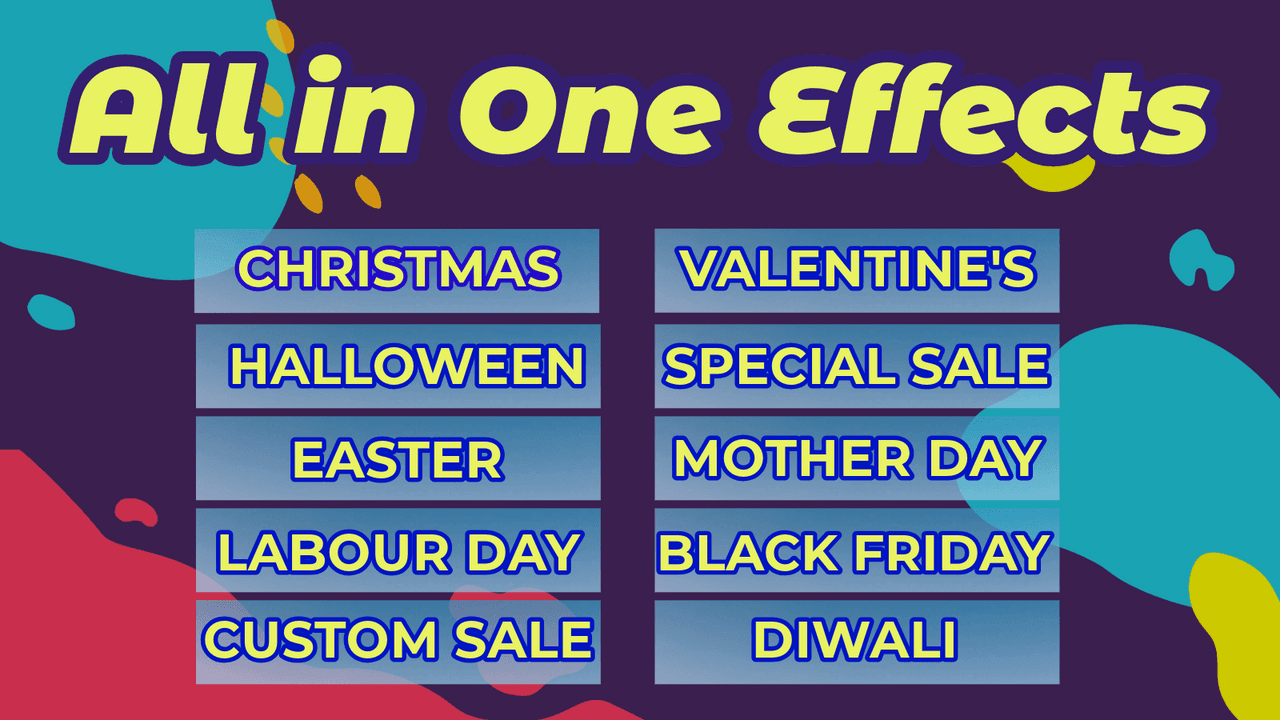
Dakaas AI 3D Seasonal Effects (4.9 across more than 1,500 reviews) is the clear leader in this category. It offers polished 3D seasonal effects for every occasion, snow, petals, hearts, leaves and festive decor, with scheduling and a free plan, and by far the deepest review base of any effects app.
Strengths: the widest range of seasonal effects, a 4.9 across a large review base, scheduling to switch effects on and off, and a free plan to start.
Watch-outs: like any overlay effect, use it in moderation and check page speed, and remember to turn effects off once the season passes.
Best for: most stores wanting seasonal effects for holidays and campaigns. Free plan available.
2. FX: Seasonal Effects Animation
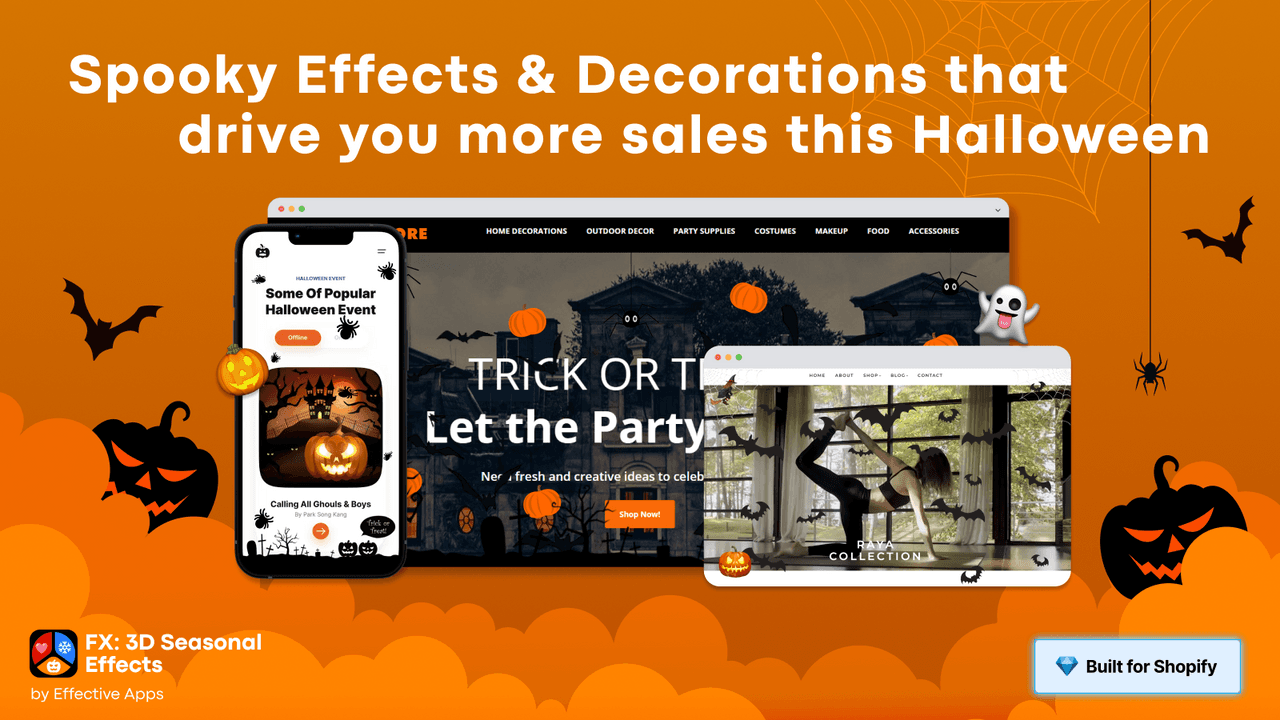
FX: Seasonal Effects Animation (4.7 across roughly 150 reviews) is a solid seasonal effects app with snow, rain and other themed overlays, customization options and a free plan, and a real review base behind it.
Strengths: a good range of seasonal effects with customization, a decent review base, and a free tier.
Watch-outs: a slightly lower rating than Dakaas and Hura, so preview the effects on your theme before going live.
Best for: stores wanting customizable seasonal snow and rain effects. Free plan available.
3. Hura Snowfall Effects & Decor
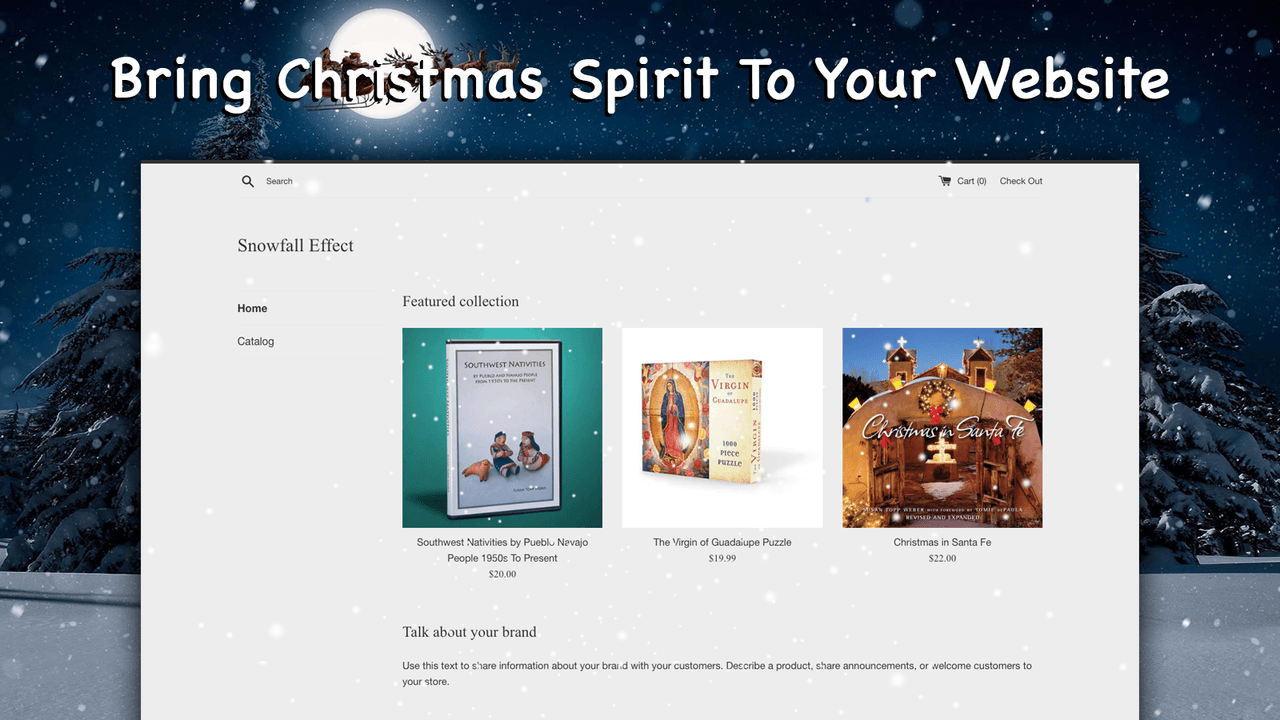
Hura Snowfall Effects & Decor (4.9 across roughly 110 reviews) is a focused, well-rated app for a clean winter snowfall and holiday decorations, ideal if you want a tasteful seasonal touch without a broader effects platform.
Strengths: a 4.9 rating, a clean and lightweight snowfall effect, and holiday decor options, quick to set up.
Watch-outs: it is focused on winter and holiday decor, so it is less of an all-season tool than Dakaas.
Best for: stores wanting a clean winter or holiday effect. Free plan available.
4. Preloadify - Preloader Effects
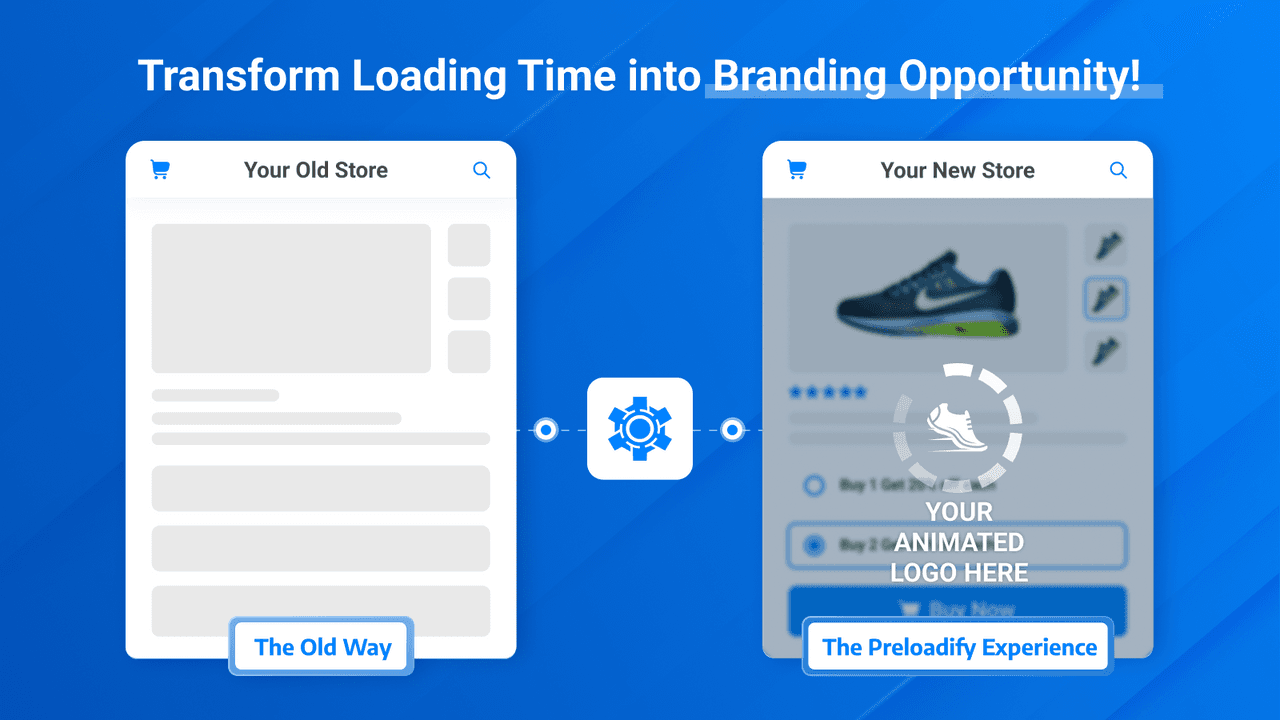
Preloadify (5.0 across roughly 20 reviews) is a dedicated preloader and page-transition app. It shows a branded loading animation while pages load and smooths the transition between them, which can make a store feel more finished.
Strengths: a 5.0 rating, branded preloaders and smooth transitions, and simple setup, the best pick if a preloader is what you want.
Watch-outs: a preloader can add a perceived delay if overused, so keep it brief, and it does not fix an actually slow store.
Best for: stores wanting a branded preloader and page transitions. Free plan available.
5. Animify - Storefront Animation
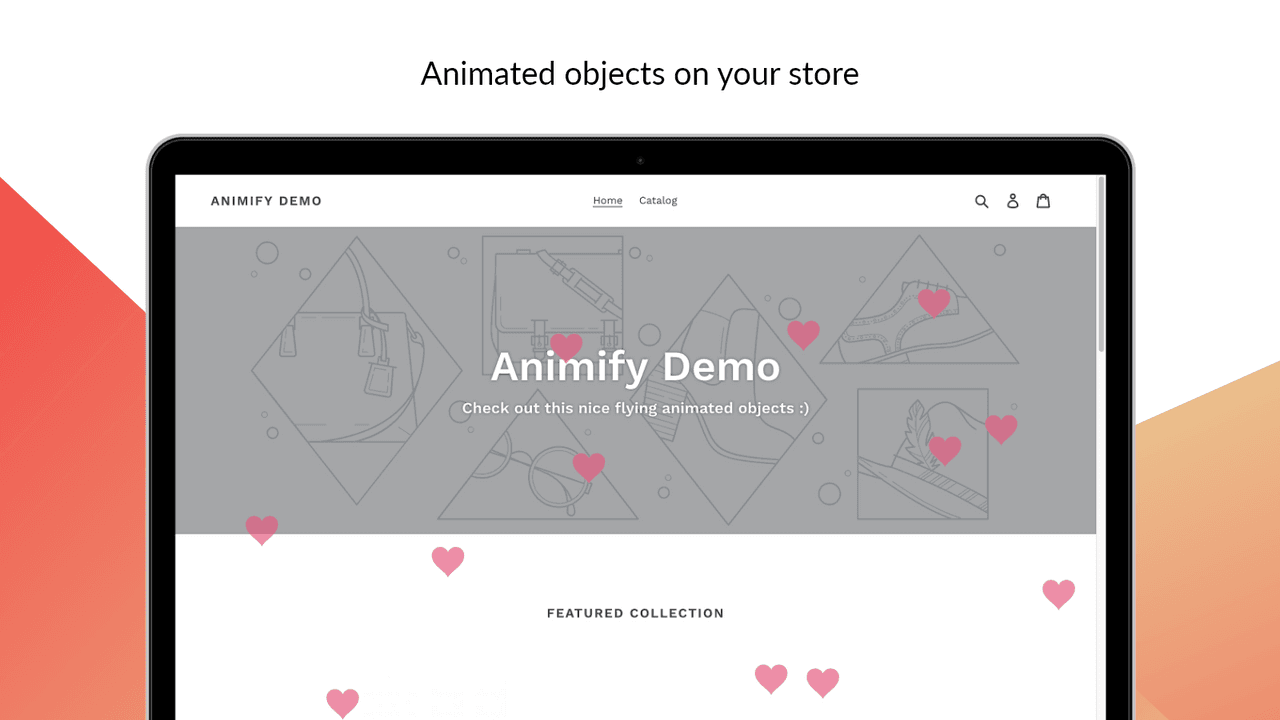
Animify - Storefront Animation (5.0 across a small base of 6 reviews) adds always-on polish: scroll-triggered reveals, fades and micro-interactions applied to your existing sections, for a modern storefront feel rather than a seasonal overlay.
Strengths: scroll and reveal animations that add everyday polish, applied without code, with a 5.0 rating so far.
Watch-outs: a newer app with a small review base, so test it on a copy of your theme, and keep reveals subtle to avoid a busy feel.
Best for: stores wanting subtle everyday scroll animations. Free plan available.
6. Leo - Preloader & Transitions
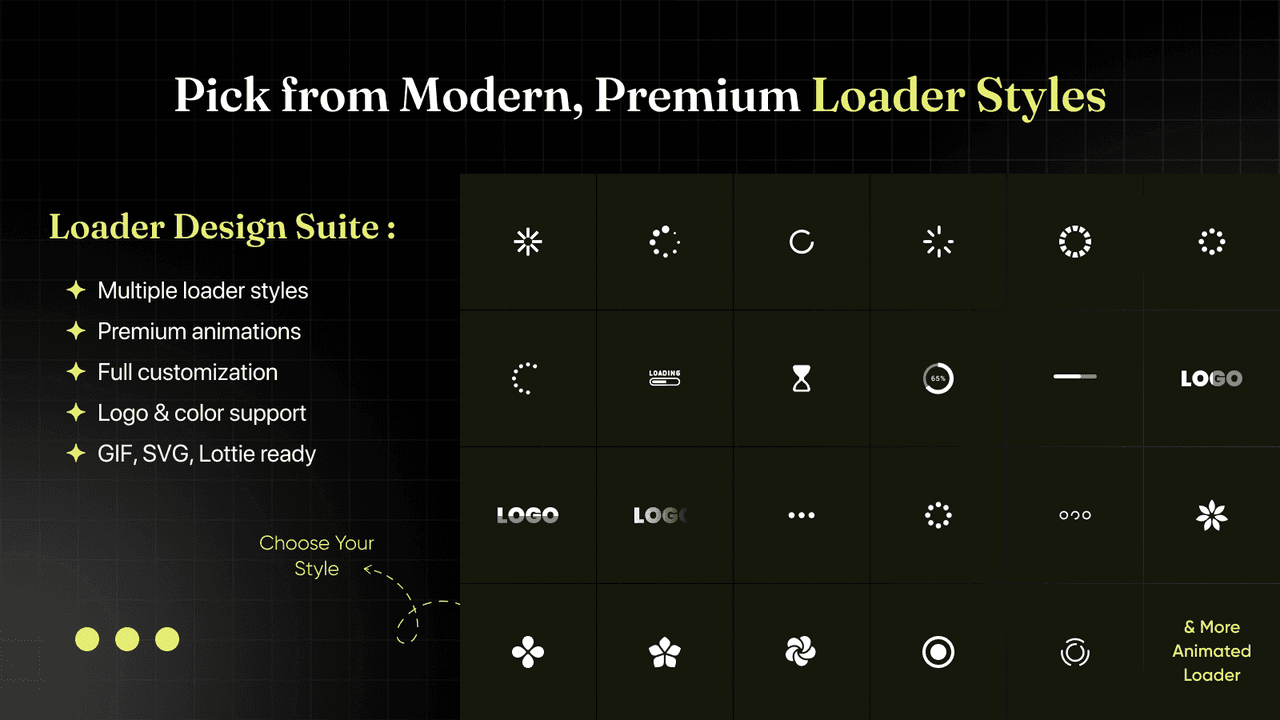
Leo - Preloader & Transitions (5.0 across a small base of 3 reviews) is another preloader and transition option, adding a loading animation and page-transition effects, a straightforward alternative to Preloadify.
Strengths: preloaders and transitions with a 5.0 rating so far, and a free plan.
Watch-outs: a very small review base, so treat it as newer and test carefully before relying on it.
Best for: stores wanting a preloader alternative to try. Free plan available.
7. ASE Animated Store Effects
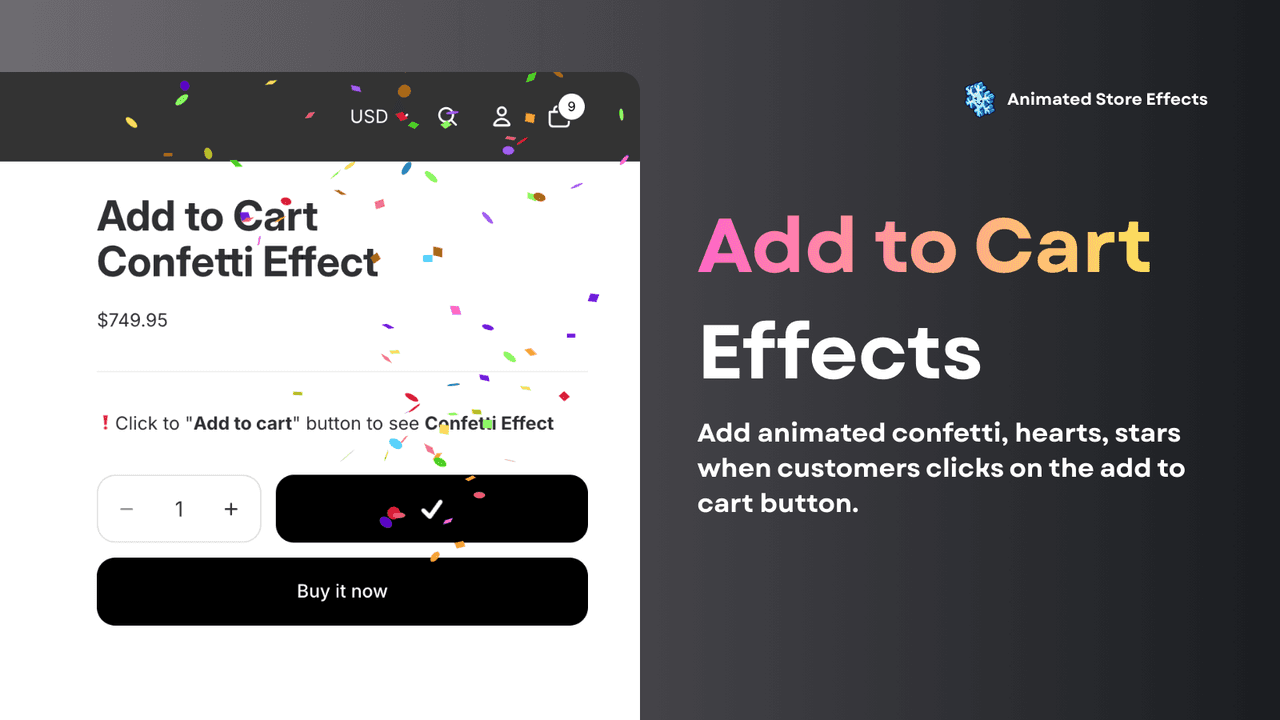
ASE Animated Store Effects (5.0 across a small base of 2 reviews) is a free app for adding a range of animations across the store, a flexible, no-cost option if you want to experiment with different effects.
Strengths: free, with a variety of effects to try, and a 5.0 rating so far.
Watch-outs: a very new app with almost no reviews, so test it thoroughly on a theme copy and check performance before publishing.
Best for: stores wanting to experiment with free general effects. Free.
8. Animated Button Cart
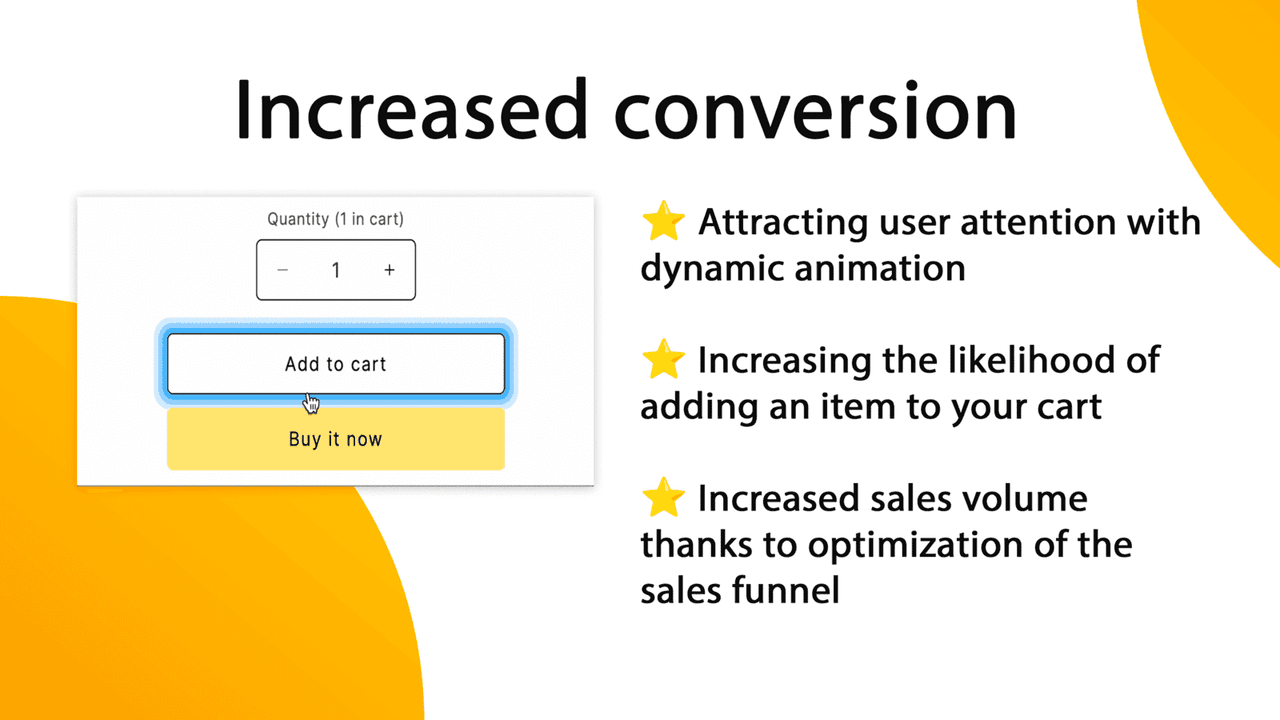
Animated Button Cart (5.0 across a small base of 2 reviews) is the conversion-focused pick: it adds a subtle animation to the add-to-cart button to draw the eye toward the action that matters, rather than decorating the whole page.
Strengths: targets motion where it can help conversion, on the buy button, and keeps the effect focused.
Watch-outs: a very small review base, and an animated button can feel gimmicky if overdone, so keep it subtle and test its effect on conversion.
Best for: stores wanting a focused, conversion-oriented button animation. Free plan available.
Which animation app to choose
Best overall for seasonal effects: Dakaas, the most-installed, for every season.
Best clean snowfall: Hura Snowfall Effects.
Best scroll and reveal animations: Animify.
Best preloader and transitions: Preloadify.
Best conversion micro-animation: Animated Button Cart.
Which animation app fits your store?
Pick the effect you want and we will point you to the best fit. We do not make an animation app, so every pick here is chosen on merit. Use motion with a light touch: too much hurts speed and conversion.
Common animation mistakes
Overdoing it. A store with snow, confetti, hover wobble, scroll reveals and a spinning cursor all at once feels chaotic and cheap. Pick one or two tasteful effects and stop there.
Ignoring page speed. Animation effects are JavaScript, and too many can slow your store and hurt Core Web Vitals, which affects conversion and SEO. Test your page speed on mobile after adding effects.
Distracting from the buy button. Motion draws the eye. If your flashiest animation is somewhere other than the path to purchase, it is pulling attention away from the sale. Keep the checkout path calm and clear.
Forgetting reduced-motion and accessibility. Some visitors experience discomfort or motion sickness from heavy animation, and browsers offer a reduced-motion setting. Choose apps that respect it, and avoid large, fast or flashing movement.
Leaving seasonal effects running. Snow falling in July looks careless. Schedule seasonal effects to switch on and off with the occasion, and check that they actually turned off.
Think your app belongs on this list?
We review submissions against the same criteria we rank on and add the ones that qualify. If you build a Shopify app in this category, send it in.