Best Shopify Store Locator Apps 2026 — Single-Store, Multi-Location & Dealer Networks Ranked

Last updated: May 2026 · Pricing and ratings verified from live Shopify App Store listings on May 4, 2026 · Reviewed by the Libautech team — builders of Bundles & Upsell and 8 other Built for Shopify apps used by 5,000+ merchants across 50+ countries.

Key Takeaways

  • Shopify store locator apps split into four distinct jobs that competitor blogs lump together — single-store location display, multi-location and dealer network locators, country and region selectors, and product-availability locators that connect Shopify inventory to physical retail. Different mechanics, different data needs, different customer experiences. Picking the wrong category for the use case wastes budget and frustrates customers.
  • Brick-and-mortar store locators lift conversion 5-15% on omnichannel sites where customers can validate physical location before purchasing. Customers who can see a physical address, opening hours, and BOPIS-available status are 30-40% more likely to complete checkout than customers seeing online-only branding without trust signals.
  • Wholesale and dealer locator apps drive measurable B2B revenue when paired with proper data hygiene. The catch: stale dealer data (closed stores, moved locations, wrong hours) creates more frustration than no locator at all. Plan for quarterly data refresh cycles or do not launch the locator at all.
  • Most stores with under 5 physical locations do not need a paid store locator app. Shopify's built-in store locations feature plus a custom theme template handles 1-5 location displays for free. Single-store retailers should put the address, hours, and map directly on a /pages/visit-us page instead of installing a third-party app and paying $10-20 per month.
  • SEO benefits only appear when the locator app produces structured data (Schema.org LocalBusiness markup) and individual indexable location pages. Apps like Stockist build this in by default. Basic single-store apps embed a Google Maps iframe and produce zero SEO benefit beyond the embedded address text.
  • The biggest store locator mistake is launching with stale data. Stores with 50+ partner locations routinely launch with 10-20% incorrect data. Customers who arrive at a permanently closed store do not return. Spend the data cleaning time before launch, then schedule quarterly re-validation cycles — call each dealer, confirm address, hours, phone, active status, update the CSV.

The Four Jobs of Shopify Store Locator Apps

Most roundups of Shopify store locator apps lump together single-store displays, multi-location dealer networks, country selectors, and product availability locators. They are not the same product. A single-store locator displays one or a few physical retail locations on a map with hours and contact info. A multi-location dealer locator handles 50+ retail partners with category filters, search, and structured data feeds. A country/region selector routes international visitors to appropriate Shopify regional stores rather than physical locations. A product-availability locator connects Shopify inventory data to specific physical store availability so customers can find products in stock locally. Different mechanics, different data needs, different customer experiences — and different apps.

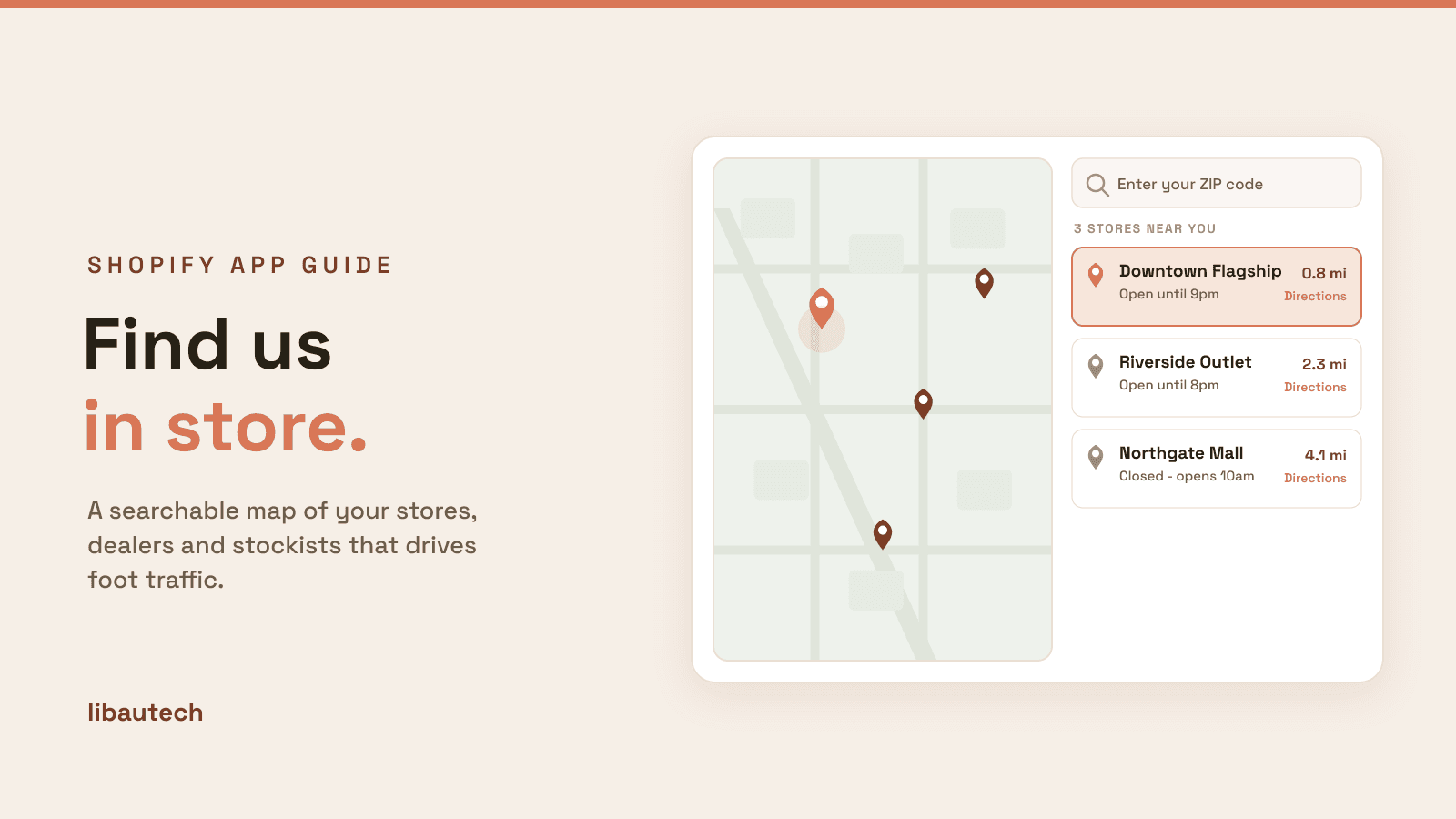
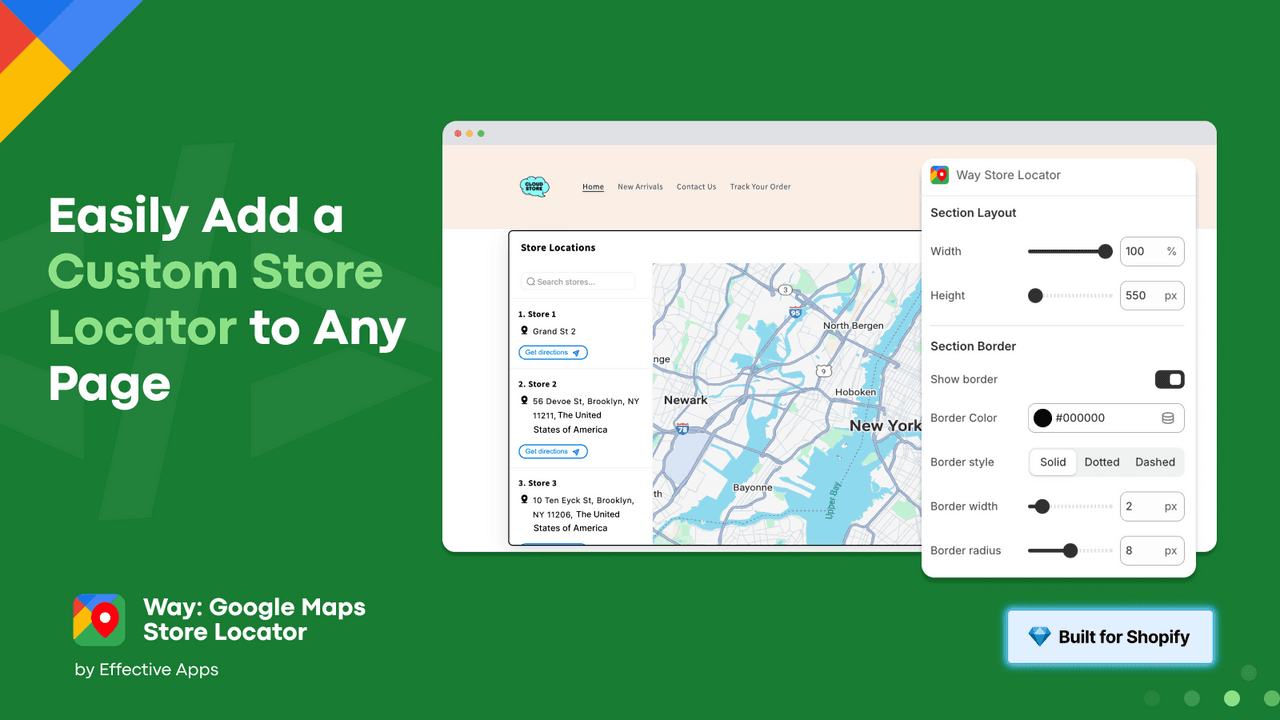
The first job is single-store location display. Show one or a few physical locations on a map with address, hours, phone number, and contact form. The mechanics are: embed a Google Maps iframe with a pin, list opening hours in a structured block, link to driving directions, and include a contact form for store-specific inquiries. Best fit for retailers with 1-5 physical locations where simple display is the goal. The use case is the customer who already knows the brand and wants to physically visit, not the customer searching for a nearby retailer of an unfamiliar brand.

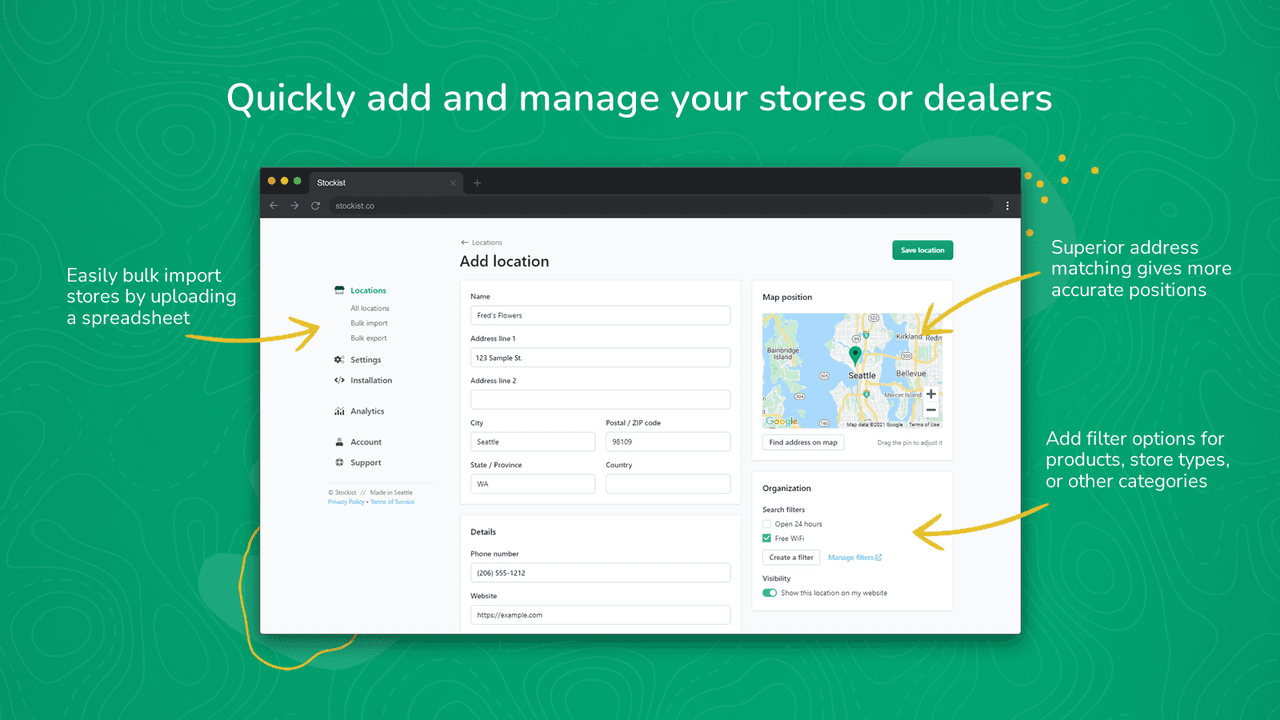
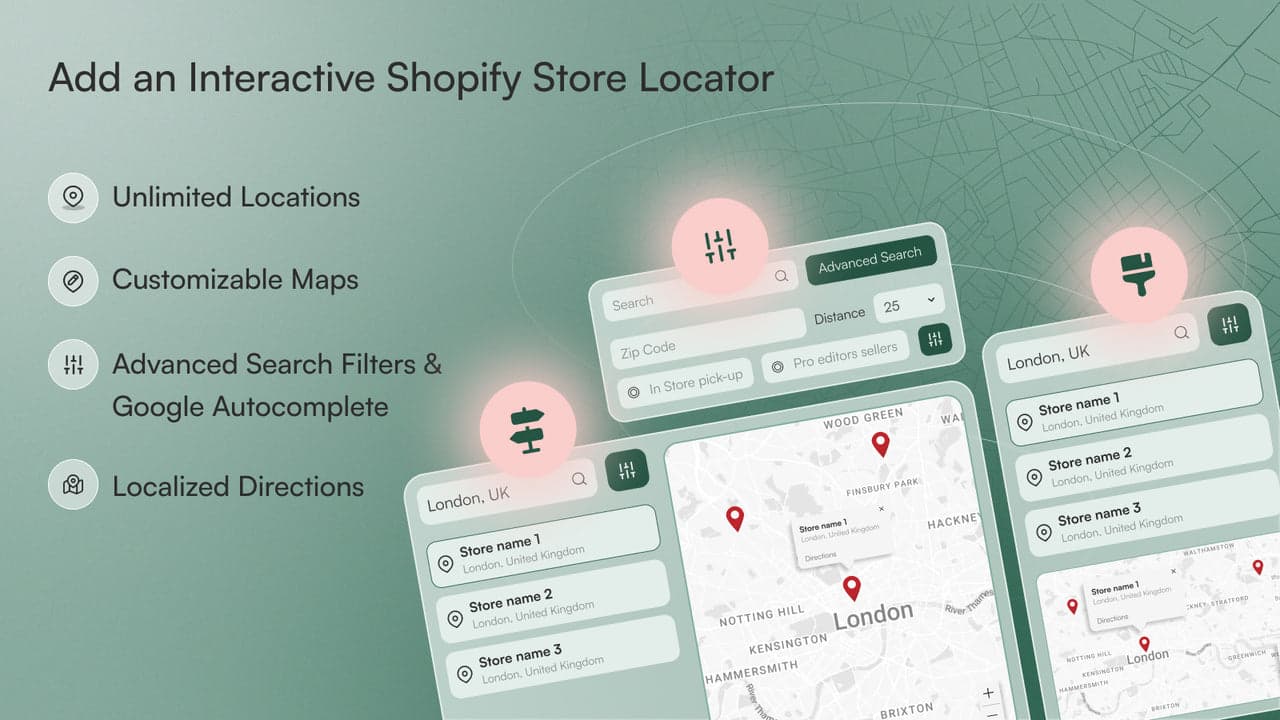
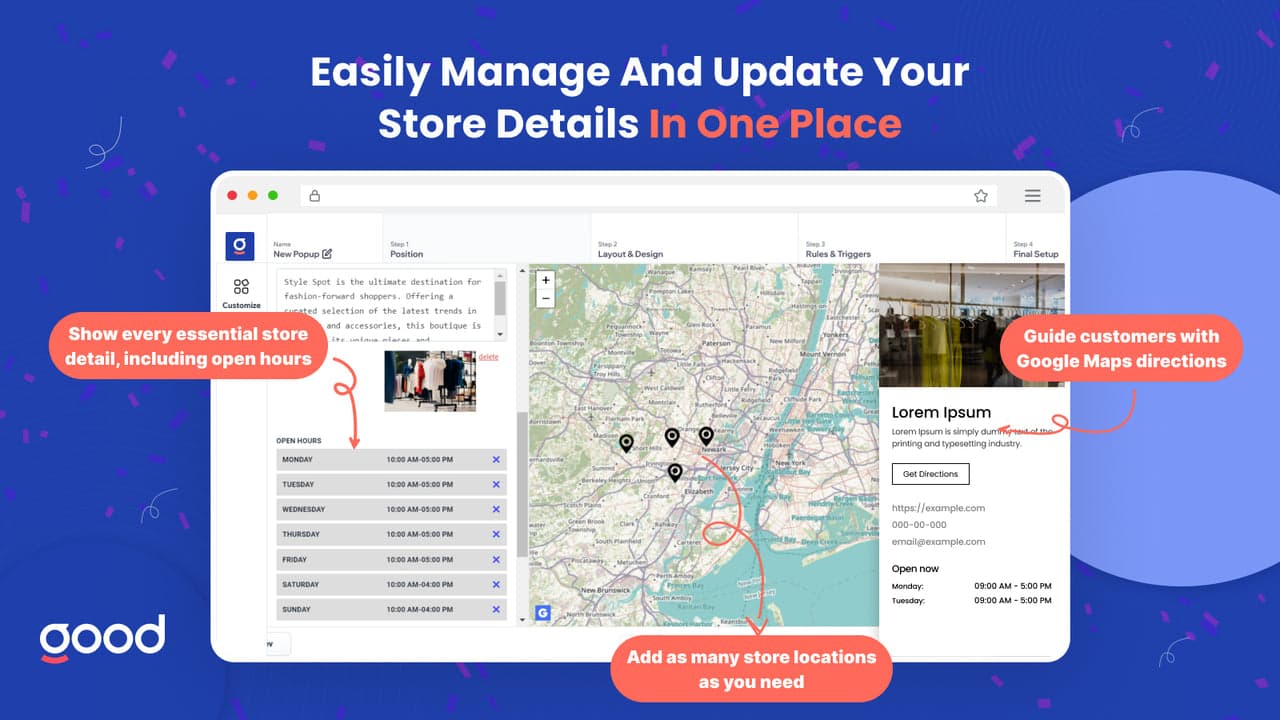
The second job is multi-location and dealer network locators. Handle 50+ retail partners with filtering, search, and structured data. The mechanics are: import dealer locations from a CSV, render them as pins on a map clustered by zoom level, support filtering by category (full-service dealer, online-only, premium retailer), and produce structured data for SEO. Best fit for brands selling through dealer networks (eyewear, sporting goods, tools, beauty) or franchises with 50+ locations. The use case is a customer searching "where to buy [brand] near me" who needs to find a nearby authorized retailer.

The third job is country and region selection. Route international visitors to appropriate Shopify regional stores or correct currency. The mechanics are: detect visitor IP, suggest the matching regional store with a banner or modal, and let the visitor confirm or override. This is geolocation, not store location, and most stores can solve it natively with Shopify Markets. Best fit for stores selling across multiple Shopify Markets regions where the customer needs to be on the correct regional store to see correct pricing, shipping, and product availability.

The fourth job is product availability locators. Connect Shopify multi-location inventory to physical retail availability. The mechanics are: pull stock levels from Shopify multi-location inventory, display per-location stock counts on product pages or a dedicated locator page, and let customers filter for "in stock at this location only." Best fit for retailers running BOPIS (Buy Online, Pickup In Store) programs or omnichannel inventory operations where physical store stock differs by location and customers want to verify availability before driving to the store.

How We Ranked These Apps

The ranking weighs five dimensions: feature fit (does the app actually solve the job category, not adjacent jobs), data quality (does it support CSV imports, structured data output, and APIs for dealer feeds), pricing relative to feature set (does the cost scale with location count rather than punishing growth), Shopify App Store rating verified live on May 4, 2026, and review volume. Apps that solve a niche locator pattern exceptionally well rank higher in their category than apps with broader feature sets but weaker depth in any single job. Native Shopify store locations plus a custom theme template ranks first within the single-store category because the cheapest correct answer beats the most feature-rich paid alternative when the use case is small.

1. Storeify Store Locator Map

Rating: 4.9/5 across 250+ reviews · Pricing: Free plan available, paid from $9.99/mo · Best for: Small retailers needing affordable single-location to mid-scale dealer locators · Job solved: Single-store and small dealer network display with Google Maps integration

Storeify Store Locator Map is the highest-rated affordable option in the category. The free plan covers up to 5 locations with Google Maps integration, basic search, and mobile-responsive display. Paid plans from $9.99 per month unlock unlimited locations, custom CSS, category filters, and CSV bulk imports. For retailers needing a locator without enterprise overhead, Storeify is the practical default that solves 80% of the use case at 20% of the price of enterprise alternatives.

The 4.9 rating across 250-plus reviews reflects the focused product strategy. Storeify does not try to be a country selector, a BOPIS tool, or an SEO-focused locator — it is a clean single-store and small dealer network display that loads fast and looks good on mobile. The free tier is genuinely usable for stores under 5 locations, which is rare in the App Store where free tiers usually exist as conversion funnels rather than viable products. The $9.99 paid tier unlocks the features actually needed by stores at the 5-50 location range without forcing them into enterprise pricing.

2. MapZot Store Locator

Rating: 4.9/5 across 100+ reviews · Pricing: Free plan available, paid from $9.99/mo · Best for: Small retailers wanting clean, fast-loading store locators with strong page-speed metrics · Job solved: Single-store and small chain display with emphasis on page performance

MapZot Store Locator competes with Storeify on similar pricing and feature set, with emphasis on page speed and Google Maps API performance. The app handles single locations through 500-plus dealer networks, supports CSV imports, and provides basic search and filter capabilities. The differentiator is loading speed — MapZot's locator pages typically score higher on Lighthouse and Core Web Vitals than competitors that load the full Google Maps SDK on every page.

For stores where page speed matters for SEO ranking or where the locator page is high-traffic (mid-market retailers with active local search presence), MapZot's performance advantage compounds into measurable SEO and conversion benefit. The 4.9 rating across 100-plus reviews is in the same range as Storeify; the choice between the two often comes down to UI preference rather than feature gap. Most stores will be well-served by either.

3. Bold Store Locator

Rating: 4.6/5 across 250+ reviews · Pricing: From $19.99/mo · Best for: Brands with 50-1,000 dealer locations needing structured filtering and multi-language support · Job solved: Mid-to-enterprise dealer network management with category filters and structured data

Bold Store Locator is enterprise-grade store locator software for brands with 50-1,000-plus dealer networks. The app supports multi-language displays, advanced category filtering (premium retailer vs full-service dealer vs online-only), custom location attributes (parking, accessibility, services offered), structured data output for SEO, and bulk CSV management with import-export round-trip. For brands with serious dealer networks where the locator is a sales channel and not a vanity feature, Bold has the depth to handle the operational complexity.

The 4.6 rating reflects the typical mid-market trade-off between feature depth and ease of use. Bold has more configurability than Storeify or MapZot, which means more setup time and a steeper learning curve. Stores at the 50-plus location scale typically have someone dedicated to dealer network management, which makes Bold's complexity manageable; stores at the 5-20 location scale would find Bold overkill. The $19.99 starting price is reasonable for the feature set but is a step up from the $9.99 budget tier.

4. Locale

Rating: 4.9/5 across 130+ reviews · Pricing: From $14.99/mo · Best for: Mid-market retailers needing professional locator UX with custom branding · Job solved: Design-forward store locator with strong customization for typography, colors, and map styling

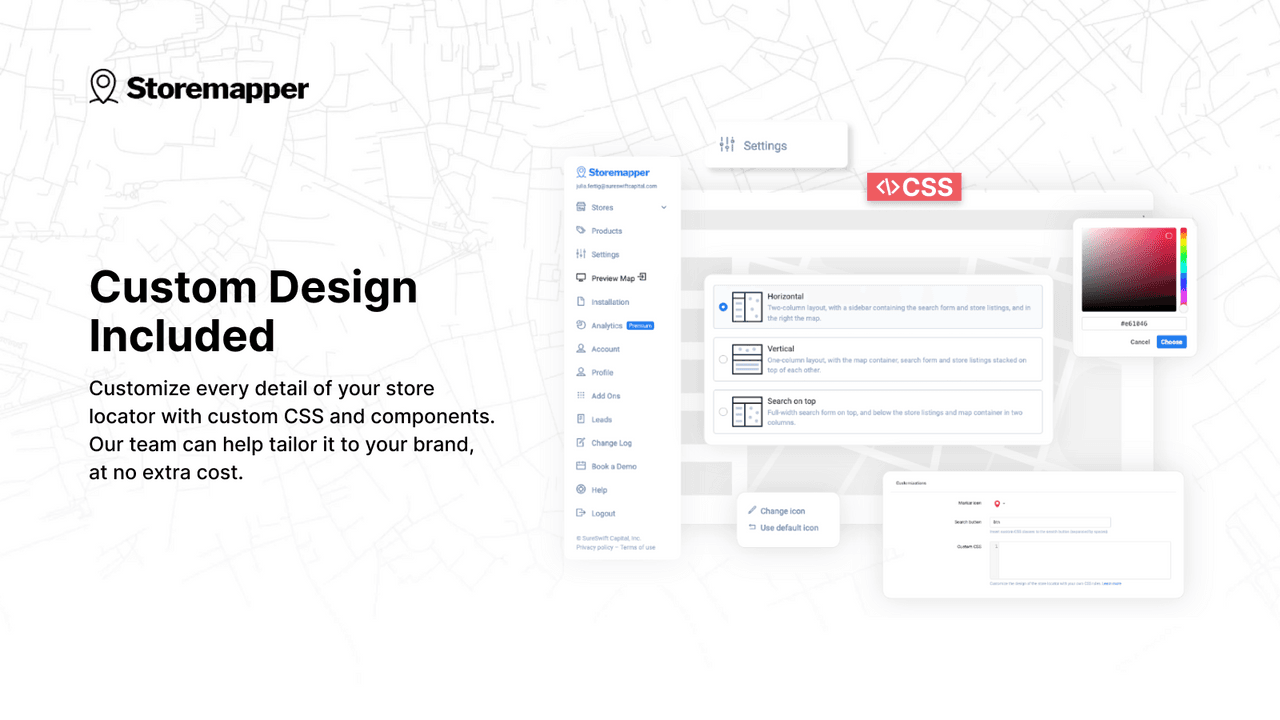
Locale provides clean, design-forward store locators with strong customization options for typography, colors, and map styling. The app handles up to 5,000 locations on higher tiers, supports search by ZIP code or city, and exports JSON data for custom theme integration. For brands where the locator must match brand standards rigorously (luxury retailers, design-conscious DTC brands, hospitality), Locale is the right tool because the styling control extends to map pin design, popup card layout, and search bar treatment.

The 4.9 rating across 130-plus reviews reflects the focused product strategy. Locale targets mid-market retailers willing to pay $14.99 per month for a locator that looks designed rather than templated, and the merchants in that segment rate the app highly because it solves their specific pain (off-brand-looking locators that disrupt the rest of the site experience). For stores where the locator does not need to match brand standards down to the map pin color, Locale is overkill and Storeify or MapZot does the job at lower cost.

5. Storeify Premium

Rating: 4.9/5 across 250+ reviews · Pricing: Premium tier from $24.99/mo · Best for: Wholesale brands with 1,000+ dealer locations needing API access and multi-language support · Job solved: Enterprise dealer network management with API access, structured data feeds, and multi-language support

Storeify's premium tier extends the affordable plans to handle 1,000-plus location dealer networks with advanced features — multi-language support, store-specific products and services tagging, structured data feeds for Google Local SEO, and API access for syncing dealer data from external CRMs or ERPs. For brands at the enterprise scale where dealer data lives in NetSuite, Salesforce, or a custom dealer management system, the API access is the feature that justifies the price jump from the standard plan.

The 4.9 rating is shared with the standard Storeify plan because the underlying product is the same — Premium just unlocks scale and API features. Stores at the 1,000-plus dealer scale typically need the API for automated dealer data sync (new dealers added, terminated dealers removed, hours updated by central operations) which manual CSV uploads cannot support at that volume. The $24.99 price is significantly cheaper than enterprise alternatives like Bold's higher tiers or custom-built dealer locator software.

6. Stock Locator

Rating: 4.9/5 across 40+ reviews · Pricing: From $19/mo · Best for: Retailers running BOPIS or omnichannel inventory needing per-location stock display · Job solved: Product-availability locator that connects Shopify multi-location inventory to physical store availability

Stock Locator focuses specifically on product-availability locators — the Shopify inventory-to-physical-store connection. It displays per-location stock counts on product pages and dedicated locator pages, integrates with Shopify multi-location inventory, and supports filters for "in stock at this location only." For retailers running BOPIS programs, Stock Locator is the right tool because the inventory integration is the entire reason customers use the locator (verify a product is in stock at a specific store before driving there).

The 4.9 rating across 40-plus reviews reflects the niche fit. Stock Locator is not trying to be a general-purpose locator — it is the specialized tool for the omnichannel inventory job, and the merchants who install it are typically running active BOPIS programs where the feature is essential. Stores without BOPIS or multi-location inventory will not use the differentiating features and should pick a cheaper general-purpose locator instead. The $19 starting price is reasonable for the specialized feature set but does not compete with Storeify or MapZot on cost for stores that do not need product-availability data.

7. Map for Store Locator

Rating: 4.7/5 across 100+ reviews · Pricing: Free plan available, paid from $4.99/mo · Best for: Single-store retailers wanting the absolute lowest-cost locator option · Job solved: Basic single-store display with the cheapest paid tier in the category

Map for Store Locator is one of the lowest-priced options in the category. The free plan covers single-store displays with basic Google Maps embed and contact info; paid plans from $4.99 per month unlock multi-location and CSV import. For single-store retailers who want a slightly better experience than the native Shopify pages template but cannot justify $9.99 per month for Storeify or MapZot, this is the budget pick.

The 4.7 rating reflects the trade-off — fewer features and rougher edges than the higher-rated Storeify or MapZot, but a meaningfully cheaper price point. Stores at the 1-5 location scale that genuinely just need a map embed plus contact info will be served fine by Map for Store Locator. Stores wanting CSV imports, category filters, or any of the design polish that Locale or Storeify provide will find Map for Store Locator limiting. The recommendation is to use the free plan first, validate the locator gets meaningful traffic, then decide whether to upgrade or move to a more capable app.

8. Stockist Store Locator

Rating: 4.9/5 across 170+ reviews · Pricing: From $14/mo · Best for: Mid-market retailers and brands wanting structured stockist data with SEO benefits · Job solved: SEO-optimized location pages with Schema.org LocalBusiness markup and indexable per-location pages

Stockist Store Locator emphasizes SEO-optimized location pages with structured data (Schema.org LocalBusiness markup) that helps each location rank in Google Maps and local search. The app handles up to 10,000 locations on enterprise tiers, supports CSV imports and JSON exports, and produces individual indexable location pages with proper canonical URLs and meta descriptions. For brands where local SEO is a serious channel — brands sold through hundreds of independent retailers where customers find the local stockist via "buy [brand] near me" Google searches — Stockist's SEO focus is the differentiator that justifies the price over generic locators.

The 4.9 rating across 170-plus reviews reflects the SEO depth. Most general-purpose locators embed pins on a single map page and produce zero indexable per-location content; Stockist generates a full SEO-optimized landing page per location with structured data, which means each location can rank independently for "[brand] [city]" queries. For brands where this matters (consumer goods sold through independent retail), the organic traffic generated by Stockist's location pages typically exceeds the value of the locator itself as a destination tool.

Shopify Store Locator Apps Comparison Table

AppJobRatingPricingBest For
Storeify Store LocatorSingle + dealer4.9/5Free, paid from $9.99/moAffordable all-rounder
MapZot Store LocatorSingle + small chain4.9/5Free, paid from $9.99/moSpeed-prioritized stores
Bold Store LocatorDealer network4.6/5From $19.99/mo50-1,000 dealer brands
LocaleMid-market design4.9/5From $14.99/moCustom branded UX
Storeify PremiumLarge dealer network4.9/5From $24.99/mo1,000+ locations with API
Stock LocatorProduct availability4.9/5From $19/moBOPIS, omnichannel inventory
Map for Store LocatorSingle store4.7/5Free, paid from $4.99/moCheapest paid tier
Stockist Store LocatorSEO-focused locator4.9/5From $14/moLocal SEO emphasis

Picking the Right Stack by Retail Profile

The decision tree for most retailers is simple. Single-store operations with one physical location do not need a locator app at all — Shopify's native /pages/visit-us template plus a Google Maps embed handles the job at zero cost. Stores with 2-10 locations should start with Storeify or MapZot's free tier, which covers up to 5 locations free and scales to 50-plus on the $9.99 plan. Multi-location dealer networks at 50-500 locations belong on Bold Store Locator, Locale, or Storeify Premium depending on whether the priority is feature depth (Bold), design polish (Locale), or scale-with-API (Storeify Premium).

Specialized use cases shift the recommendation. Brands running BOPIS programs need Stock Locator's product-availability features specifically — no general-purpose locator handles the per-location stock display correctly. Brands prioritizing local SEO need Stockist's structured data output and per-location indexable pages — Storeify and MapZot embed pins on a single map page and produce zero indexable content per location. Stores at enterprise scale with 1,000-plus dealer locations and dealer data living in external systems (NetSuite, Salesforce) need Storeify Premium or Bold for the API access required to automate dealer data sync.

Combined with Libautech's Announcement Bar, Bundles & Upsell, and Sticky Add to Cart (all included on the $9.99 per month Package plan), the locator-plus-conversion stack covers physical-retail discovery and online conversion mechanics from one combined toolset. The Announcement Bar in particular handles "Visit our showroom" or "Find a retailer near you" messaging that complements the locator app at zero added cost.

What Native Shopify Already Handles

Shopify's native location features have expanded substantially over the last three years. Shopify Locations supports up to 1,000 locations per store on Shopify Plus (and up to 4 on standard plans) with multi-location inventory tracking, location-specific fulfillment, and basic location data (address, phone, hours). The native theme system supports a /pages/visit-us template with custom HTML, embedded Google Maps iframes, and structured location data that can be styled to match the brand. Shopify Markets handles country and region selection natively, eating most of what country-selector apps used to solve.

What native Shopify still does not handle well: multi-location dealer networks with 50-plus partners (no native UI for displaying many locations), SEO-optimized per-location landing pages with structured data, advanced search and filtering across locations, BOPIS product-availability display on product pages, and bulk CSV import-export of location data. Before installing a paid locator app, audit whether native Shopify Locations plus a custom theme template would suffice for the location count — most stores under 10 locations never genuinely need a paid locator, and the $9.99-$24.99 monthly subscription is pure waste on top of features Shopify already provides.

How Store Locators Pair with Conversion Tools

Store locators are discovery tools, but the customer who finds the store online still needs to convert online before deciding to visit physically. The locator and the conversion stack solve different problems and rarely conflict — locators surface physical retail availability, while conversion apps influence what online transactions look like before they happen. Both belong in a healthy omnichannel Shopify operation, and the cost of either stack is small compared to the revenue impact of getting both right.

Libautech's Sticky Add to Cart keeps the buy button visible while customers compare online purchase versus physical store visit, which means more customers convert online before deciding to drive somewhere. Bundles & Upsell increases the average order value of every online transaction, including the customers who started on the store locator page and ended up buying online instead — a 15-20% AOV lift compounds across all channels regardless of how the customer arrived. Announcement Bar runs cross-promotion messaging like "Visit our LA showroom this weekend" or "Find a retailer near you" that sends locator-page visitors back to the store and store-page visitors to the locator. All three are available on the $9.99 per month Package plan, making the omnichannel stack genuinely affordable for stores under $1M revenue.

Common Store Locator Mistakes

The biggest store locator mistake is launching with stale data. Stores with 50-plus partner locations routinely launch with 10-20% incorrect data — closed stores still listed, moved locations with wrong addresses, hours from two years ago. Customers who arrive at a permanently closed store do not return, and a single bad locator experience destroys trust faster than no locator at all. The fix is to spend the data cleaning time before launch (call each dealer, confirm address, hours, phone, active status) and schedule quarterly re-validation cycles. Stores that skip the data cleaning step typically discover the problem from customer complaints, by which point the trust damage is already done.

The second common mistake is installing a paid locator for a single-store operation. A store with one physical location does not need a $9.99 per month app to display one map pin — the native /pages/visit-us template plus an embedded Google Map handles the job at zero cost, and the budget is better spent on conversion apps that touch every order rather than a locator that saves the customer one click on the rare occasion they want to visit physically. The decision threshold to install a paid locator is around 5-10 locations, where filtering, search, and structured data start producing real customer value.

The third is skipping structured data and indexable per-location pages. Most generic locators embed all pins on a single map page that produces no SEO benefit beyond the embedded address text. For brands sold through retail networks where local search is a sales channel, this is leaving real organic traffic on the table. The fix is to use Stockist or a similar SEO-focused locator that produces individual indexable pages with Schema.org LocalBusiness markup, allowing each location to rank independently for "[brand] [city]" queries. The traffic generated typically exceeds the locator's value as a destination tool by 5-10x for retail-network brands.

How Store Locator Apps Affect Local SEO

For brands where customers search "buy [brand] near me" or "[brand] [city]" through Google, the store locator is a primary SEO channel rather than just a destination page. The mechanics are: structured data tells Google that each location is a LocalBusiness with specific name, address, phone, and hours; individual indexable pages give Google something to rank for each location; consistent NAP data (Name, Address, Phone) across the website, Google Business Profile, and directory listings reinforces the legitimacy signal that Google uses for local pack rankings. Stockist and Storeify Premium handle all three of these mechanics by default; basic locators embed pins on a single page and produce zero of the SEO infrastructure.

The downstream impact is meaningful. A retail-network brand selling through 200 independent retailers can capture organic local search traffic for "[brand] [city]" across all 200 cities once the locator produces indexable per-location pages with structured data. The traffic compounds over 6-12 months as Google indexes the pages and starts ranking them. For brands at this scale, the locator app's organic traffic generation typically exceeds the value of the locator as a destination tool by a factor of 5-10x, which means picking the SEO-focused option (Stockist) over the cheaper generic alternative (Storeify standard) pays back through organic traffic alone within the first quarter.

FAQ — Shopify Store Locator Apps

Do I need a store locator app if I only have one location? No. Single-shop retailers should put address, opening hours, and an embedded Google Map directly on a /pages/visit-us page using a custom theme template. This handles the job at zero cost. Paid store locator apps earn their cost specifically at the 5-10-plus location threshold where filtering, search, and structured data start mattering for both customer experience and SEO.

What is the difference between a store locator and a country selector? Store locators display physical retail locations on a map for customers wanting to visit in person. Country selectors route international visitors to appropriate Shopify regional stores based on visitor IP — these are geolocation tools, not physical store tools, and most stores can solve country selection natively with Shopify Markets without installing a third-party app.

Can I import my dealer network from a CSV? Yes. All major store locator apps on this list support CSV bulk imports for adding 50-5,000 dealer locations. Standard CSV columns include name, address, city, state, ZIP, country, phone, hours, latitude/longitude, and category tags. The import works once; the harder problem is keeping the data current after launch (see the data hygiene mistake above).

How accurate does my dealer location data need to be? Very accurate. Stores routinely launch with 10-20% incorrect data because the initial CSV import was not validated. Customers who arrive at a permanently closed store do not return, and one bad locator experience destroys trust faster than no locator at all. Plan quarterly re-validation cycles before launch — call each dealer, confirm address, hours, phone, and active status, update the CSV, re-import.

Will a store locator help my SEO? Yes, but only if the app produces structured data (Schema.org LocalBusiness markup) and individual SEO-friendly indexable location pages. Apps like Stockist and Storeify Premium emphasize this; basic single-store apps embed a Google Maps iframe and produce zero SEO benefit beyond the embedded address text. For brands where local search is a real sales channel, picking the SEO-focused locator is worth a few extra dollars per month.

What is BOPIS and do I need a special locator for it? BOPIS means Buy Online, Pickup In Store. Standard store locator apps display location and hours but do not connect to Shopify inventory. For active BOPIS programs, Stock Locator displays per-location stock counts on product pages and dedicated locator pages, letting customers verify a product is in stock at a specific store before driving there. Without per-location stock display, BOPIS conversion suffers because customers cannot validate availability before committing.

How many locations can store locator apps handle? Free tiers typically cap at 5 locations. Paid mid-tier plans ($9-15/mo) handle 50-500 locations. Enterprise plans ($20-50/mo) handle 1,000-10,000 locations. Storeify Premium and Bold are the right tools at the 1,000-plus scale; below 500 locations, almost any of the apps in this list will work.

How do I keep my dealer data current? Schedule quarterly re-validation cycles: pull the dealer list, call each dealer to confirm address, hours, phone, and active status, update the CSV, re-import to the app. Stale data degrades the locator's value faster than any feature improvement, and stores that skip re-validation typically discover bad data through customer complaints (which is the worst time to discover it). For 1,000-plus dealer networks, automate the sync via API from the central dealer management system instead of manual CSV uploads.

Final Word

Most Shopify retailers do not need a paid store locator app. Single-shop and small chain operations should put the address, hours, and embedded Google Map directly on a /pages/visit-us template at zero added cost. Reserve paid locator apps for the 10-plus location threshold where filtering, search, and structured data start mattering for both customer experience and SEO — and even then, pick the app that matches the specific job (single-store display, dealer network, BOPIS, SEO-focused) rather than installing the most feature-rich enterprise option by default. Plan quarterly data refresh cycles before launching, not after, because stale dealer data destroys trust faster than no locator at all. The right locator at the right scale with current data is a measurable conversion lift; the wrong locator with stale data is a tax on the customer experience.

Drive More Sales with Product Page Upsell Offers & Add-Ons

Try Out Now